13 610 02 1018
51
Operation
5.13 “Autofrequency” function
If the “Autofrequency” function is activated, the frequency is automatically increased
to the maximum possible setting when the energy level is reduced in F-SW mode (see
chapter 5.4 setting the treatMent paraMeters, Table 5 -1).
• Select the F-SW operating mode if this function should be deactivated.
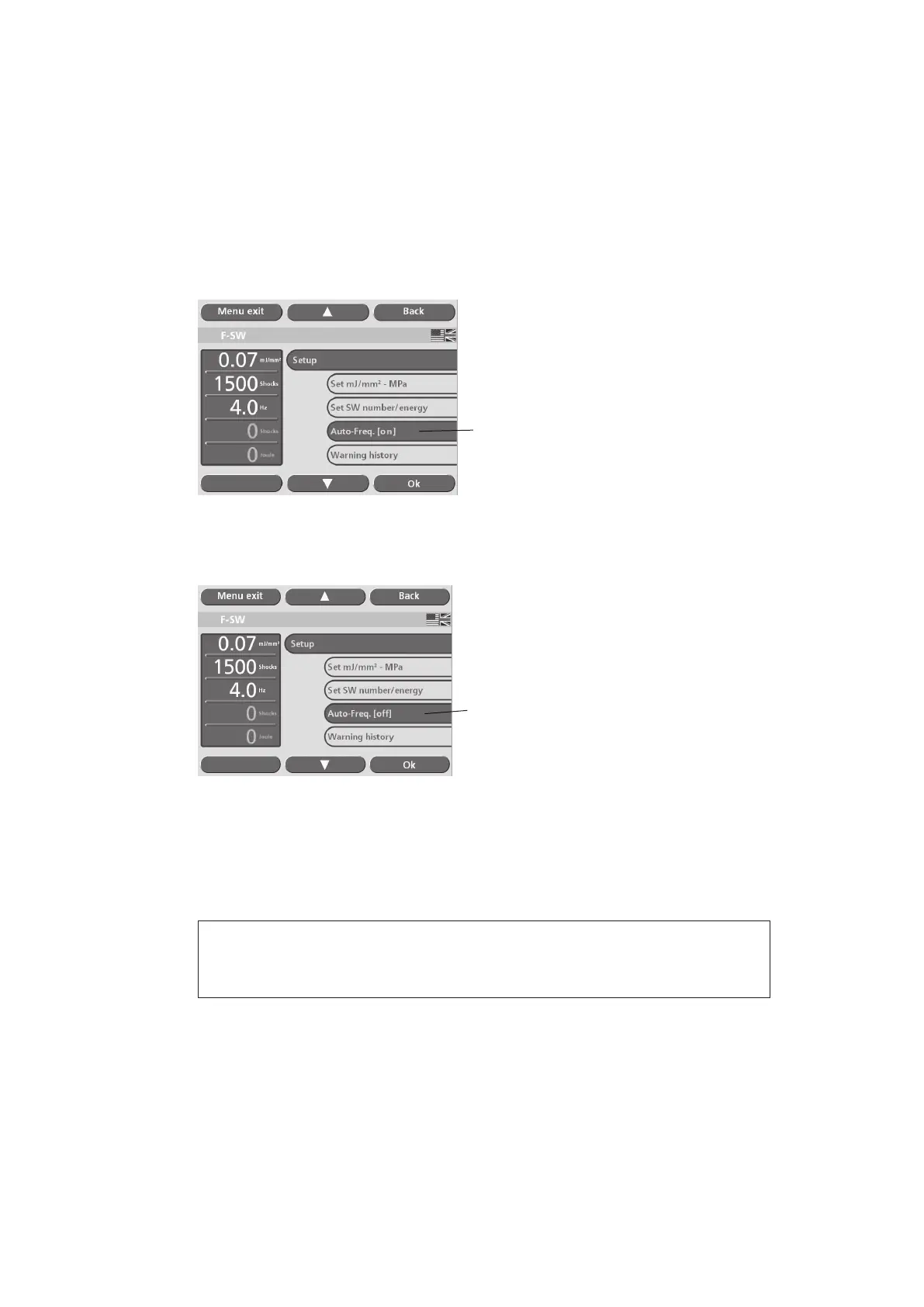
• Activate the “Autofreq. on” item in the “Setup” menu (see picture below).
1
Fig. 5-46 Autofreq. on
The instrument automatically changes to “Autofreq. [off]” status (see picture below).
1
Fig. 5-47 Autofreq. off
The selected frequency will now not be exceeded even when the energy level is
changed.
• Touch the “Exit” button to return to the main menu.
NOTE
This frequency can be reduced manually.











 To Next Page