13 610 02 1018
25
Operation
5 Operation
The Chattanooga Intelect F-SW is operated using a colour TFT LCD monitor with
touch screen function and a graphical user interface.
5.1 User interface
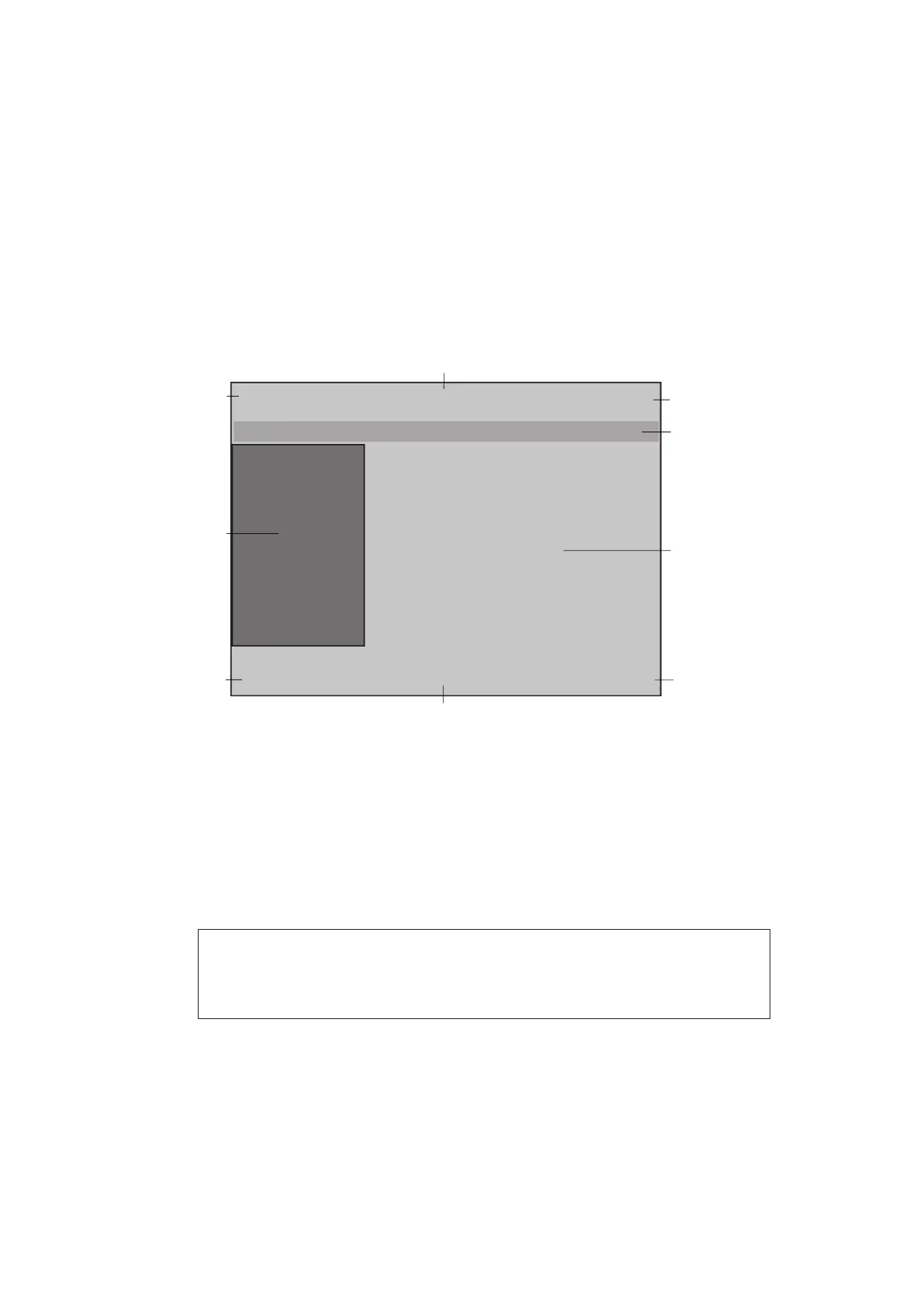
The user interface of the Chattanooga Intelect F-SW is divided into various areas for
displaying different information. The individual controls are arranged in function
groups (see picture below):
Control buttons
Control buttons
Control buttons
Control buttons
7
3
4
5
6
9
1
2
8
Fig. 5-12 Controls
1 - 3 Top navigation bar
4 Status bar
5 Selection area
6 - 8 Bottom navigation bar
9 Parameter display (nominal and actual values)
NOTE
The following functional description refers to control software version
13441.19.x.x or later (this can be seen in the Info menu).











 To Next Page