13 610 02 1018
41
Operation
5.7.2 In-house applications
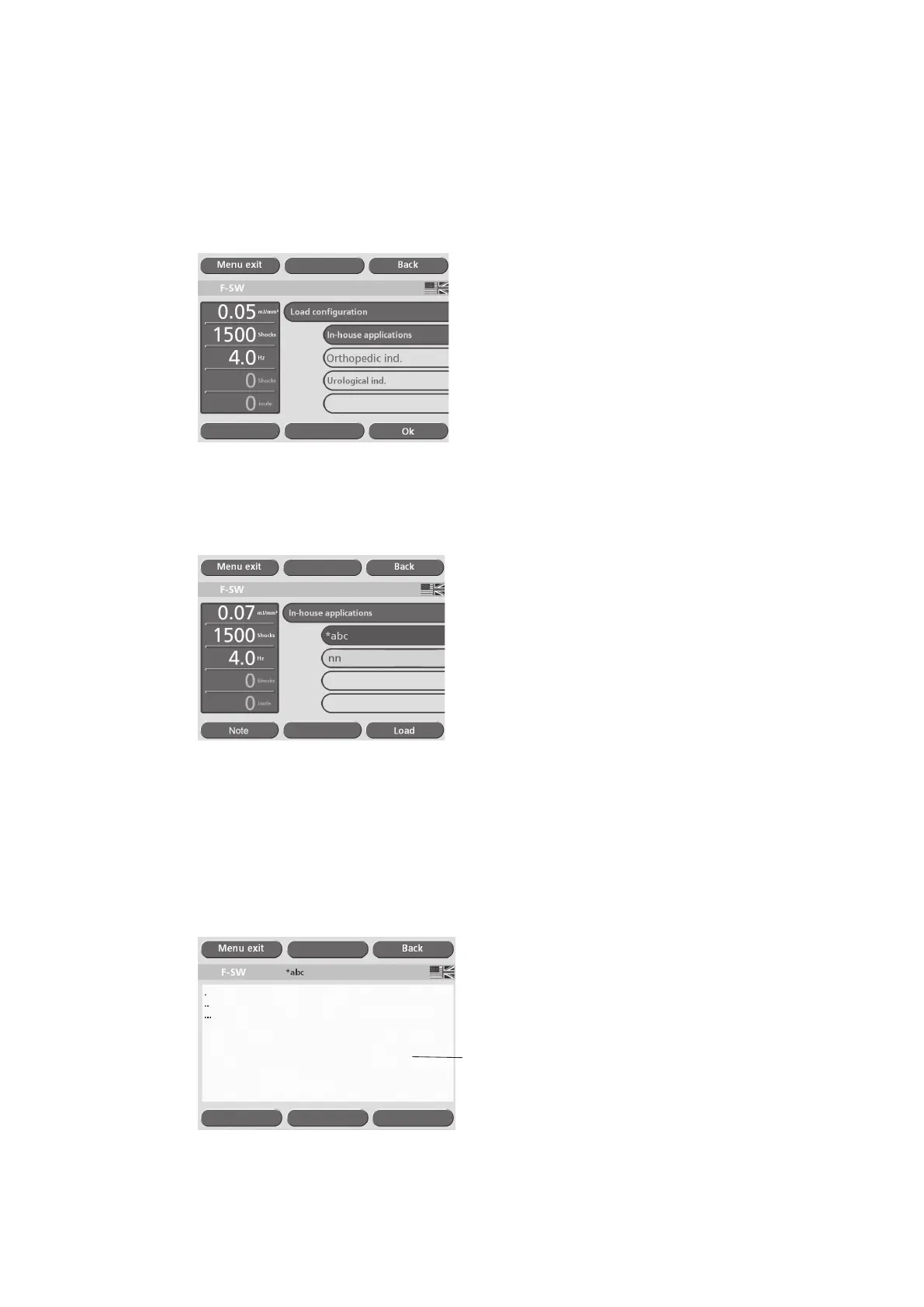
• Touch the “In-house application” button (see picture below).
• Touch “OK”.
Fig. 5-26 In-house applications
• Touch the button for the indication required (see picture below).
Fig. 5-27 In-house indications
If additional information for the selected indication has been saved, this can be
accessed by touching “Note”.
• To add additional information, touch the text box (see picture below) to display
the on-screen keyboard.
1
Fig. 5-28 Text box for treatment notes











 To Next Page