13 610 02 1018
40
Operation
Prior to loading an indication, you can view further information on the selected indica-
tion.
• To accomplish this, touch “Note.”
The treatment notes will be displayed.
To load the indication, touch “Back” to return to the previous screen.
• Touch “Load”.
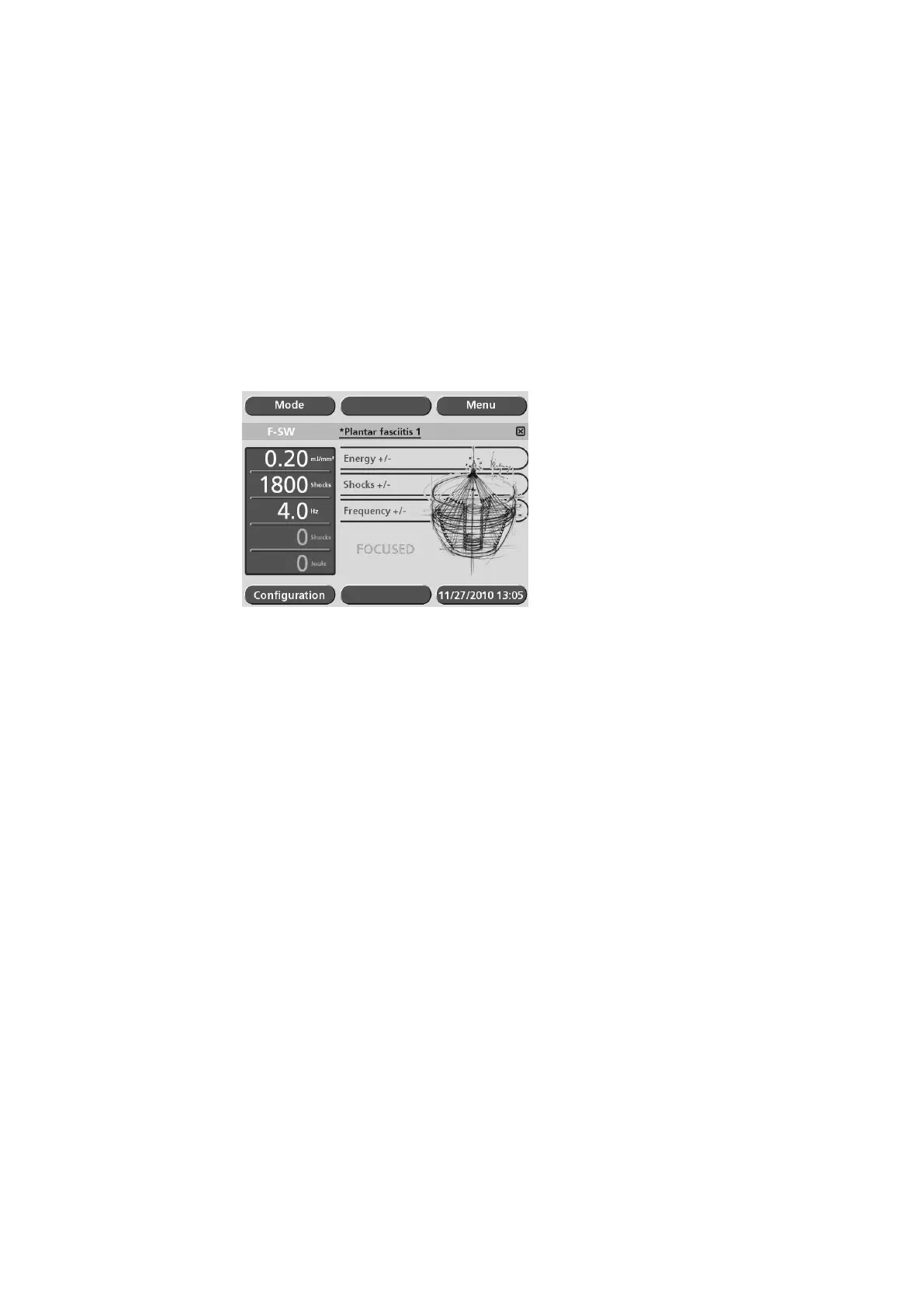
The indication has been loaded successfully when the loaded indication is displayed
on the grey status bar (see picture below).
Fig. 5-25 Loaded indication
• To review the treatment notes, touch the name of the indication on the grey status
bar.
The loaded indication is exited by
– Opening a new indication
– Changing a treatment parameter range
– Switching off the instrument











 To Next Page