13 610 02 1018
50
Operation
5.11.3 Updating the software on the instrument
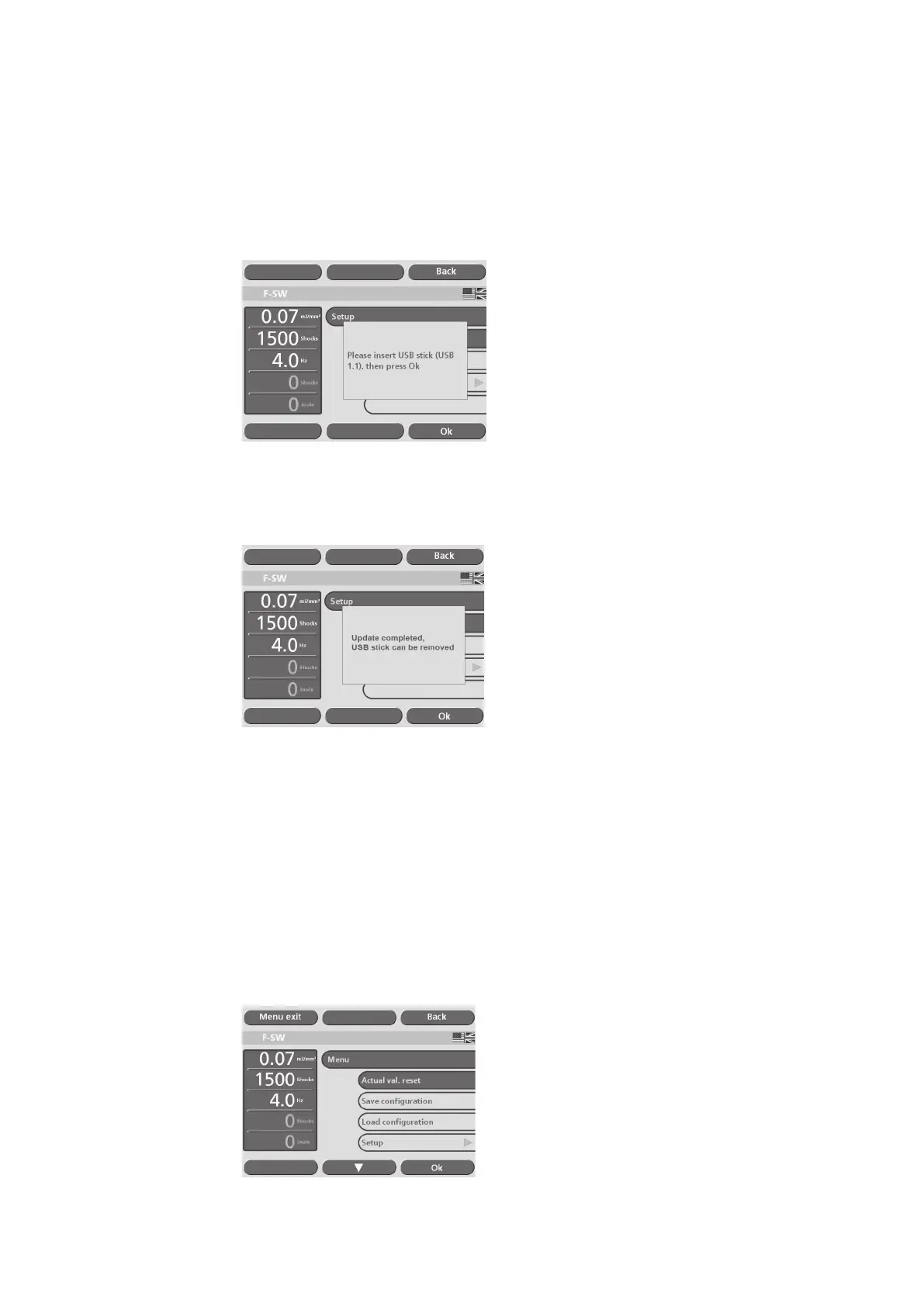
• Select the “Update software” function in the “Setup” menu.
• Connect the USB stick to the USB port of the Chattanooga Intelect F-SW as soon
as you are prompted to do so and conrm by touching “OK” .
Fig. 5-43 Software update
The update is performed once the USB connection has been established.
• Wait until the update has nished.
Fig. 5-44 Installation completed
• Touch “OK”.
• Remove the USB stick.
The instrument is ready for use.
5.12
Resetting the treatment shock counter
• To reset the applied shock counter to “0”, select the “Act. val. reset” menu option
(see picture below) or touch the counter display.
Fig. 5-45 Resetting the treatment shock counter











 To Next Page