13 610 02 1018
43
Operation
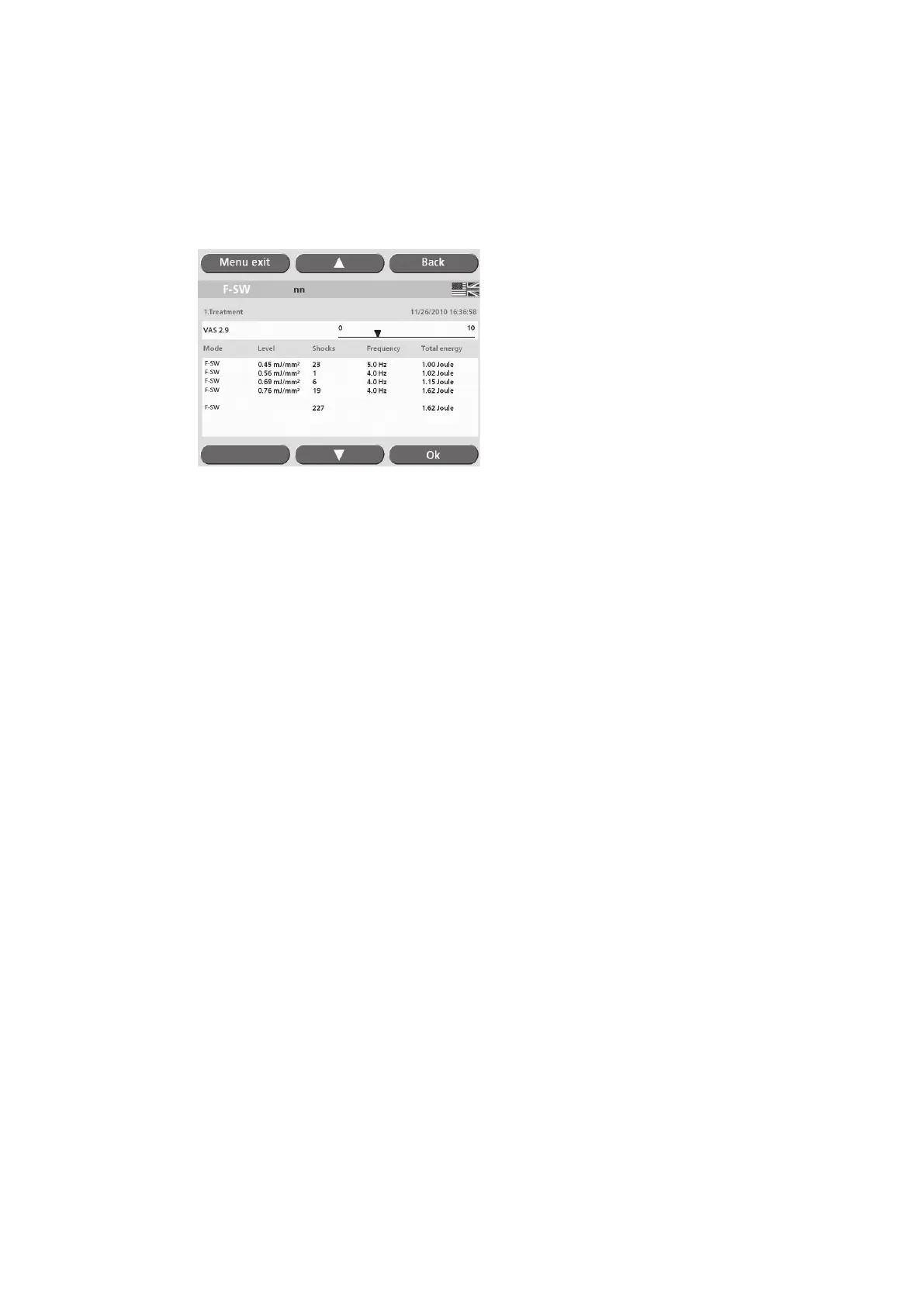
A patient record consists of treatment details and a table of treatment parameters
that is created by the instrument automatically.
Each time a patient is accessed, a new treatment with the current date is saved to his
or her patient record.
Fig. 5-31 Treatment parameters
• To add additional treatment details, touch the text eld to display the on-screen
keyboard.
• Save the text by touching “OK”.
• Touch the “Back” button to view the list of in-house applications.
• Touch the “Load” button.
The treatment parameters for the highlighted patient will be loaded.
The treatment parameters have been loaded successfully when the patient’s name is
displayed on the grey status bar on the protocol screen.
• To review the patient record, touch the grey status bar.
The patient record is closed by
– Opening a new patient record or indication
– Resetting the shock counter
– Switching off the instrument.











 To Next Page