13 610 02 1018
46
Operation
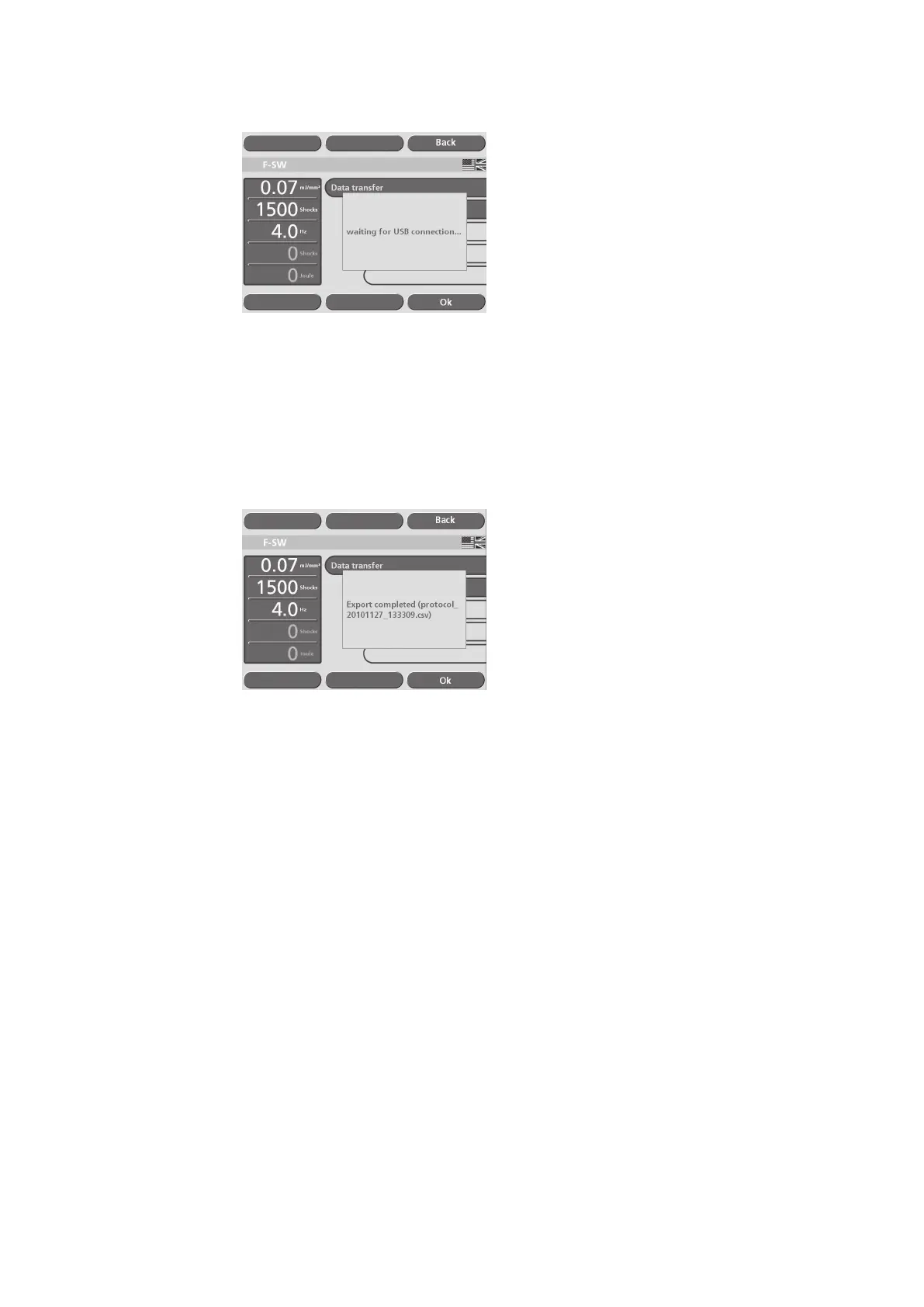
Fig. 5-36 Establishing the USB connection
The data is transferred once the USB connection has been established. The export le
name of the patient record is protocol_name.csv.
All data is exported if no patient record or no indication has been opened. The export
le name of the record data is protocol_DateTime.csv.
• Wait until the “Export completed” message appears on the display
(see picture below), then remove the memory stick.
Fig. 5-37 Data export complete
Backing up the settings
Using the “Backup settings” function, you can save conguration settings, patient
and indication data onto a USB memory stick as a backup (in a le format that can
only be read by the instrument).
• Select the “Data transfer” / “Backup settings” function in the 1st sub-menu (Fig.
5-34/2).
• Connect the memory stick to the USB connector as soon as you are prompted to
do so and conrm by touching “OK”.
After the USB connection has been established, the data backup is performed and the
text window shows the name of the backup le.
• Remove the USB memory stick.











 To Next Page