Mounting the Quantum Maestro Orchestrator MHO-175 in a Rack
Quantum Maestro Getting Started Guide|65
Step 7: Cable Installation
It is possible to insert or remove all network cables while the Quantum Maestro Orchestrator is powered
on.
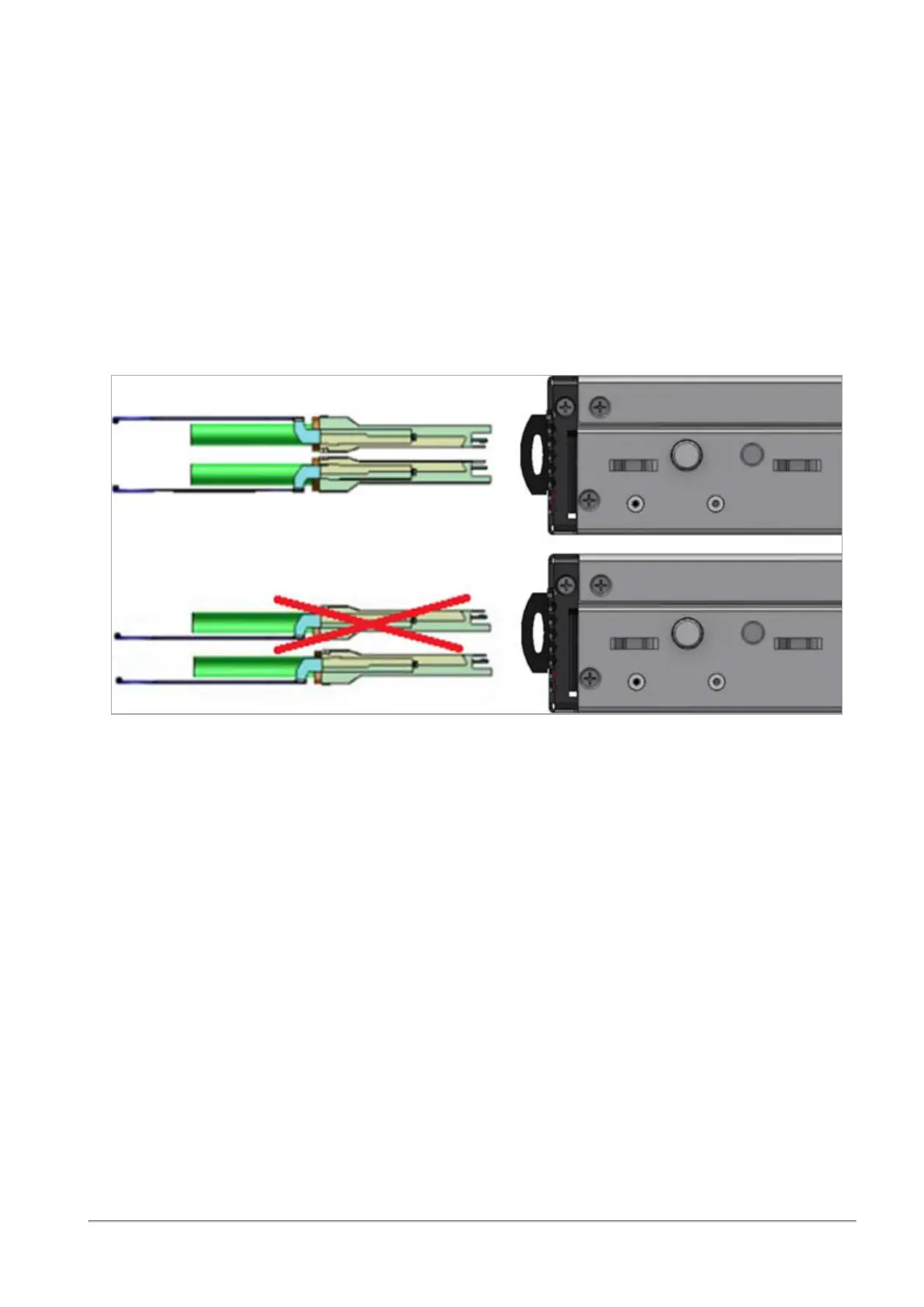
To insert a cable, press the connector into the port receptacle until the connector is firmly seated. The
LED indicator, corresponding to each data port, light up when the physical connection is established.
When a logical connection is made, the relevant port LED lights up.
To remove a cable, disengage the locks and slowly pull the connector away from the port receptacle. The
LED indicator for that port turns off, when the cable is unplugged.
Note - For more information about Port LEDs, see
"Port LEDs" on page39
.
Do not force the cable into the cage with more than 40 Newtons (4 kilogram-force / 9.0 pound-force).
Greater insertion force may damage the cable, or the cage.









 To Next Page