3.0 GETTING STARTED
Cheetah Xi Programming Manual 3-3
P/N: 06-651 Rev 1, 09/2013
3.2.1 HOW TO LOG ONTO THE SYSTEM
To log onto the system, press the F4 function key from the Top Level Menu. The Password screen, as
shown in Exhibit 3-3 will be displayed. After entering a successful password, press the ESCAPE key to
return to the Top Level menu.
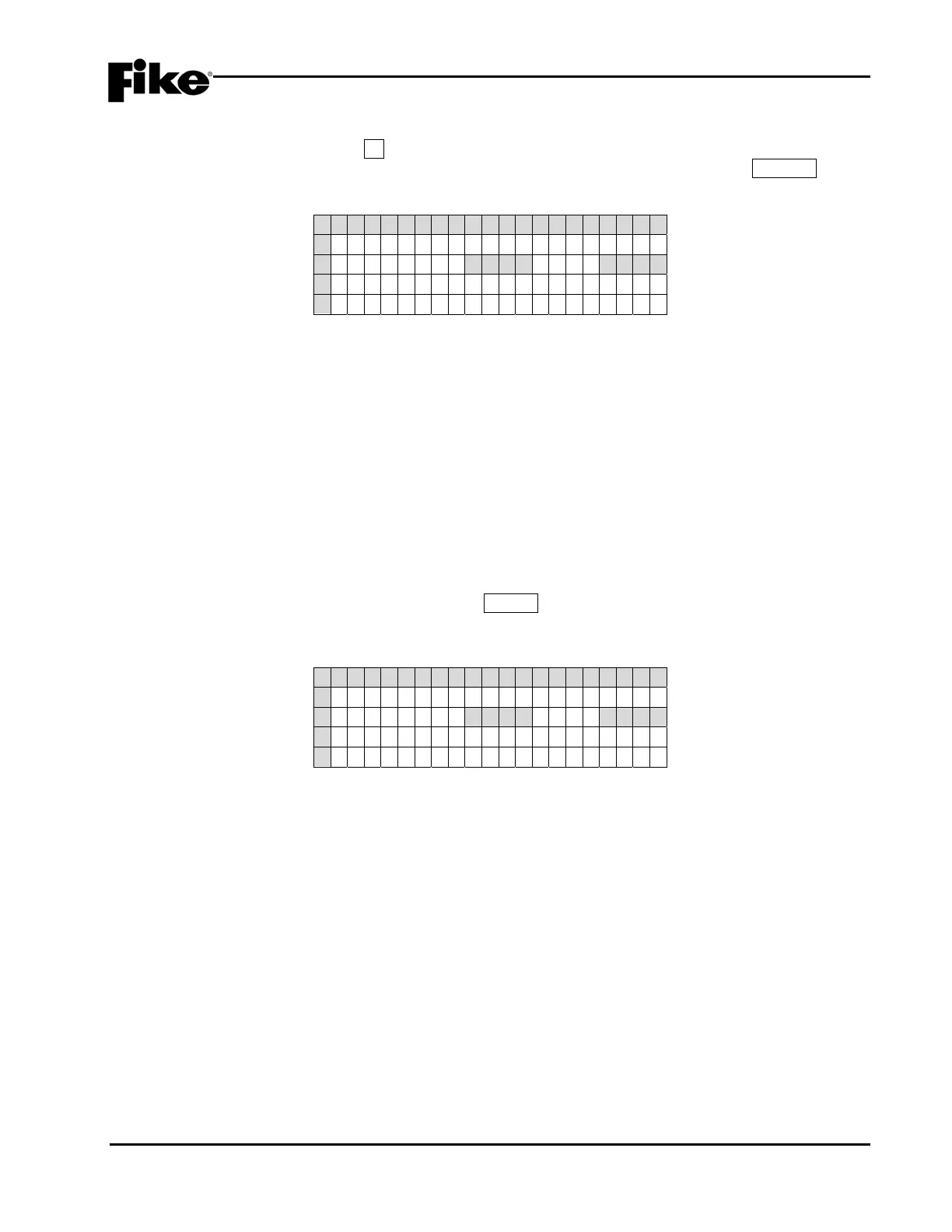
1 2 3 4 5 6 7 8 9 0 1 2 3 4 5 6 7 8 9 0
A E N T E R P A S S W O R D
B X X X X<---X X X X
C ACCESS : DEN I ED
D CODE : XXXX
Exhibit 3-3: Password Entry Screen
• Row B - Allows entry of a 4 digit password. Use the ◄► navigation buttons to move the cursor to the
appropriate field and the +/- buttons (cycles through 0-9) to enter a password.
• Row C - Displays the access level (Denied, Level 2 (A-H), Sys Admin, Factory) allowed with the
password that has been entered.
• Row D - Random 4 digit-code that changes periodically. Used by the factory to gain access to the
system if the Administrator password has been forgotten.
3.2.2 CHANGING THE SYSTEM ADMINISTRATOR PASSWORD
After entering a successful Administrator level password, you can change the default administrator password
by changing the 4-digit number on the far right of Row B, as shown in Exhibit 3-4. Use the ◄► navigation
buttons to move the cursor under each field and the +/- buttons to enter the new password (cycles through 0-
9). After completing the password change, press the ENTER key to confirm the change. If the Administrator
password is changed and then forgotten, you must call Fike and provide the 4-digit CODE displayed on Row
D of the password entry screen.
1 2 3 4 5 6 7 8 9 0 1 2 3 4 5 6 7 8 9 0
A E N T E R P A S S W O R D
B _ _ _ _<---X X X X
C ACCESS : DEN I ED
D CODE : XXXX
Exhibit 3-4: Password Entry Screen
• Row B - Allows entry of a 4 digit password. Use the ◄► navigation buttons to move the cursor and
the +/- buttons (cycles through 0-9) to enter a password.
• Row C - Displays the access level (Denied, Level 2 (A-H), Sys Admin, Factory) allowed with the
password that has been entered.
• Row D - Random 4 digit-code that changes periodically. Used by the factory to gain access to the
system if the Administrator password has been forgotten.


 To Next Page