4.0 CONFIGURATION MENU
Cheetah Xi Programming Manual 4-41
P/N: 06-651 Rev 1, 09/2013
4.5.5.1 HOW TO SET OPTIONAL MODULE MOUNTING LOCATION
The Select Module screen allows you to select the type of module that is installed in the Cheetah Xi’s P12
and P13 optional card mounting positions.
From the “Relay Configuration Menu” screen, press the F1 key to access the “Select Module” screen, as
shown below:
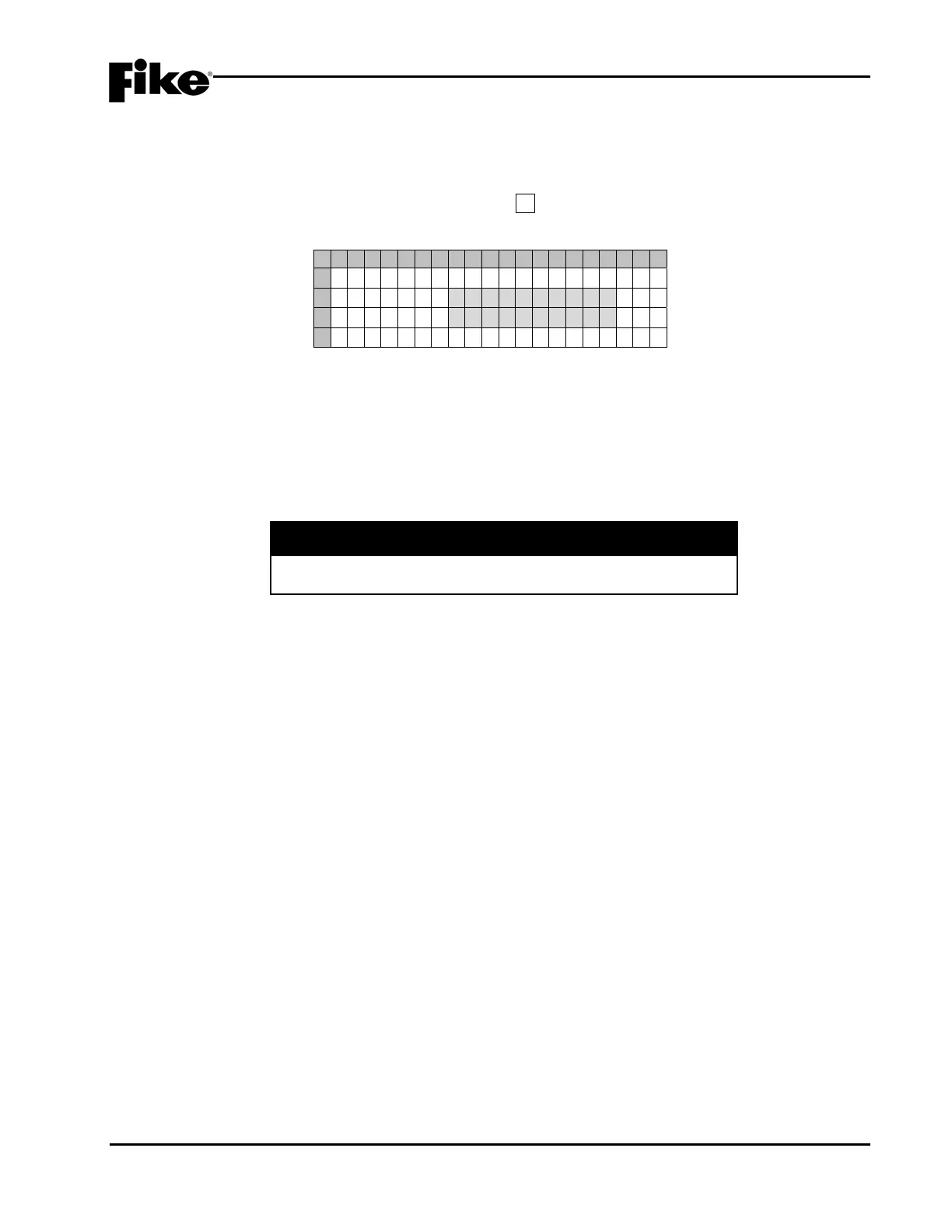
1 2 3 4 5 6 7 8 9 0 1 2 3 4 5 6 7 8 9 0
A
M O D U L E A T
B
P 1 2 : B O S C H D A C T
C
P 1 3 : C R M 4
D
Exhibit 4-65: Select Module Screen
• Row B - This field allows you to select the module that is present at location P12 (No Module,
CRM4, RPM#1, RPM#2, Bosch DACT). Use the ◄► arrow keys to move the cursor under the field;
then use the +/- keys to select a different module.
• Row C - This field allows you to select the module that is present at location P13 (No Module,
CRM4, RPM#1, RPM#2). Use the ◄► arrow keys to move the cursor under the field; then use the
+/- keys to select a different module.
I CAUTION
It is important that the panel configuration for P12 & P13 match
the module type actually installed to avoid improper operation.


 To Next Page