4.0 CONFIGURATION MENU
Cheetah Xi Programming Manual 4-21
P/N: 06-651 Rev 1, 09/2013
4.3.3 HOW TO SET SYSTEM POWER OPTIONS
The “Power” screen allows you to change system power options.
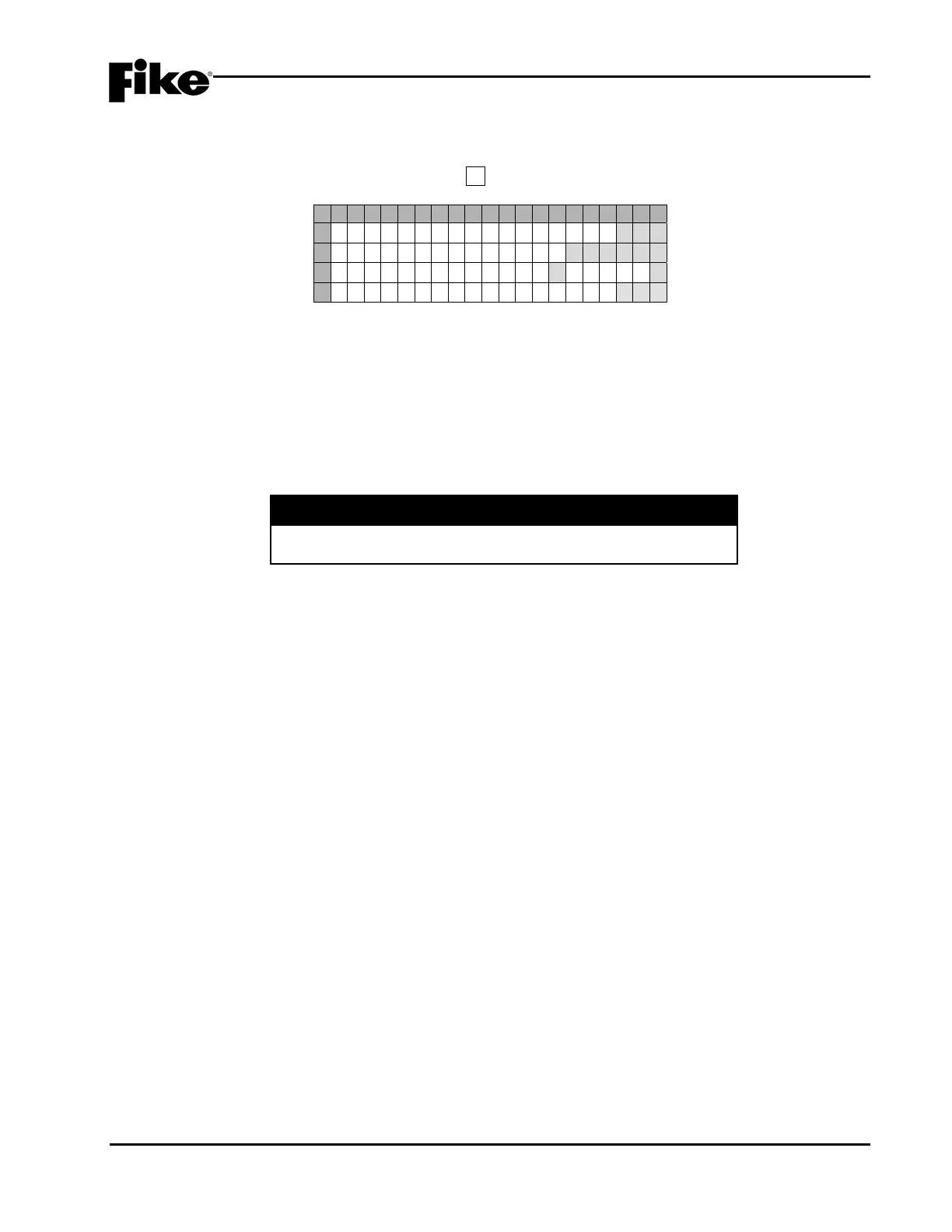
From the “Configuration Menu 2” screen, press the F3 key to access the “Power” screen, as shown below:
1 2 3 4 5 6 7 8 9 0 1 2 3 4 5 6 7 8 9 0
A
A U X P O W E R M O D U L E : N O
B
X F O R M E R S I Z E : 1 2 0 V A C
C
B A T T E R Y M A I N : YAUX:N
D
S U P E R V A U X P O W E R : Y E S
Exhibit 4-31: Power Screen
• Row A - This field allows you to turn on/off supervision of the Supplemental Power Supply (SPS), if
installed (Yes/No). Use the ◄► arrow keys to position the cursor under the field; then use the +/-
keys to toggle status.
• Row B - This field allows you to select which AC power transformer is wired to the AC input terminal
(120/240VAC). Use the ◄► arrow keys to position the cursor under the field; then use the +/- keys
to toggle status.
I CAUTION
Selecting the incorrect transformer size could result in erratic
panel trouble conditions.
• Row C - The BATTERY MAIN field allows you to turn on/off supervision of the Main controller
Battery Input terminals (Yes/No). Use the ◄► arrow keys to position the cursor under the field;
then use the +/- keys to toggle status.
The AUX field allows you to turn on/off supervision of the Supplemental Power Supply Battery input
(Yes/No), if Supplemental Power Supply is installed. Use the ◄► arrow keys to position the cursor
under the field; then use the +/- keys to toggle status.
LNote: Main or Auxiliary Supervision of battery selection of NO is not an allowed setting for UL.
• Row D - This field allows you to turn on/off supervision of the 24 VDC Auxiliary Power circuits
(Yes/No). Use the ◄► arrow keys to position the cursor under the field; then use the +/- keys to
toggle status.


 To Next Page