4.0 CONFIGURATION MENU
4-32 Cheetah Xi Programming Manual
Rev 1, 09/2013 P/N: 06-651
4.4.5 HOW TO ENABLE/DISABLE DAY/NIGHT SENSITIVITY FEATURE
The Sensitivity Change option allows you to ENABLE/DISABLE the day/night detector sensitivity function.
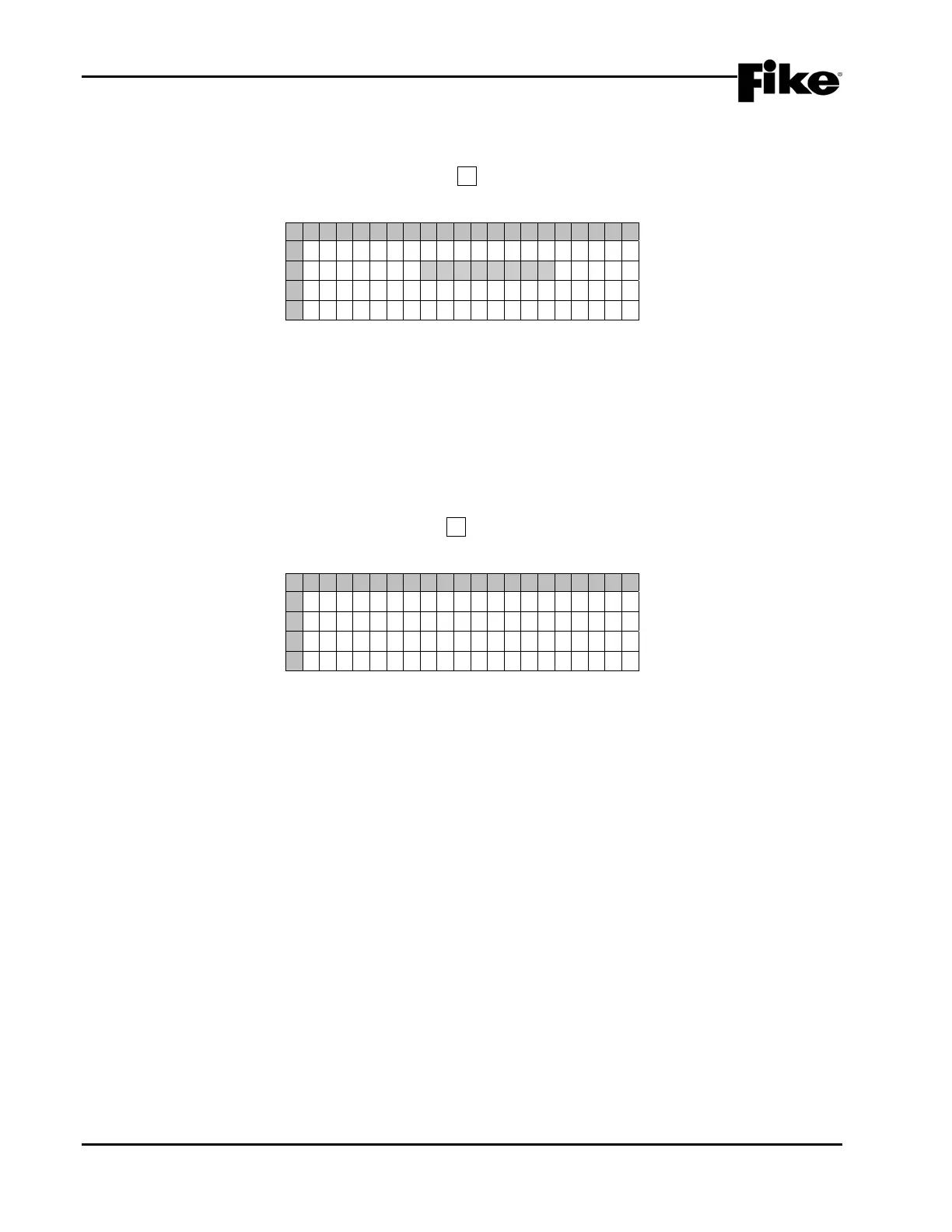
From the “Configuration Menu 3” screen, press the F5 key to access the “Sensitivity Change” screen, as
shown below:
1 2 3 4 5 6 7 8 9 0 1 2 3 4 5 6 7 8 9 0
A
S E N S I T I V I TY CHANGES :
B
D I S A B L E D
C
D
C U R R E N T : D A Y T I M E
Exhibit 4-50: Sensitivity Change Screen
• Row B - This field allows you to select the Enable/Disable status of Day/Night Sensitivities. Use the
+/- keys to toggle the field status (ENABLED/DISABLED).
• Row D - Displays the current Sensitivity being used due to the time of day and day/night changeover
times.
4.5 CONFIGURATION MENU 4
From the “Configuration Menu 3” screen, press the F6 key to access the “Configuration Menu 4” screen, as
shown below:
1 2 3 4 5 6 7 8 9 0 1 2 3 4 5 6 7 8 9 0
A
C O N F I GURAT I ON MENU 4
B
F 1 - A C D E L F 4 - P W R C U T
C
F 2 - V E S D A F 5 - R E L A Y S
D
F 3 - A UXNAC F 6 - MENU 5
Exhibit 4-51: Configuration Menu 4
F1 = AC Trouble Delay Screen
F2 = VESDA Configuration Menu
F3 = Auxiliary Power and NAC Configuration Menu
F4 = Power Cutoff Configuration Menu
F5 = Relay Configuration Screen
F6 = Configuration Menu 5


 To Next Page