4.0 CONFIGURATION MENU
4-18 Cheetah Xi Programming Manual
Rev 1, 09/2013 P/N: 06-651
4.2.4.2 LEARN All devices
The Learn All Devices option erases the device supervision list stored in the Cheetah Xi controller and
creates a new supervision list by identifying all addressable devices connected to a signaling line circuit
(SLC). All device addresses, serial numbers, and device type information will be learned. The configurations
held by the devices will NOT be altered (nor will the custom messages).
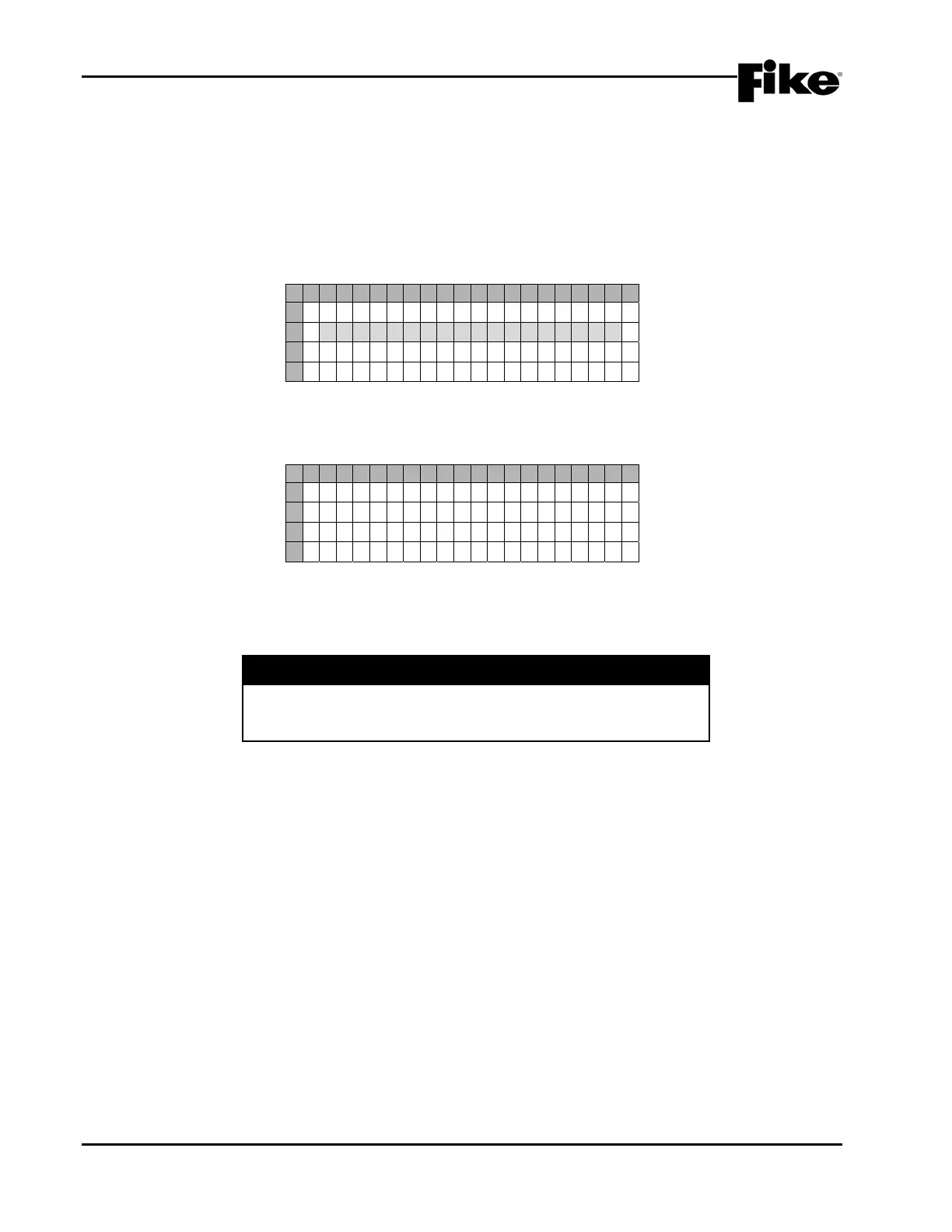
From the “Learn” screen, press +/- keys to change to Learn All Devices as shown below; then press the Enter
key:
1 2 3 4 5 6 7 8 9 0 1 2 3 4 5 6 7 8 9 0
A
S E L E C T R E S E T M O D E :
B
L E A R N A L L D E V I C E S
C
P R E S S E N T E R T O S T A R T
D
P A NEL WI LL RESET
Exhibit 4-26: LEARN ALL DEVICES Screen
The panel will reset and enter the Learn Mode:
1 2 3 4 5 6 7 8 9 0 1 2 3 4 5 6 7 8 9 0
A
L E A R N M O D E I S A C T I V E
B
W A I T TO COMPLETE >>
C
0 9 : 2 7 : 47A 03 / 10 / 2009
D
A L : 0 0 0 SU: 000 TR: 000
Exhibit 4-27: LEARN Mode Active Screen
The display keypad is locked while learn mode is Active. Panel will display “LEARN MODE COMPLETE”
when process ends.
I CAUTION
The Learn ALL method will delete and/or add supervision to
devices. Testing or review of the configuration should be
performed to ensure that all required devices are supervised.


 To Next Page