4.0 CONFIGURATION MENU
Cheetah Xi Programming Manual 4-25
P/N: 06-651 Rev 1, 09/2013
4.4 CONFIGURATION MENU 3
From the “Configuration Menu 2” screen, press the F5 key to access the “Configuration Menu 3” screen, as
shown below:
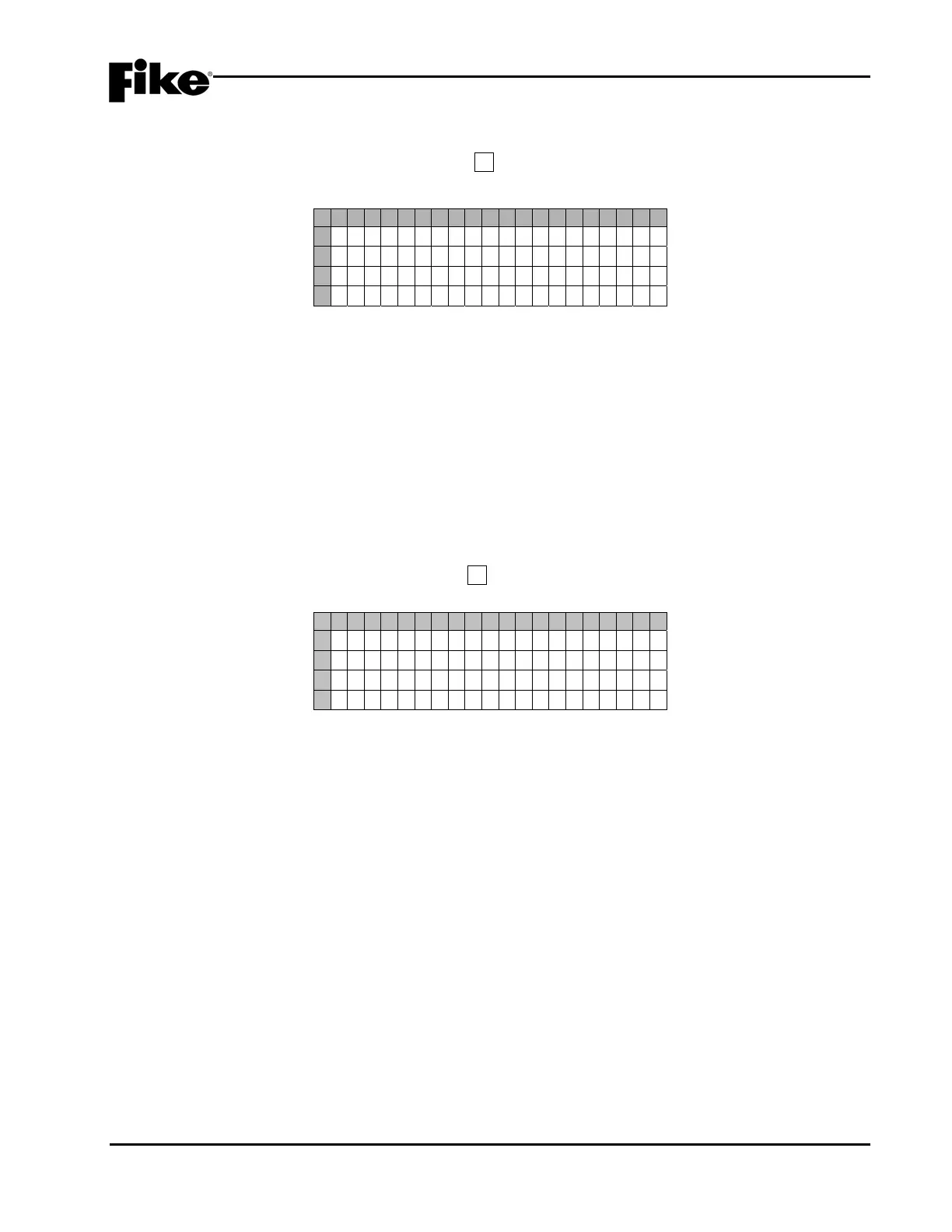
1 2 3 4 5 6 7 8 9 0 1 2 3 4 5 6 7 8 9 0
A
C O N F I GURAT I ON MENU 3
B
F 1 - P E R I P H F 4 - A B O R T
C
F 2 - W A L K F 5 - S E N C H G
D
F 3 - GROUND F 6 - MENU 4
Exhibit 4-38: Configuration Menu 3
F1 = Peripheral Device Configuration Menu
F2 = System Walktest Enable/Disable Screen
F3 = System Ground Fault Screen
F4 = Abort Configuration Screen
F5 = Day/Night Sensitivity Enable/Disable
F6 = Configuration Menu 4
4.4.1 HOW TO SET PERIPHERAL DEVICE PARAMETERS
The “Peripherals Menu” provides access to configuration parameters associated with the selected panel’s 31
possible peripheral devices.
From the “Configuration Menu 3” screen, press the F1 key to access the “Peripheral Menu” screen, as shown
below:
1 2 3 4 5 6 7 8 9 0 1 2 3 4 5 6 7 8 9 0
A
P ER I PHERAL MENU
B
F 1 - DEV I CE F4 - CMD SET
C
F 2 - SOURCE F 5 -
D
F 3 - SPEED F6 -
Exhibit 4-39: Peripheral Menu
F1 = Peripheral Device Configuration Screen
F2 = Peripheral Communication Source Screen
F3 = Peripheral Bus Communication Speed Screen
F4 = Peripheral Device Command Set Screen
F5 = Not Used
F6 = Not Used


 To Next Page