Troubleshooting
6-2 Manual 0-5186
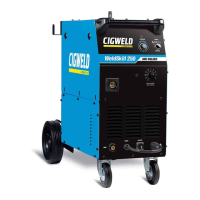
WELDSKILL 250, 350 TROUBLESHOOTING
8 Gas flow continues
after the torch trigger
switch has been
released.
Gas valve has jammed open due
to impurities in the gas or the gas
line.
Have an Accredited CIGWELD
Service Provider repair or replace
gas valve.
9 Wire does not feed
when torch trigger
depressed
A
B
Faulty trigger switch / lead
Circuit breaker tripped
A
B
Repair or replace Torch / trigger
lead
Reset Circuit Breaker(s)
10 Wire continues to
feed when torch
trigger released
A
B
Power Source in 4T (LATCH) mode
Torch trigger leads shorted
A
B
Change to 2T (NORMAL) mode
Repair or replace Torch / trigger
lead
11 Wire feeds when the
torch trigger switch is
depressed but arc can
not be established
and OVERHEAT led is
illuminated
Power Source Overtemperature
Protection circuit has operated
Cease welding and allow Power
Source to Cool for 10 minutes.
Overheat led will extinguish when
the Power Source has cooled
sufficiently.
Table 6-1 Power Source/Wirefeed Faults
6.02 Checking Unit Before Applying Power
Turn SW1 to OFF position, and disconnect unit from primary line voltage before working on unit.
Significant DC voltage can remain on capacitors after unit is Off. Wait until all front panel LED’s are off
before removing case.
Before troubleshooting or applying power to unit, complete the following checks to avoid causing further
damage.
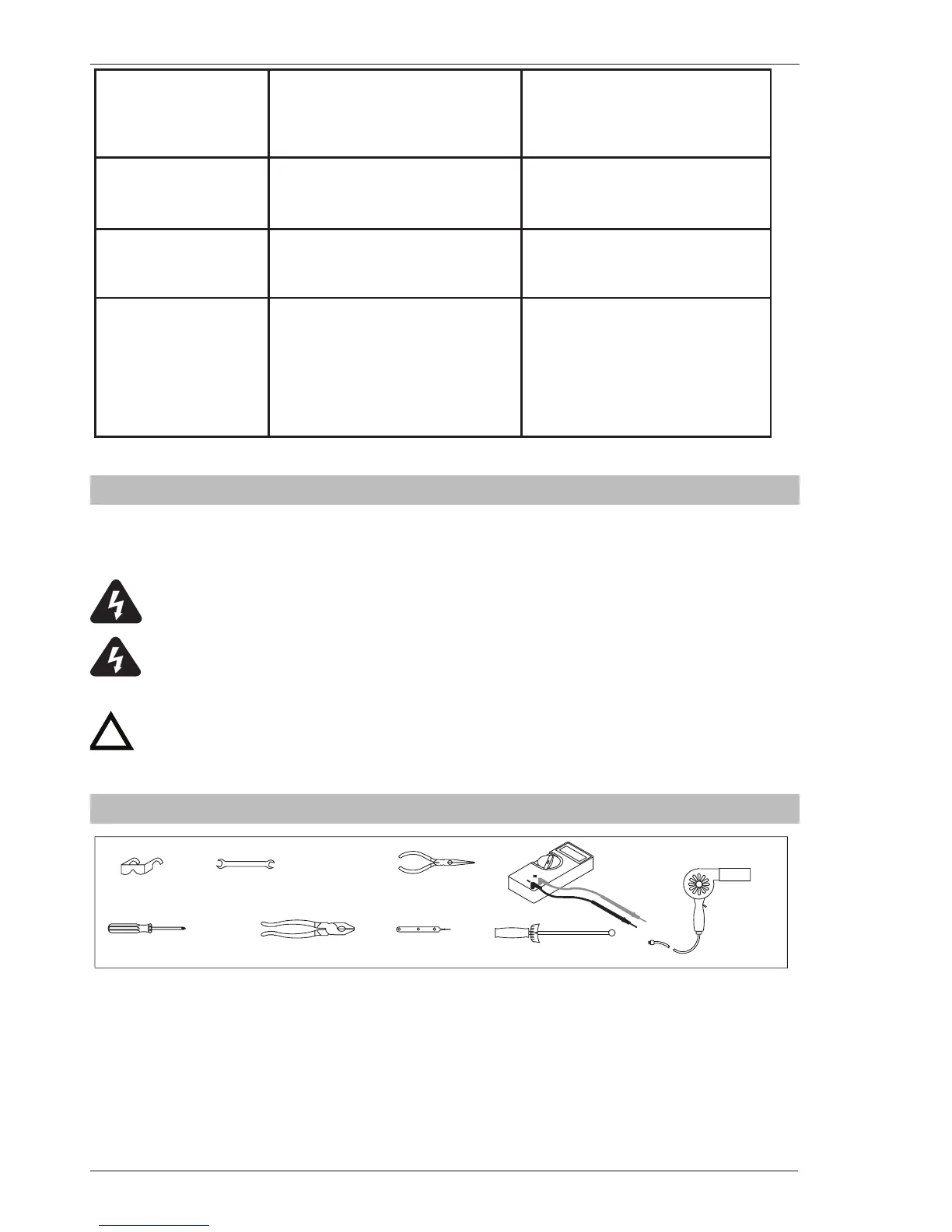
6.03 Tools Needed for Troubleshooting and Servicing
Art # A-09849



 To Next Page