Assembly Procedures 8-6 Manual 0-5186
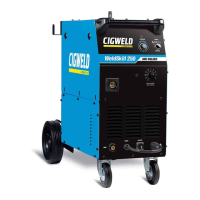
WELDSKILL 250, 350 ASSEMBLY pROCEDURES
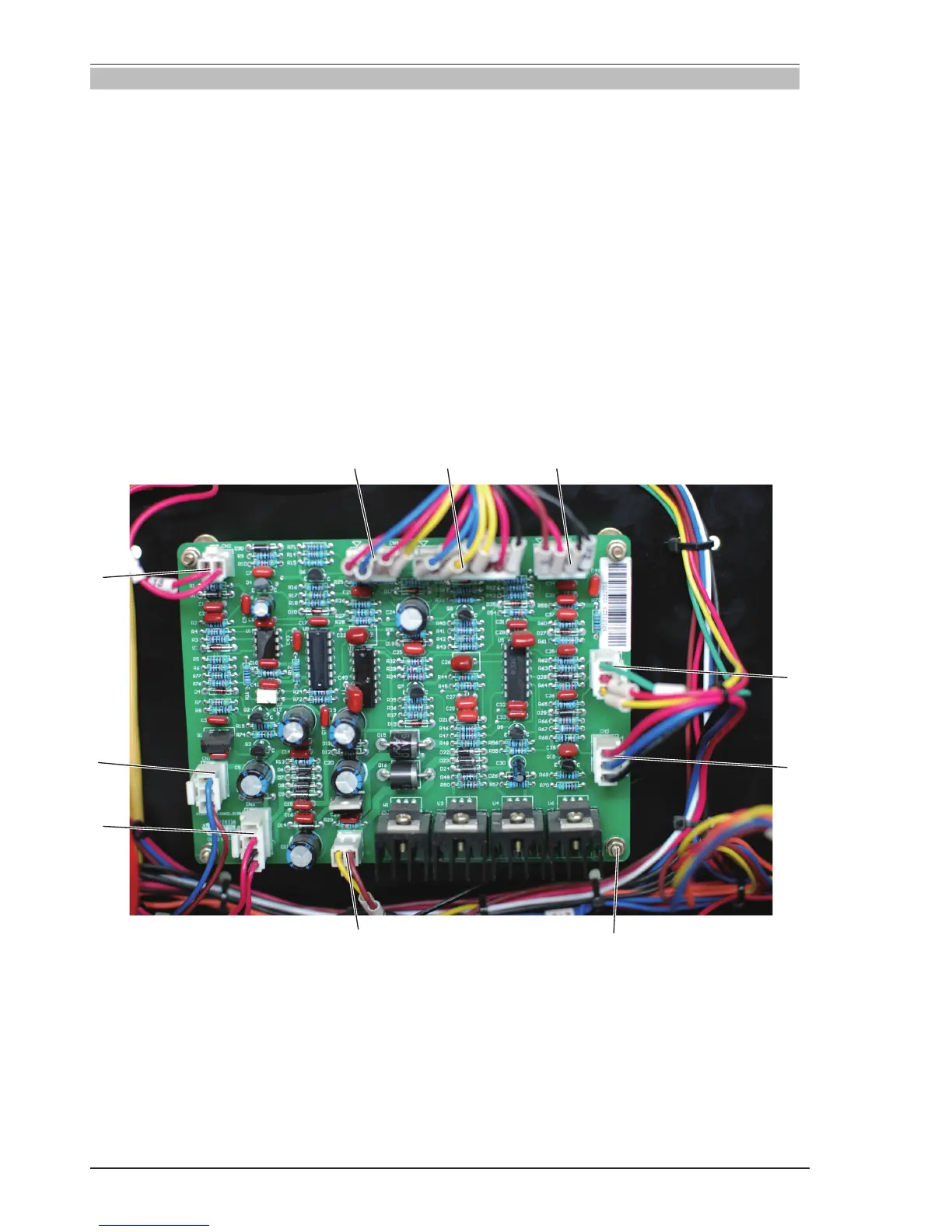
8.04 Installing Main Control Panel
Refer to diagram page 8-7.
1. Connect CN1 harness from CN1 connector.
2. Connect CN2 harness from CN2 connector.
3. Connect CN3 harness from CN3 connector.
4. Connect CN4 harness from CN4 connector.
5. Connect CN5 harness from CN5 connector.
6. Connect CN6 harness from CN6 connector.
7. Connect CN7 harness from CN7 connector.
8. Connect CN8 harness from CN8 connector.
9. Connect CN9 harness from CN9 connector.
10. M4 screw, install 4 screws onto control panel.
Verify harness connections with the system schematic to insure all connections are correct.
1
2
3
4
5
67
8
9
10
Art # A-10201



 To Next Page