26
RGU-10A , RGU-100A
Instruction Manual
6. DIRECT ADJUSTMENTS
The trip current and trip delay can be configured from the main display screen. To do this, press key
.
Trip current
Delay and relay curve
> 3s
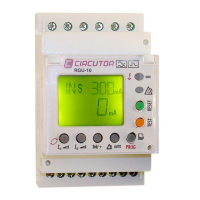
Figure 28: Direct settings.
Note: If the device is locked, the direct settings cannot be modified and the screen shows the symbol
. See ("5.4 - LOCK"), to modify the lock option.
Note: In “ANNEX A.- DIRECT SETTINGS” we can see the configuration tree.
6.1 - TRIP CURRENT
The relay's trip current is configured in this screen.
Use keys and to skip through the different options.
Configuration values
Table 10:Configuration values: Trip current.
Trip currrent
Possible
values
30 mA 100 mA 200 mA 300 mA 500 mA 750 mA 1.0 A
1.5 A 2.0 A 3.0 A 5.0 A
(1)
10 A
(1)
30 A
(1)
(1)
Possible values if the trip current limit has been set ("7.2.2 - TRIP CURRENT LIMIT" to 30A.


 To Next Page