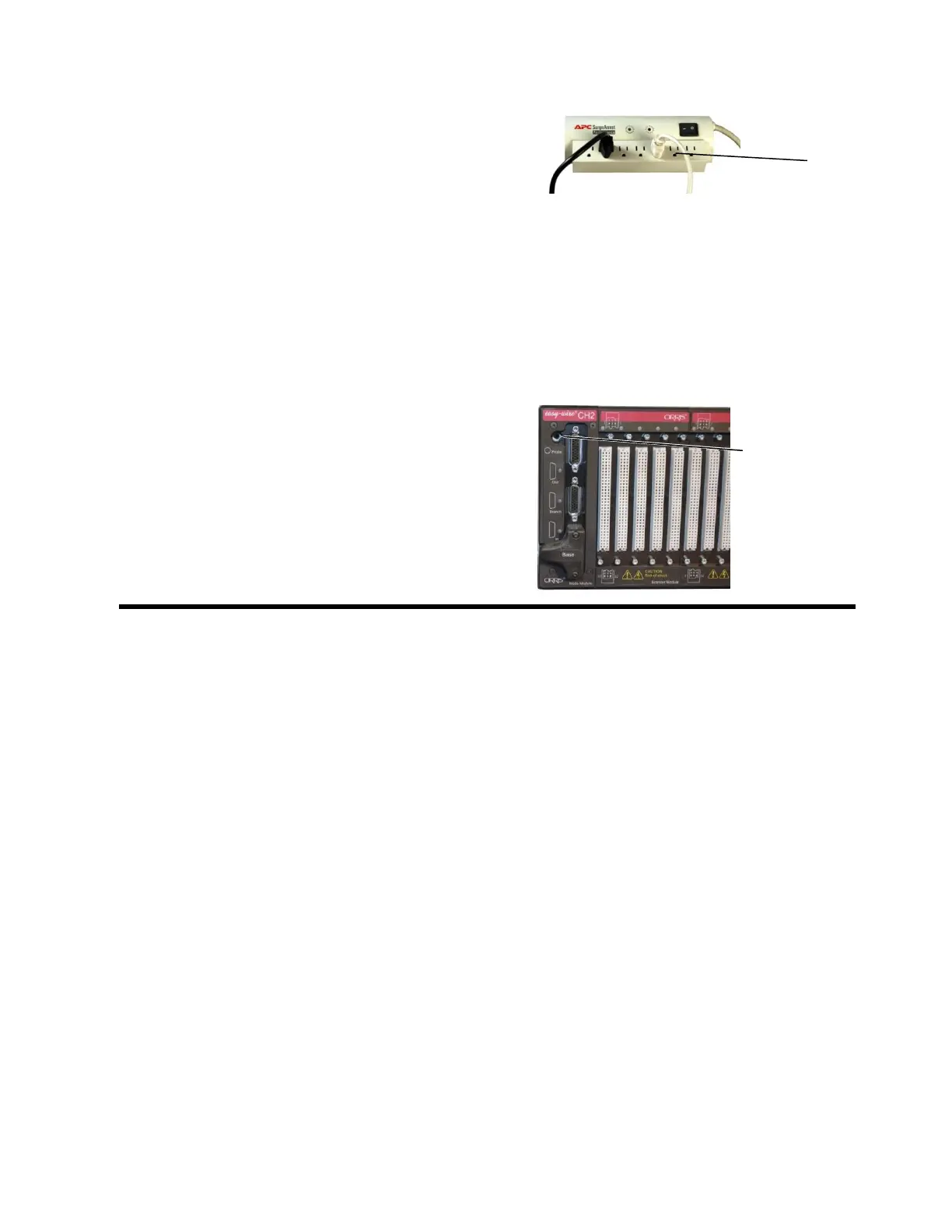
4. Plug the other end of the power cord into the
same grounded outlet or plug strip that is used
for the computer. IF your tester has a power
switch on the back panel, make sure it is in the
ON position.
The power supply auto adjusts to line voltages
of either 120 VAC 60 hertz or 240 VAC 50
hertz.
For optimum measurement accuracy, the CH2
must have a consistent earth ground to the
entire system. Make sure to use a grounded
(3-prong) outlet or plug strip.
5. On the front of the tester, insert the probe into
the probe port. Probes can be plugged into any
or all testers in a multi-tester system.



 To Next Page