Introduction
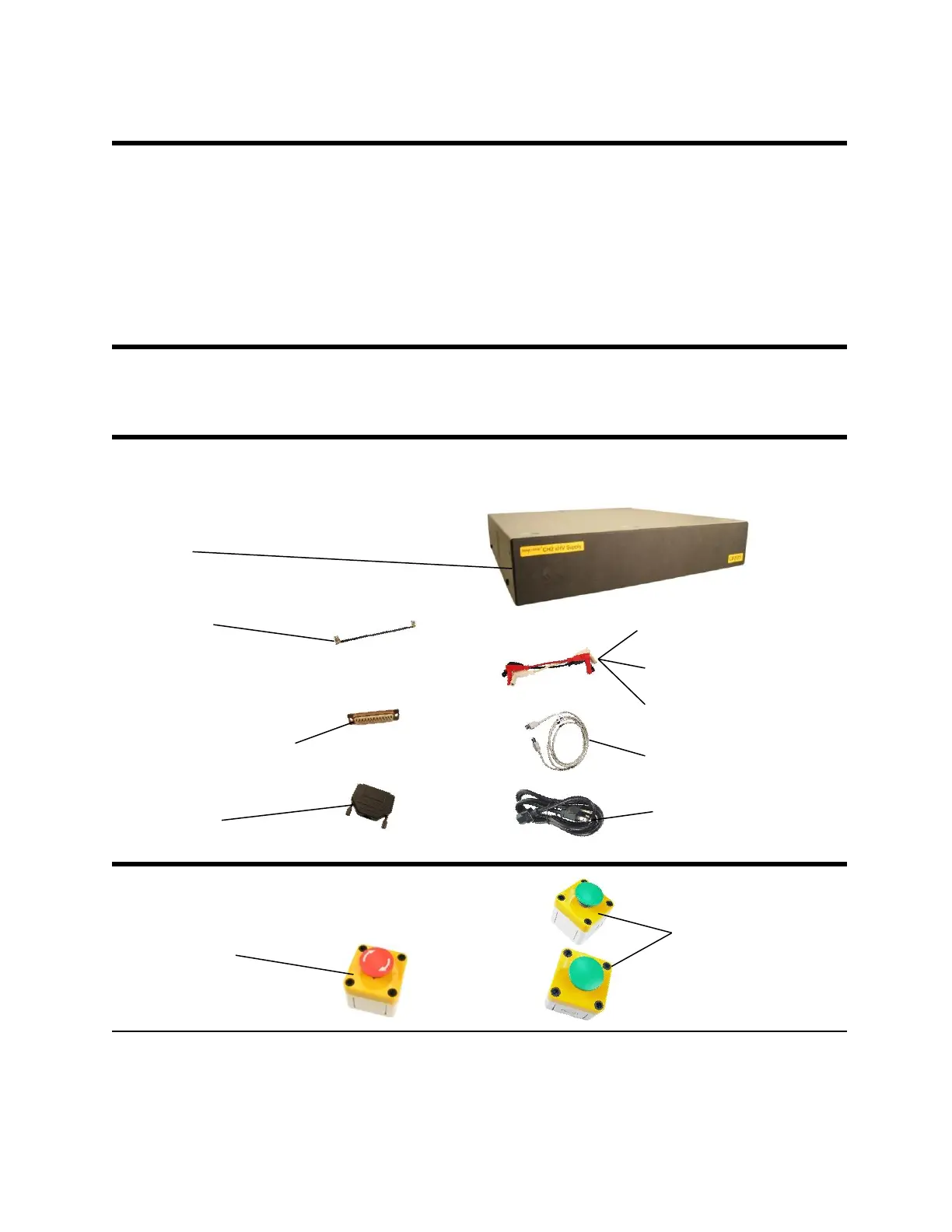
The Easy-Wire CH2 xHV Power Supply allows the CH2 to test up to 1500VAC when used with
1500VAC capable scanners. The xHV Power Supply also allows higher “real current” and “total
current” settings. When using this supply, you must use an interlock safety device and an
emergency shutoff (or E-stop) device to ensure operator safety. You may purchase safety
switches from Cirris as a low cost solution or purchase your own devices to meet your
requirements. For more information on interlock safety devices, call Cirris at 1-800-441-9910.
This section is a step by step guide on how to build a safety interlock and how to set up and use
the xHV power supply.
Before you Begin
The CH2 tester should be set up and working before you set up the xHV Power Supply (see
“Setting up the Tester” on page 7 for more information).



 To Next Page