Category Descriptions
The following information describes the custom instructions for each category.
The “Common” Category
The custom instructions for this category are “Comment Response” and “User Information.”
Comment Response
This instruction allows you to enter a question that will display during a test in the order
it appears in the test sequence (you can drag and drop to move the instruction up or
down in the sequence). You can enter the question when you click “Edit Parameters” in
the “Custom Instruction” window. Primarily, this instruction prompts the operator to
check something during the test.
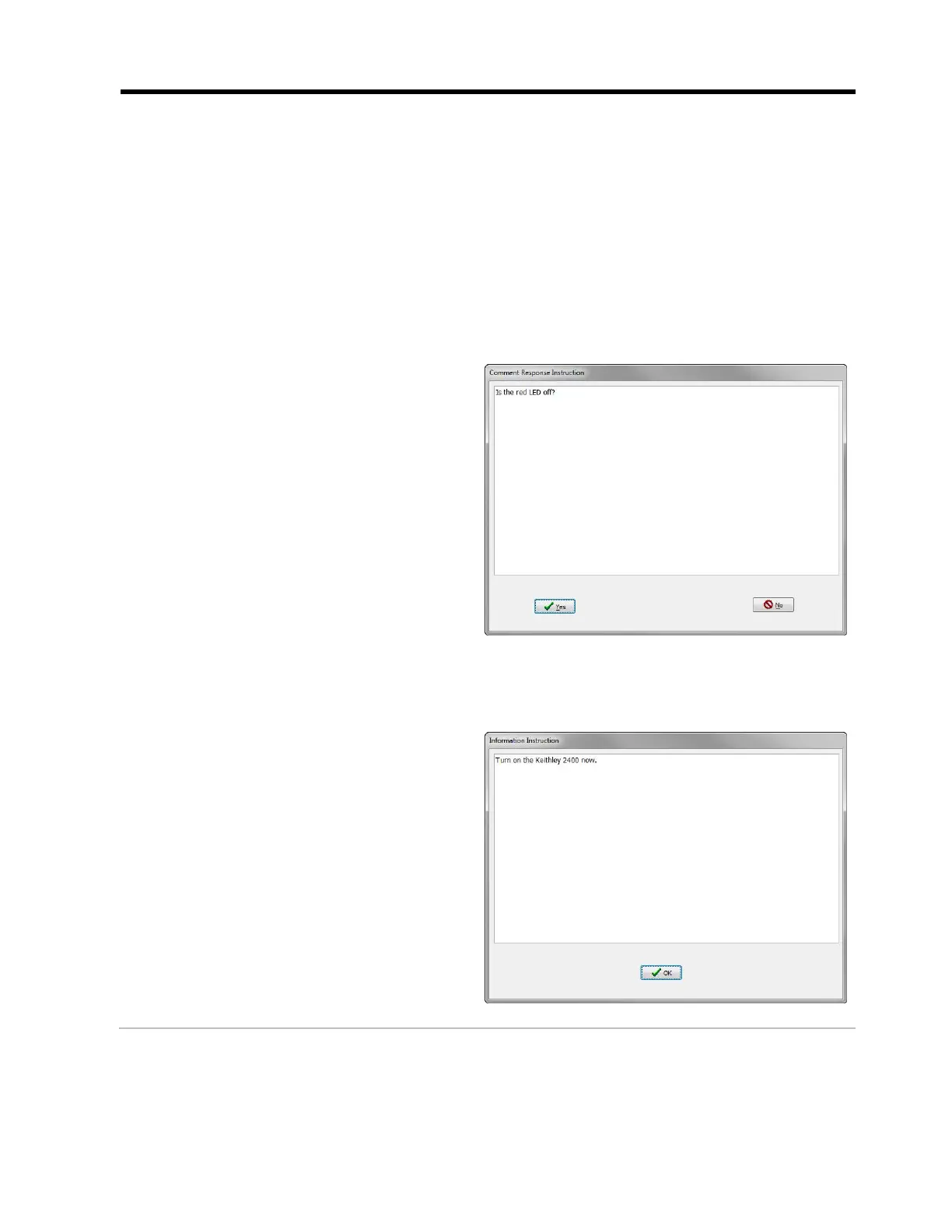
EXAMPLE: This Comment Response
Instruction prompts the operator to
check if the red LED is on or off. If
the operator selects “Yes” the test
will Continue. If the operator selects
“No” the test will fail.
User Information
This instruction allows you to enter a reminder or task for the operator to perform,
which will display during a test in the order that it appears in the test sequence.
EXAMPLE: This Information
Instruction prompts the operator
to power on the external
instrument.



 To Next Page