Category Overview
Custom Instructions are grouped by categories. For example, all instructions for one type
of external instrument are grouped under one category. Two Custom Instruction Categories
come with the Easy-Wire software, “Common” and “Cirris CH2.” Additional categories are
added to the list when you purchase a license file.
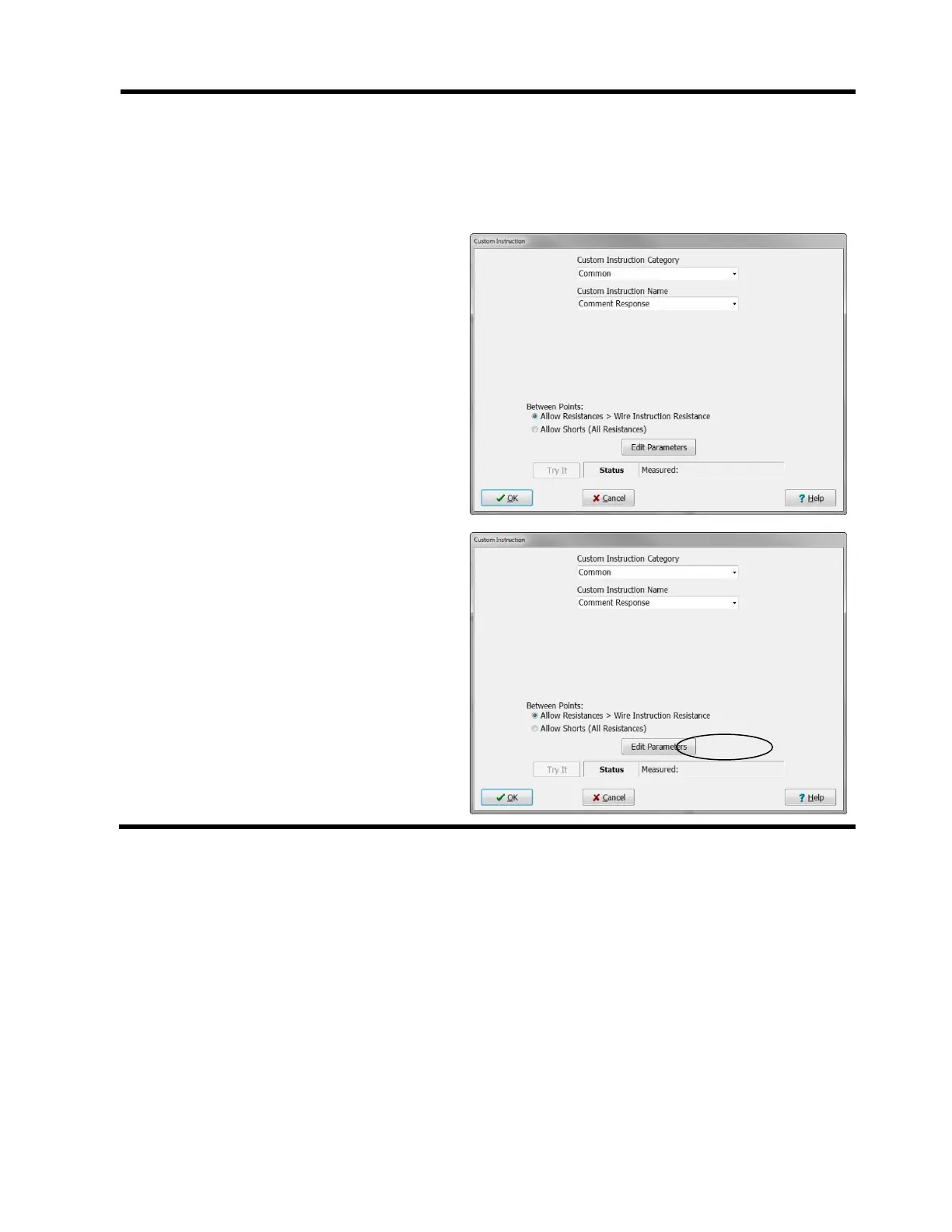
“Custom Instruction” Window
The “Custom Instruction Category” list
determines which custom instructions you
can select in the “Custom Instruction
Name” drop down list. Each category has
its list of custom instructions. The default
selections are as shown.
When the desired Custom Instruction
Category and Name are selected. Click
Edit Parameters to set up the selected
instruction.



 To Next Page