ADDING OR REMOVING SCANNER MODULES
Units can hold up to five 160 point Scanner Modules.
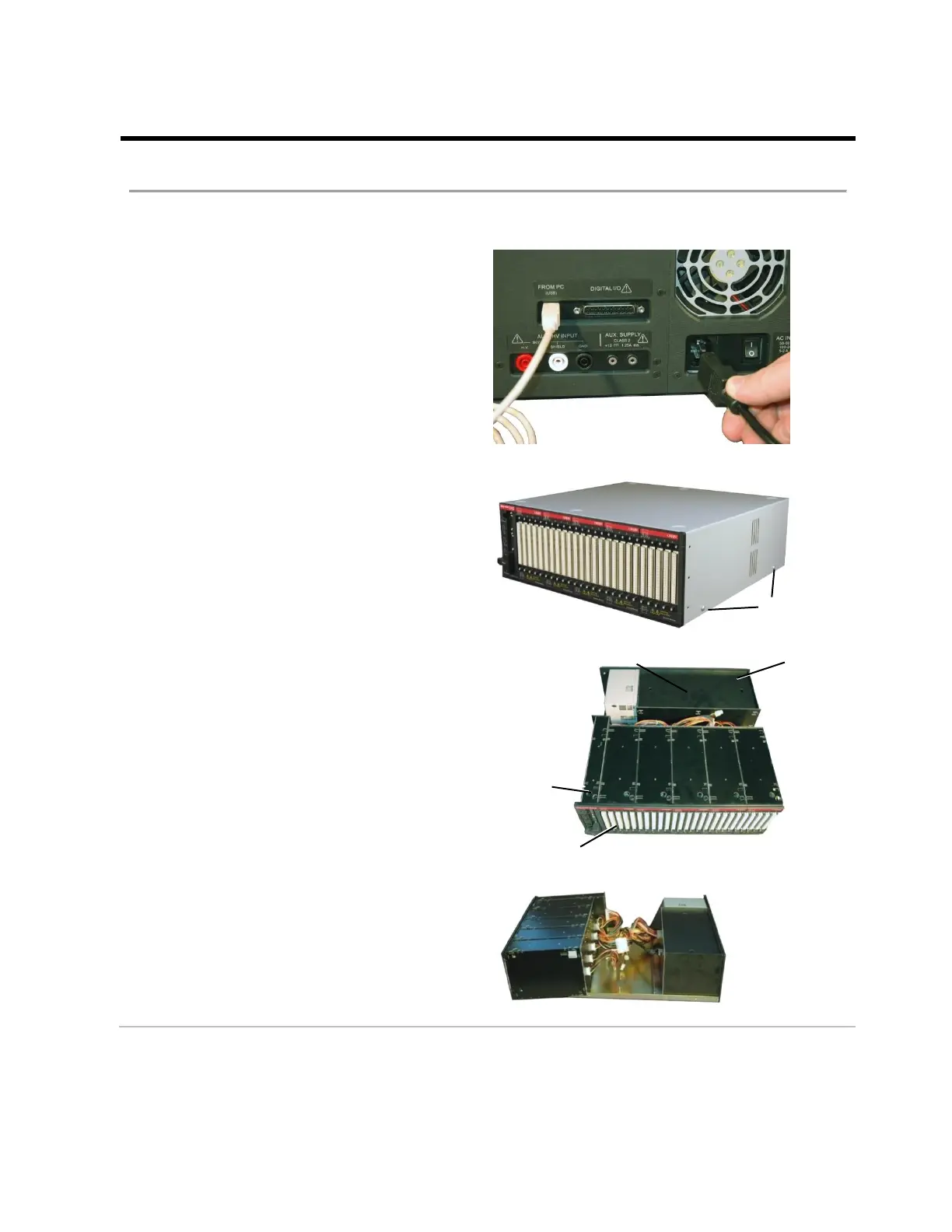
Accessing Scanner Modules
1. Disconnect all cables from the back
panel of the unit.
2. Remove the four screws (two on each
side) from the chassis. Lift the chassis
top straight up and off the unit.
Pictured here are the parts of the CH2
system. There is a Base Box Assembly
only in the Base Unit. However every unit
has a Power Supply, Node Module, and
one to five Scanner Modules.
3. Lift the scanner and node modules
partially out of the chassis to expose the
wiring.



 To Next Page