ESIGNO_SYSTEM_USER_MANUAL_101.DOCX 39/71
S
SS
SYSTEM
YSTEM YSTEM
YSTEM M
MM
MENU
ENUENU
ENU
(
((
(3
33
3)
))
)
TIP
TIPTIP
TIP
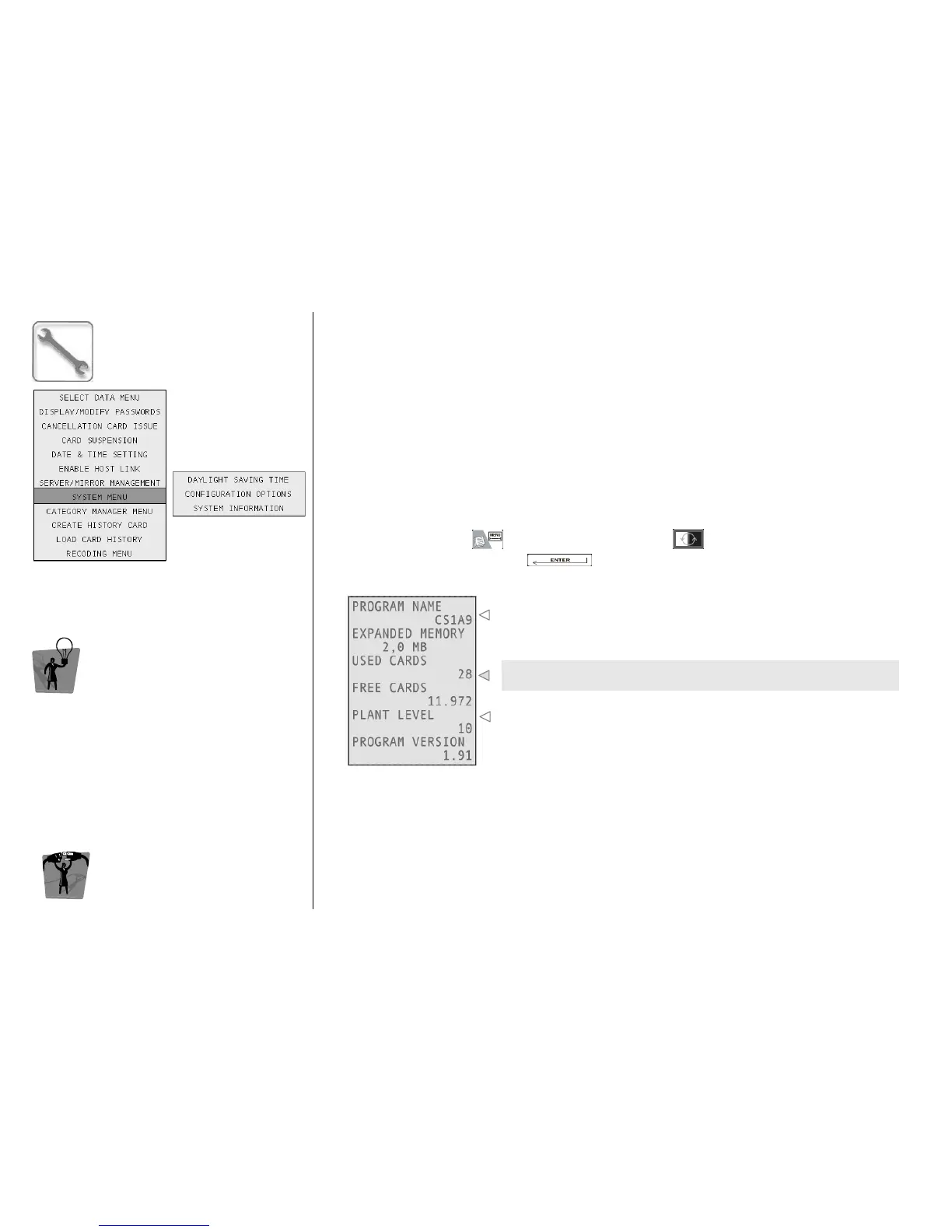
The System Information menu gives you
information about the encoding station
software version, memory size and cards
database occupation.
E
EE
ENCODER
NCODER NCODER
NCODER M
MM
MODE
ODE ODE
ODE
M
MM
MENU
ENUENU
ENU
S
SS
S
YSTEM
YSTEM YSTEM
YSTEM
I
II
I
NFORMATION
NFORMATIONNFORMATION
NFORMATION
To access this menu, press , navigate into the menu with and select System Menu and
then System Information by pressing .
Here you can see the name of the firmware installed on your
encoder; at the bottom, the program version is displayed.
This is the balance of used and free to use cards for your plant
(depends on the expanded memory of the encoder).
This value depends on the technology the plant is based on.



 To Next Page