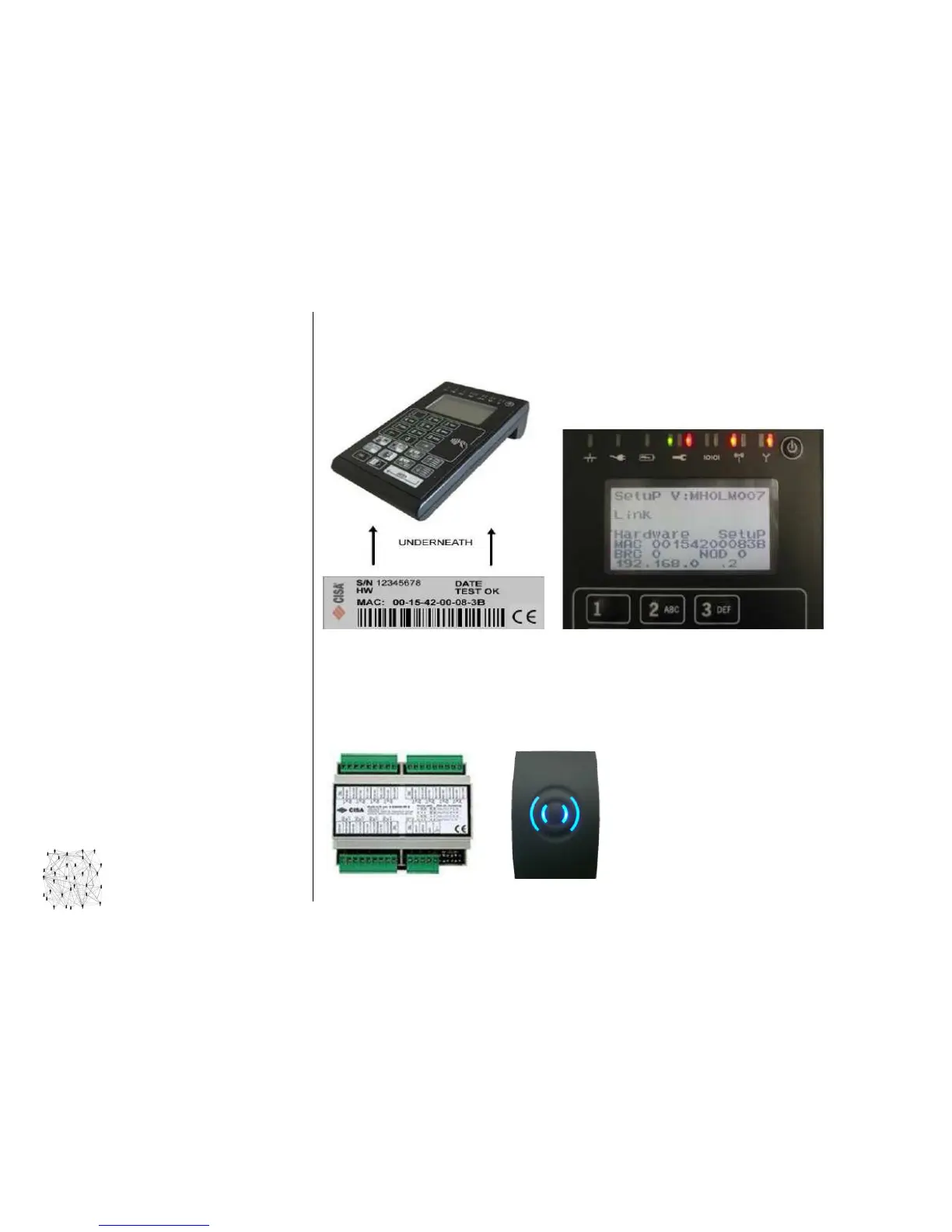
To get the MAC address
MAC address MAC address
MAC address of the eSIGNO Mobile, initiate the device in Hardware Setup mode: with the
unit powered off, hold any keypad button while pressing power on, until hardware information
shows up. The MAC address is also written on a label underneath the eSIGNO Mobile.
M
MM
M
ULTI
ULTI ULTI
ULTI
I
II
I
NPUT
NPUT NPUT
NPUT
O
OO
O
UTPUT
UTPUTUTPUT
UTPUT
The Multi I/O module allows to extend the capacity of the special access control unit, adding from a
minimum of 12 up to a maximum of 48 relays (connect together 4 Multi I/O to the same control unit).
They can be used for special applications in which is required the control of more than one relay (e.g.
lift control panel). The Multi I/O interface is connected to the control unit together with one or more
external special readers.



 To Next Page