IMPORTANT
Changing the default password to a strong password is an
extremely important step in preventing security breaches.
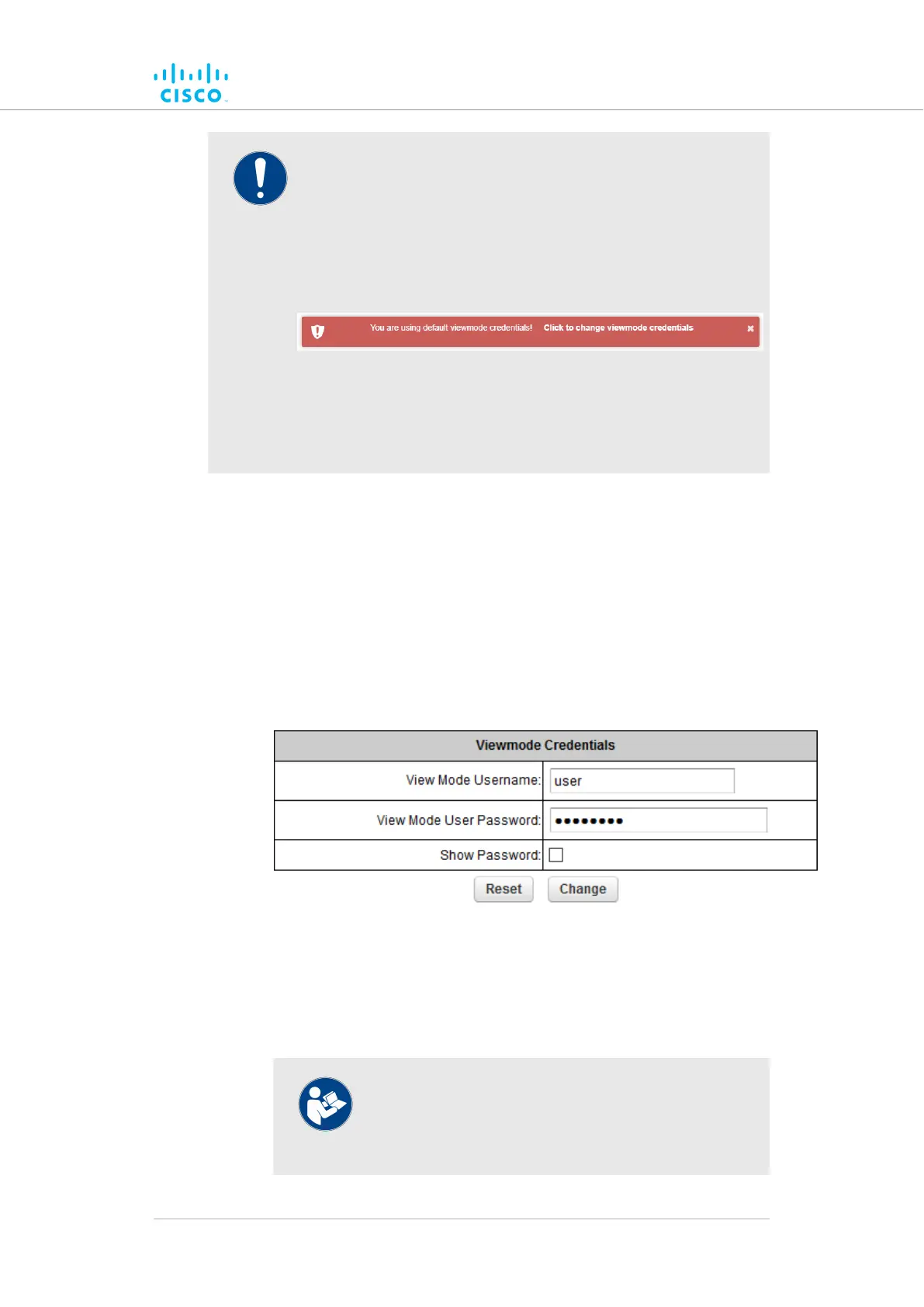
If you have logged into the configurator interface using default
login credentials, you will see a notification banner at the
bottom of the screen (Figure 53 (page 140)).
Figure 53. Default credentials notification banner
Click the banner to change the view mode credentials. You will
be taken to the VIEW MODE SETTINGS section.
To gain editing privileges for the View Mode settings window requires the
correct administrator user name and password. To change the
administrator user name and password for the current user, do the
following steps:
1. Click the -view mode settings link under MANAGEMENT
SETTINGS in the left-hand settings menu. VIEW MODE
SETTINGS
• The Viewmode Credentials section will be shown
(Figure 54 (page 140)).
Figure 54. VIEW MODE SETTINGS dialog (Viewmode
Credentials section)
2. Enter the new user name in the View Mode Username: field.
3. The default password is viewmode. Enter the new password in
the View Mode User Password: field.
NOTE
The new password must be a minimum of eight
characters, and include at least one capital letter and
one number.
Device configuration using the configurator interface
© 2021 Cisco and/or its affiliates. All rights reserved. Page 140 of 189



 To Next Page