ARES 506-606 - 02.2005 - GB
J.13
SETTING THE TRACK
The different tracks are obtained either by:
- Reverse the wheel disks.
- Swap over the wheels.
- Fitting the disc on the outside or inside of the connector bar.
- Sliding the wheel hub on the smooth shaft
TRACKING METHOD
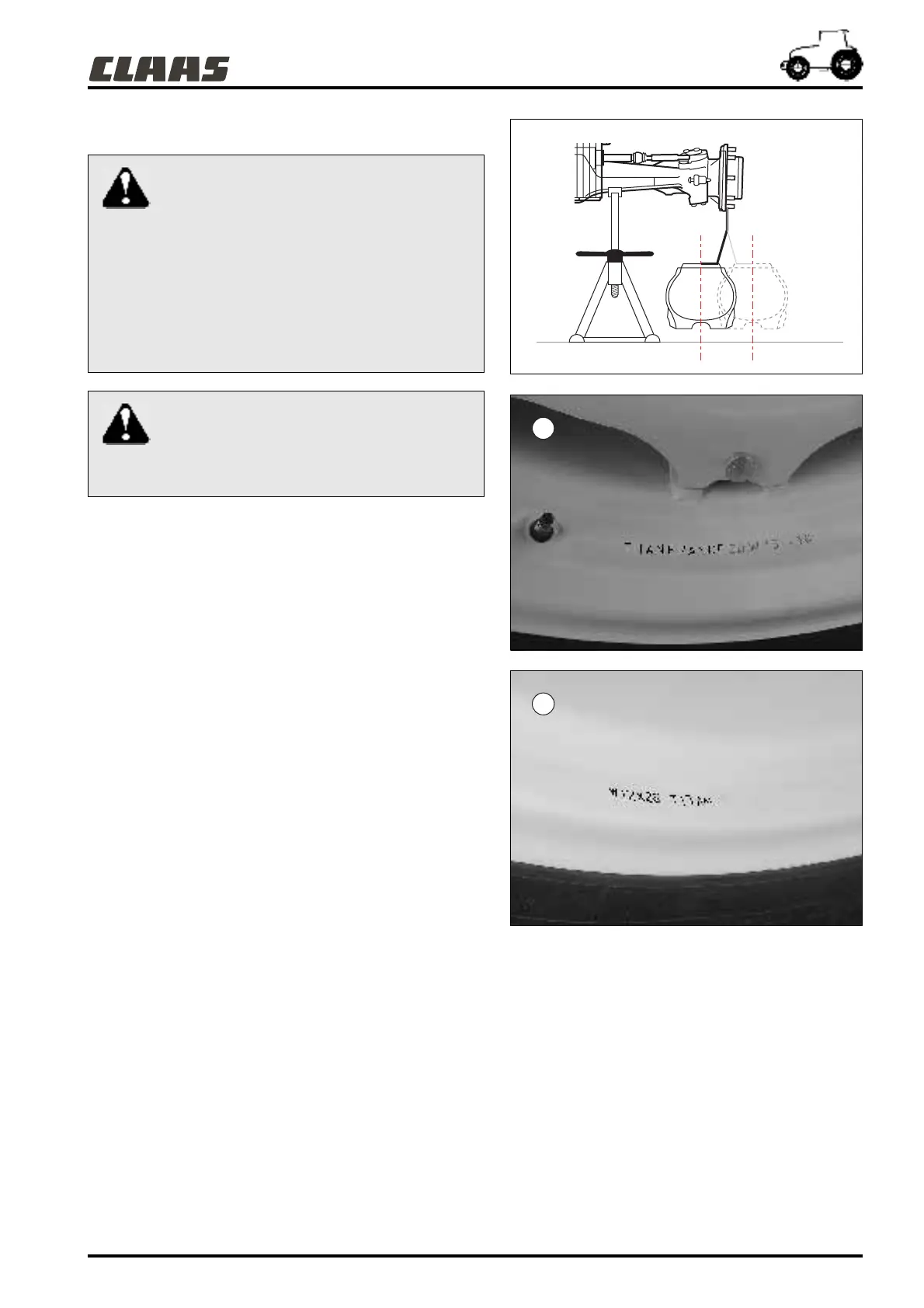
- Identify the type and make of the rim (1) or (2) (e.g. : W15-38
Titan France).
- Measure the track on the ground.
- Place the front or rear axle on stands.
- Remove the front or rear wheels.
- Position the wheel discs and rims to obtain the desired
working track (see table of tracks).
- Tighten the screws and nuts of the wheel disc on the rim.
- Tighten the wheel cover nuts on the wheel shaft.
For tightening torques, refer to chapter "L".
451hsn07
511hsn15
511hsn16
Use of axle stands
Carry out this operation on a smooth horizontal
and sufficiently firm surface.
Check the axle stands are suitable for the load.
For this operation, check the tractor's front and rear
weights in chapter "K".
4-wheel drive tractor: If the rear axle is on stands, do not
start the engine. (Otherwise the tractor could move). If
the engine has to be started, the front axle must also be
supported on axle stands.
When adjusting the track, take all the
necessary precautions while lifting the front
axle to avoid all risk of anyone being crushed.
After 10 hours operation, check the tightness of the
wheel attachment nuts (see chapter "L")
1
2



 To Next Page