C002332_02_CR3 User Manual - 37
Save Settings
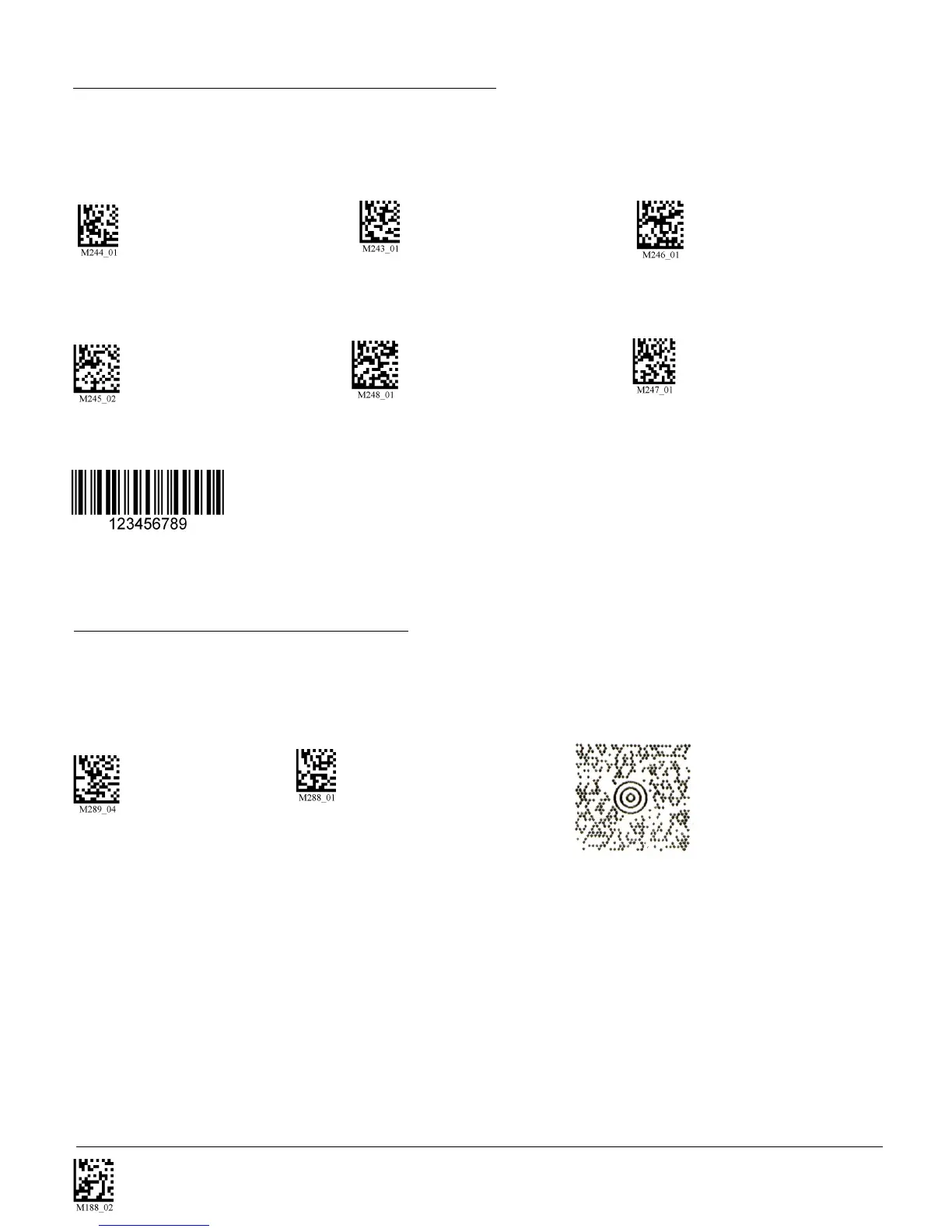
Scan the following codes to enable/disable Interleaved 2 of 5 symbology settings:
Int 2 of 5 On (Default) Int 2 of 5 Off Int 2 of 5 Two Digits On
Int 2 of 5 Two Digits Off Int 2 of 5 Four Digits On Int 2 of 5 Four Digits Off
Sample Int 2 of 5 Code
Scan the following codes to enable/disable Maxicode symbology settings:
Maxicode On Maxicode Off (Default) Sample Maxicode
3.13 - Maxicode Symbology
3.12 - Interleaved 2 of 5 Symbology



 To Next Page