C002332_02_CR3 User Manual - 50
Save Settings
5.2 - Set Targeting Zone Tolerances
50 Most Accurate 75 100 125
150 200 400 1600 (Default)
Least Accurate
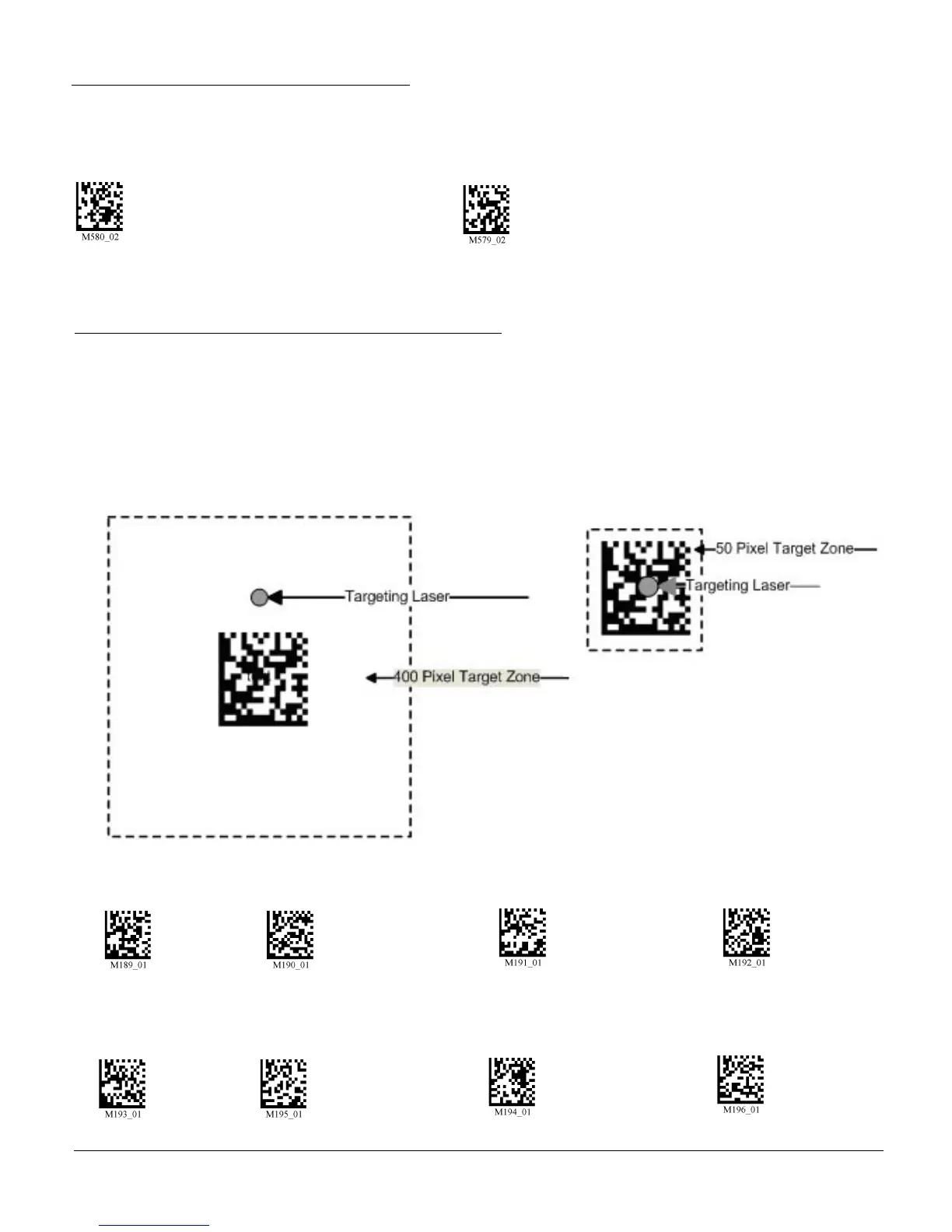
Targeting zone is the area around the outside of the code that is viewed by the imager. The values of each
of the following codes are the pixels extending from the outside of the edge of the symbol being scanned.
As the targeting zone becomes smaller the targeting laser must be more centered in the symbol being
scanned. Conversely, as the targeting area outside the code gets larger there is less precision needed with
the targeting laser. There is also a greater chance the imager will have more than one code in the field of
view. The symbol in focus, closest to the targeting laser will be decoded.
5.1 - Continous Illumination
Scan one of the following codes to have enable continous LED illumination.
Enable Continous Illumination Disable Continous Illumination (Default)
Note: Code recommends only using this feature wih cabled units due to increased power consumption.



 To Next Page