C002332_02_CR3 User Manual - 53
Save Settings
5.4 - VGA & Megapixel Settings
User’s may optimize the CR3 unit’s megapixel (SXGA) imager (1280 x 1024) to a VGA (640 x 480). This
feature is used to decrease the pixel sampling area, which will greatly increase processing speed. This is
an advanced feature used for the rapid decoding of 1-dimensional/linear codes and larger module size 2-
dimensional codes. Code recommends testing this feature, as it will not work with many high density codes.
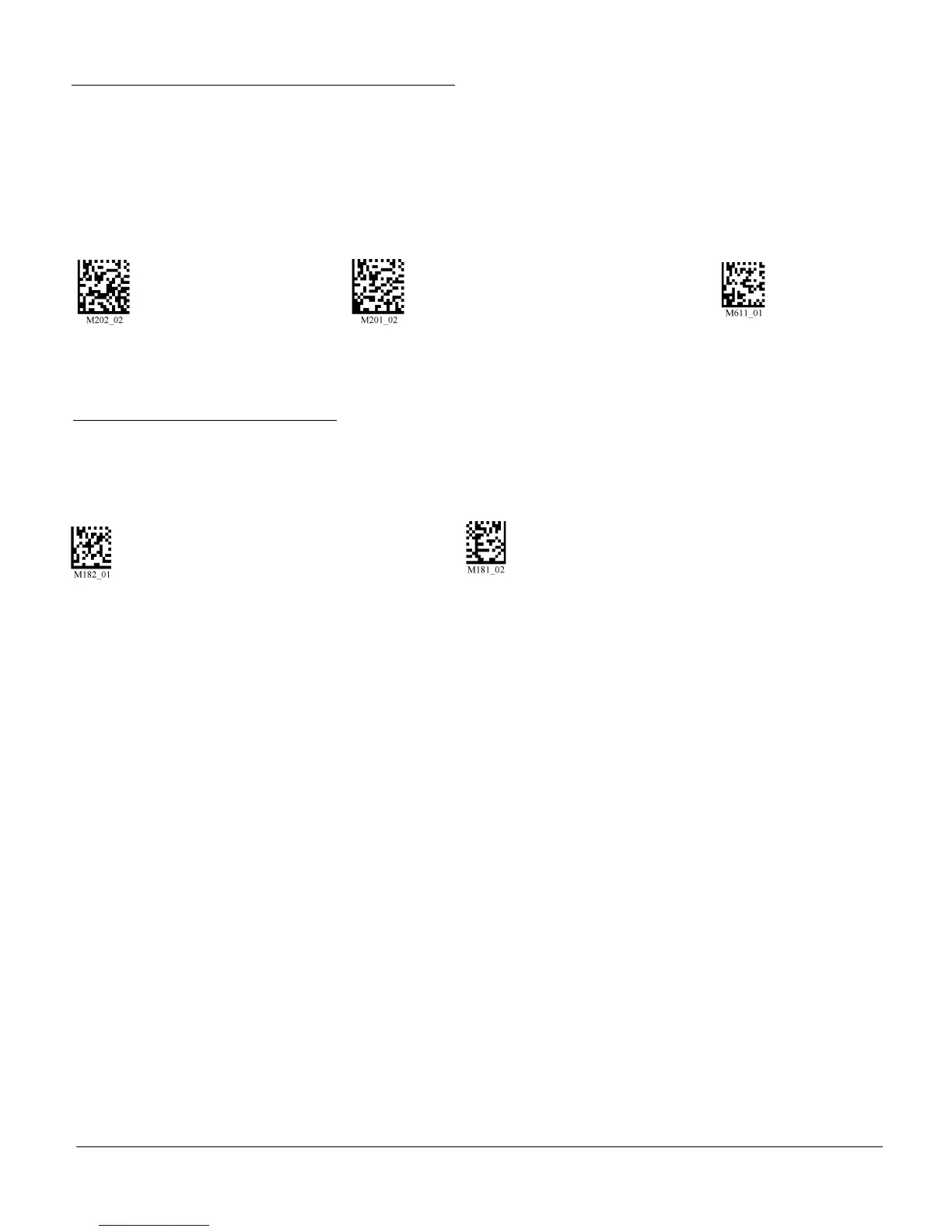
Enable VGA - 640 x 480 Enable SXGA - 1280 x 1024 Enable DOT (Default)
5.5 - Mirror Decoding
Scan the following codes to enable/disable the mirroring feature:
On Off (Default)
Note: The Mirroring feature allows the CR3 to read codes as they are seen through a mirror (inversed
180°). If the Mirroring feature is enabled, all other code reading ability will be disabled.



 To Next Page