C002332_02_CR3 User Manual - 4
Save Settings
1.4 - Keypad/Icon Overview
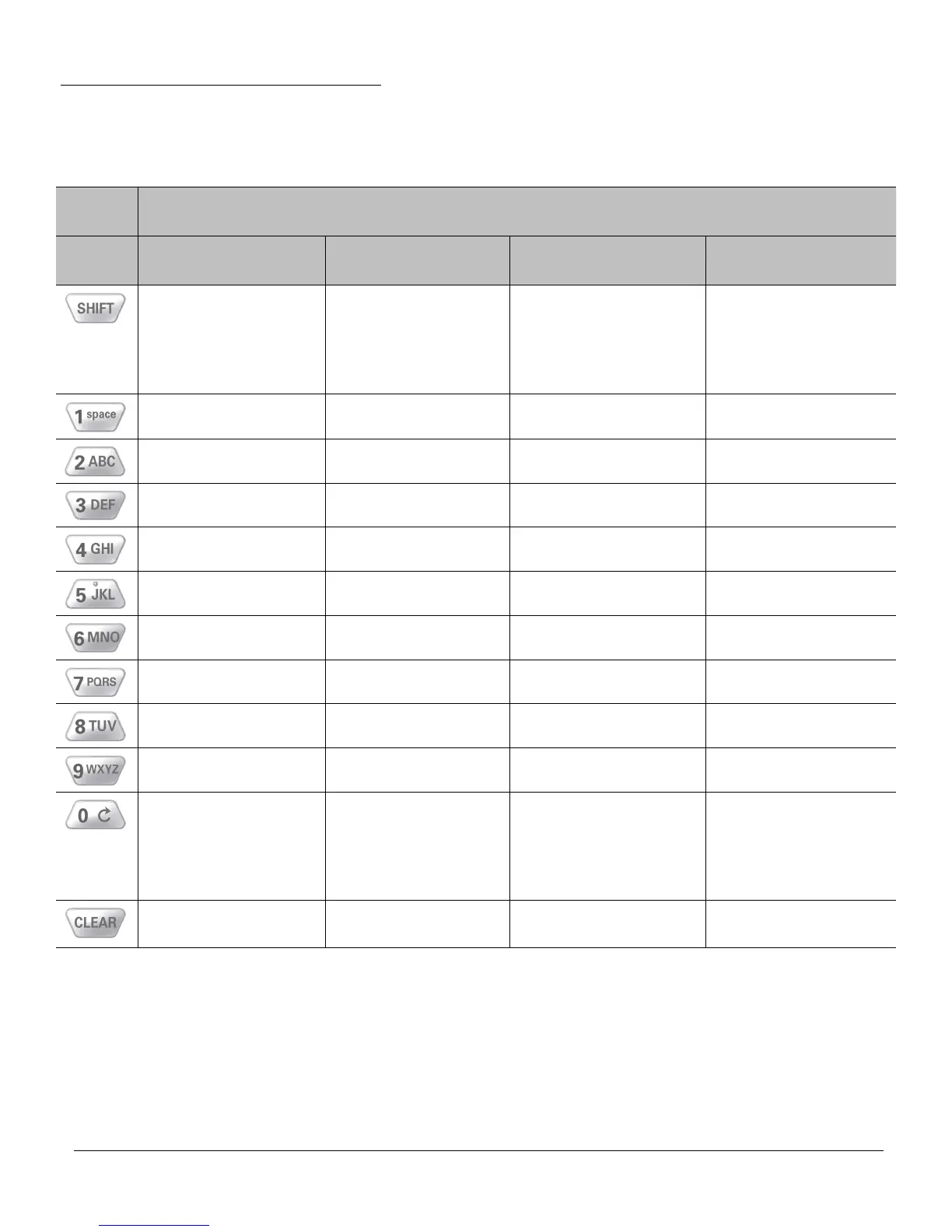
The chart below shows key/button functions.
Description of Button Function
Key Numeric Mode Upper Case Text
Mode
Lower Case Text
Mode
Symbol Mode
Toggles between
numeric characters,
upper case text, lower
case text, and symbol
character input
Toggles between
numeric characters,
upper case text, lower
case text, and symbol
character input
Toggles between
numeric characters,
upper case text, lower
case text, and symbol
character input
Toggles between
numeric characters,
upper case text, lower
case text, and symbol
character input
1 Space, 1 Space, 1 Space ‘ ; (
2 A, B, C, 2 a, b, c, 2 . “ \ )
3 D, E, F, 3 d, e, f, 3 @ + < ^
4 G, H, I, 4 g, h, i, 4 ? = > Space
5 J, K, L, 5 j, k, l, 5 ! / { Space
6 M, N, O, 6 m, n, o, 6 - $ } Space
7 P, Q, R, S, 7 p, q, r, s, 7 , * [ Space
8 T, U, V, 8 t, u, v, 8 & # ] Space
9 W, X, Y, Z, 9 w, x, y, z, 9 : % _ Space
0 0 0 Toggles between
4 sets of symbols
– when pressed,
each symbol set is
displayed
Backspace and clear
messages
Backspace and clear
messages
Backspace and clear
messages
Backspace and clear
messages



 To Next Page