C002332_02_CR3 User Manual - 6
Save Settings
1.5 - Batch Operation
1.5.1 - Introduction
Batch data storage and data transfer are controlled by the resident JavaScript application on your CR3
reader. Please consult the manual for the application on your CR3 for instructions on how to control data
storage and transfer.
1.5.2 - RS232 Considerations
In RS232 Cabled - No Power mode, the CR3 will behave as if it is always connected even though the
serial cable is disconnected or the power adapter is unplugged. Scanned data will be sent, regardless of
connection status. Data scanned in Cabled mode will be lost if the CR3 is not connected to the serial cable.
It will not buffer the data, unless Send & Store mode has been enabled.
In RS232 Cabled mode, the CR3 will detect if it is connected to a powered serial cable, and will send the
data. If a powered serial cable is not connected or if the power adapter is not connected to the serial cable,
the CR3 will buffer the data. When the CR3 is then connected to a powered serial cable, the data will
automatically upload.
Important Note: If you are in RS232 Cabled mode, when you place a unit in a charger the reader will
behave as it is being cabled, and download the data. THE DATA WILL BE ERASED FROM MEMORY. To
disable this feature, scan the RS232 Cabled - No Power code.
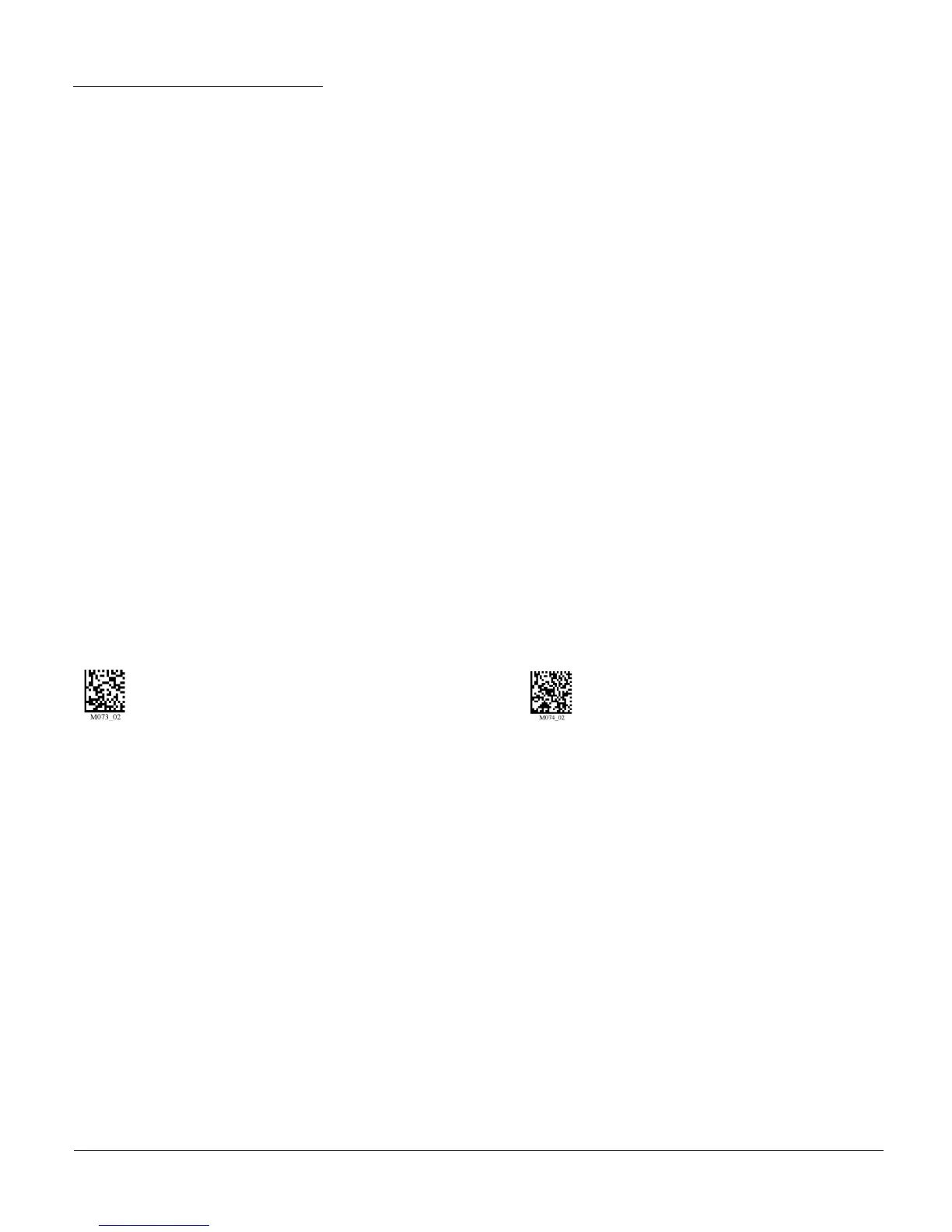
RS232 Cabled (Default) RS232 Cabled - No Power



 To Next Page