C002332_02_CR3 User Manual - 47
Save Settings
To find out the Reader ID and firmware version, open a text editor program (i.e. Notepad, Microsoft
Word...) and read the following code:
Note: For units with a Bluetooth Radio, the Reader ID is also your Bluetooth Radio PIN #.
Reader ID and Firmware
You will get a text string with your firmware version and CR3 ID number (see below):
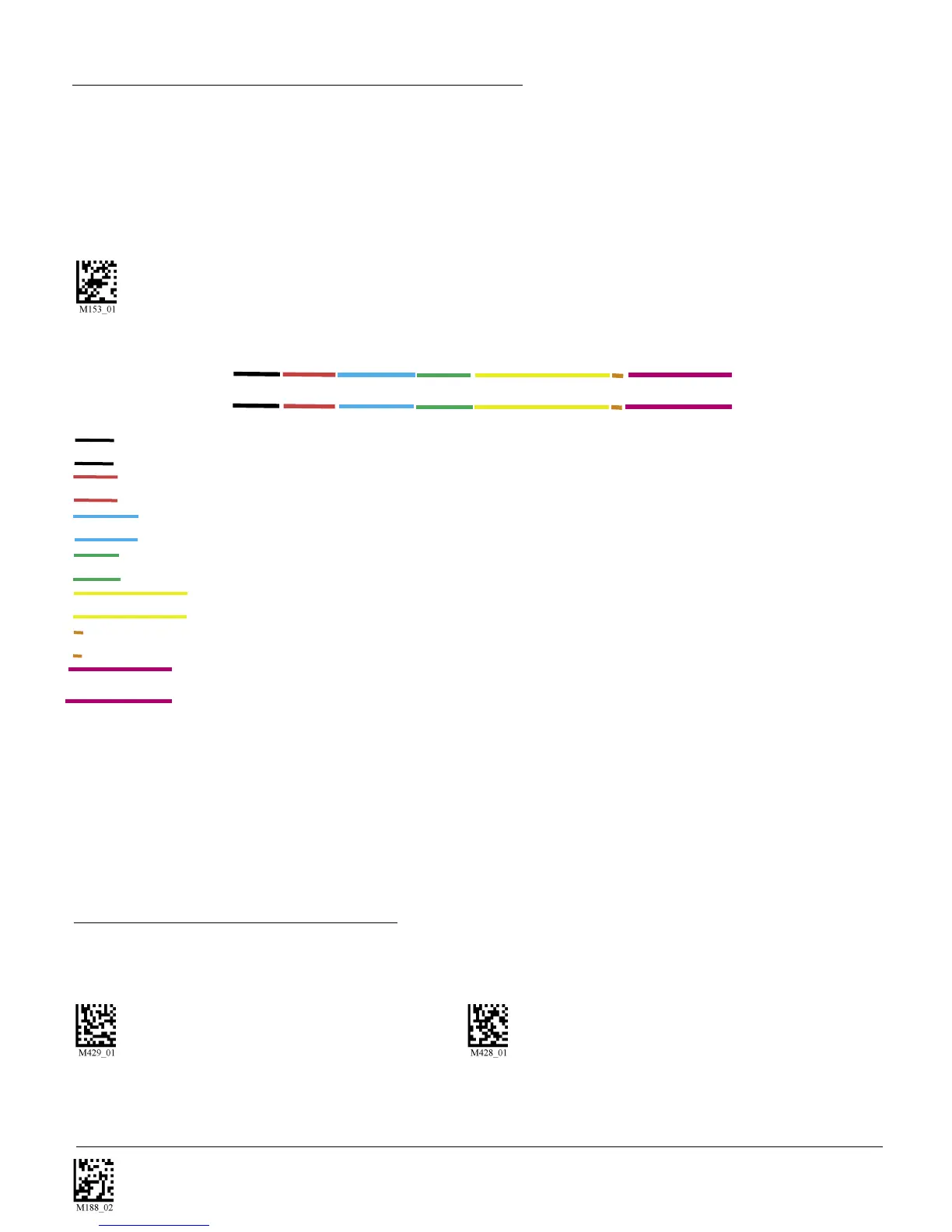
Xap/iVVVVWWWWXXXXSSSSSSSSSSPXXX-XX+XX
Xap/i - Code Internal ID (not applicable)
VVVV is the application firmware version number
WWWW is the bootloader firmware version number
XXXX is the radio firmware version number
SSSSSSSSSS Reader’s serial number (ten digits)
P is “A” if running firmware is the application, “B” if bootLoader
XXX-XX+XX - Internal ID (not applicable)
Example:
Xap/i3000201206000010002363A06D-SD+SQ
Note: Code will periodically release new firmware for CR3 units. For information on latest firmware
versions, call Code at (801) 495-2200. To upgrade the firmware please visit Code website at http://www.
codecorp.com/support/downloads.htm and follow instructions.
4.7 - Reader ID and Firmware Version
4.8 - Reader Settings Lock
To lock or unlock the current settings on your reader please scan the codes below:
Reader Settings Locked Reader Settings Unlocked
PLEASE NOTE: Prefix and Suffix programming codes, memory transfer and delete commands, “Clear
All CodeXML Rules” and “Suffix -Erase/None”commands are not locked by this feature.



 To Next Page