C002332_02_CR3 User Manual - 3
Save Settings
1.2 - Unpacking
1.3 - Powering On/Off Reader
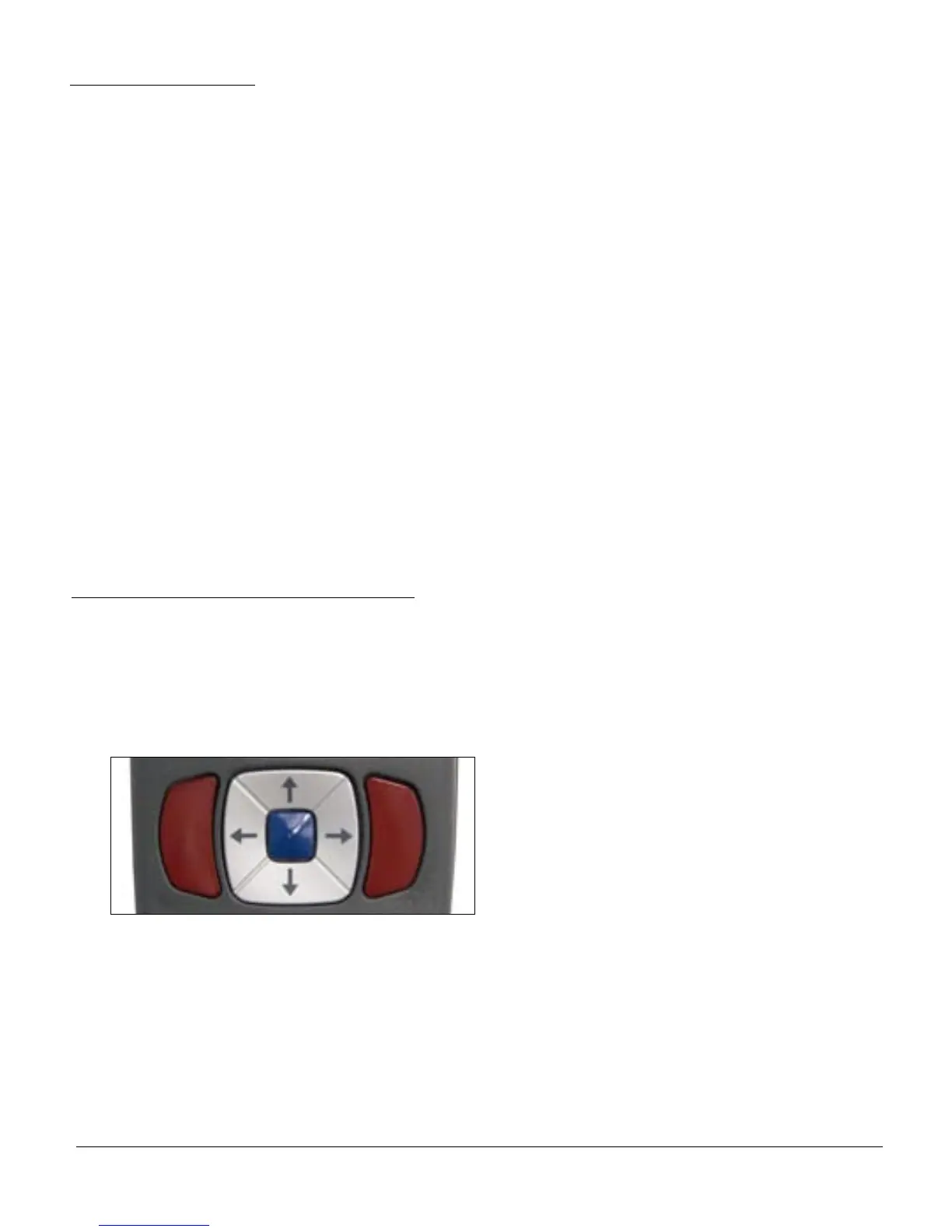
Figure 1.1
Remove the imager from its packing and inspect it for damage. If the scanner was damaged during
shipping, please call Code at (801) 495-2200.
The standard CR3 unit is shipped with a USB cable interface. The unit also features a 1950 mAH battery
that must be installed in the unit at all times.
Various accessories are available for the CR3.
• 3 cable options (USB, RS232 or PS/2)
• Class 1 Bluetooth radio with 300 foot operating range
• Clip-on pistol grip handle
• External battery charger
• CodeXML Bluetooth modem
Please keep your packing materials. The CR3 is shipped in an approved shipping container and should be
used if you ever need to return your equipment for servicing.
To power up the reader, press and hold (for 1 second) any of the red trigger buttons (Figure 1.1).
The reader will power down after 2 hours of non-use. To change the default settings, please see Section
4.7 - Reader Sleep/Time Out settings.



 To Next Page