C002332_02_CR3 User Manual - 52
Save Settings
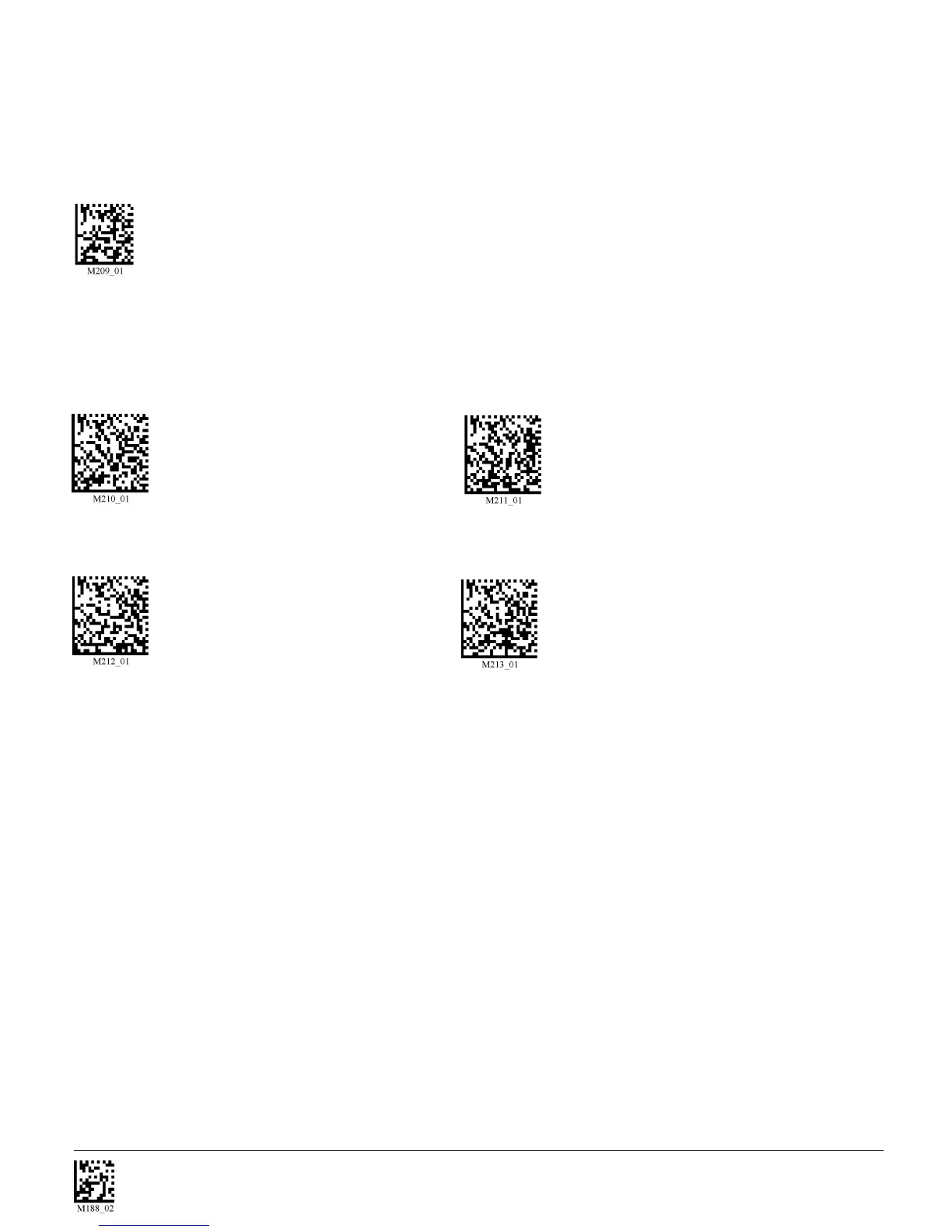
1-Dimensional Codes ONLY (200 x 1024 pixels)
Caution: It may be more difficult to read other codes while in this setting. You must have the
reader farther away than normal.
Small 2-Dimensional Codes (480 x 480 pixels) Medium 2-Dimensional Codes (512 x 512 pixels)
Large 2-Dimensional Codes (640 x 640 pixels) Reset to Factory Default Setting (640 x 1024 pixels)
Users may optimize the units decode zone if their application only requires one barcode format. If the
size and density of the barcodes to be scanned are consistent, please select the setting below that best
describes your environment (ONLY FOR SXGA MODE).



 To Next Page