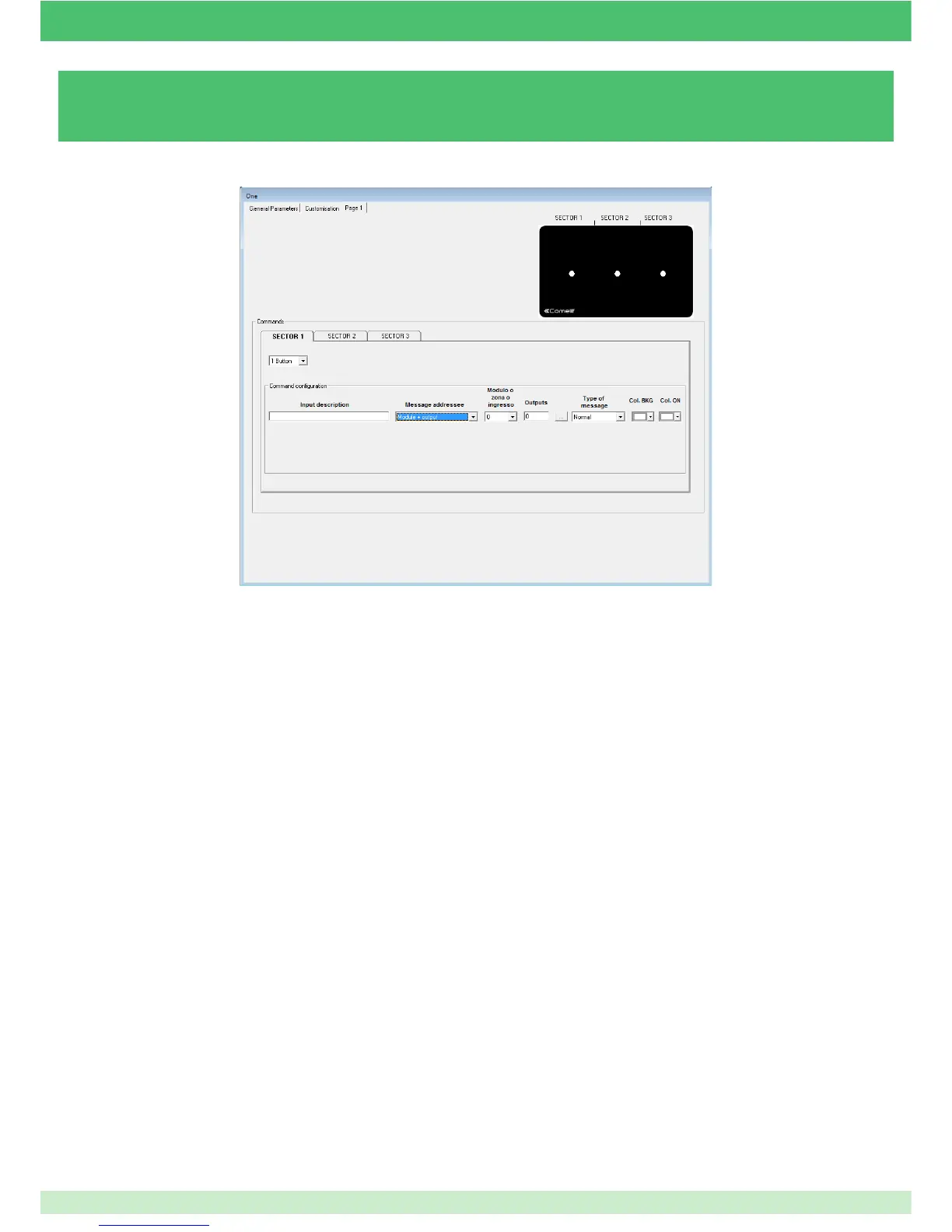
3.6.4 - CONFIGURING ONE/E MODULE SCREENS
3.6.4.1 - AUTOMATION MANAGEMENT
COMMANDS: this drop-down menu can be used to specify what is to be shown on the display: a button or arrows (sector 2 only).
COMMAND CONFIGURATION: this menu changes depending on the number of buttons or arrows selected in the previous step.
MODULE + OUTPUT: the module + output function is used to control one or more module outputs. When this option is selected,
you must enter the number of the module and output(s) you wish to control.
ZONE: the function enables control of several outputs on different modules. This setting is used to send a command which
switches off all the lights in an apartment or lowers all the shutters, etc... To do this, the outputs must be assigned to the same
zone or group on the output settings screen.
For example, if you want to control all the lights, one zone (for example ZONE 5) must be assigned to all the outputs connected
to the lights, and then an input set as "Zone" in the message addressee fi eld, entering zone number 5.
MESSAGE ADDRESSEE
INPUT DESCRIPTION
Field used to enter a short description of the function or the module managed by the button/arrow.
105



 To Next Page