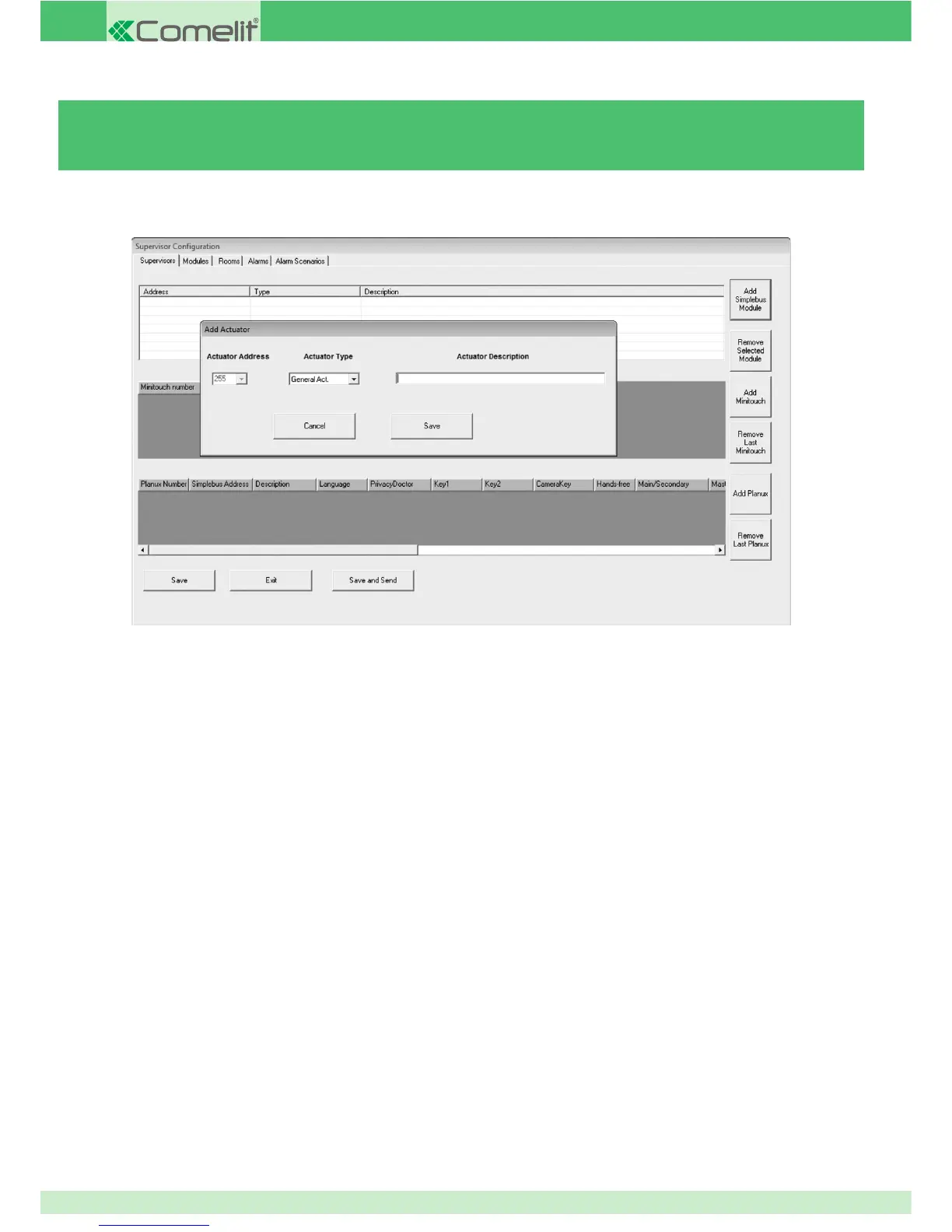
3.5.2 - ADDING / REMOVING SIMPLEBUS MODULES
To add a module (e.g. Art. 1256, Art. 1259):
1. Press Add Simplebus module.
2. Select the type of module you wish to add (an actuator, for example).
3. Set the module address (e.g. 3).
4. Enter a description of the module.
5. Press Save to confi rm.
To remove a module:
6. Select the desired module.
7. Press Remove Selected Module.
80



 To Next Page