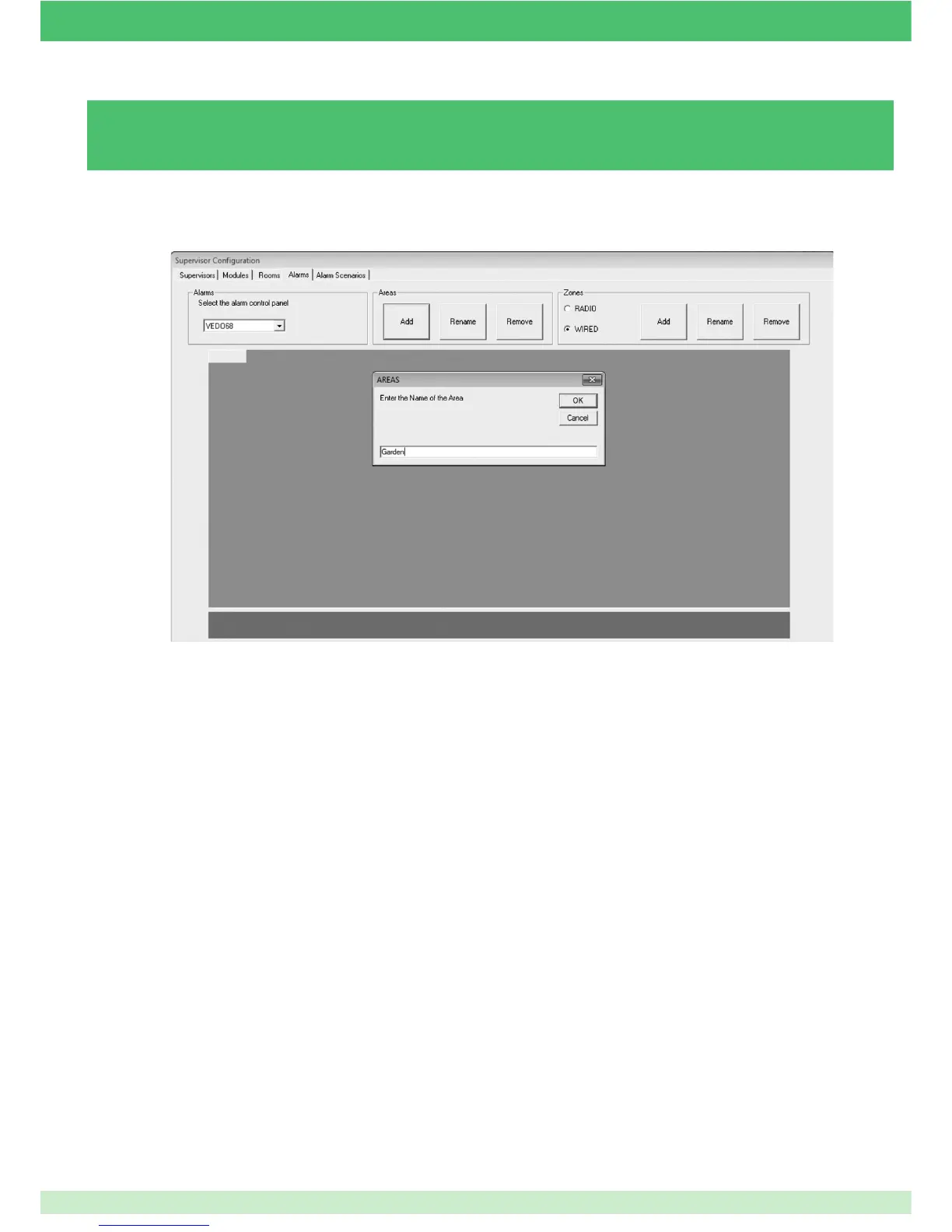
3.5.6 - ADDING / REMOVING ALARM AREAS
To add an alarm area:
1. Select the alarm control panel (e.g. Vedo68).
2. Press Add in the Areas section.
3. Enter the name you wish to assign to the area.
4. Press OK to confi rm.
To remove an area:
} Press Remove in the Areas section.
» The last area entered will be removed.
85



 To Next Page