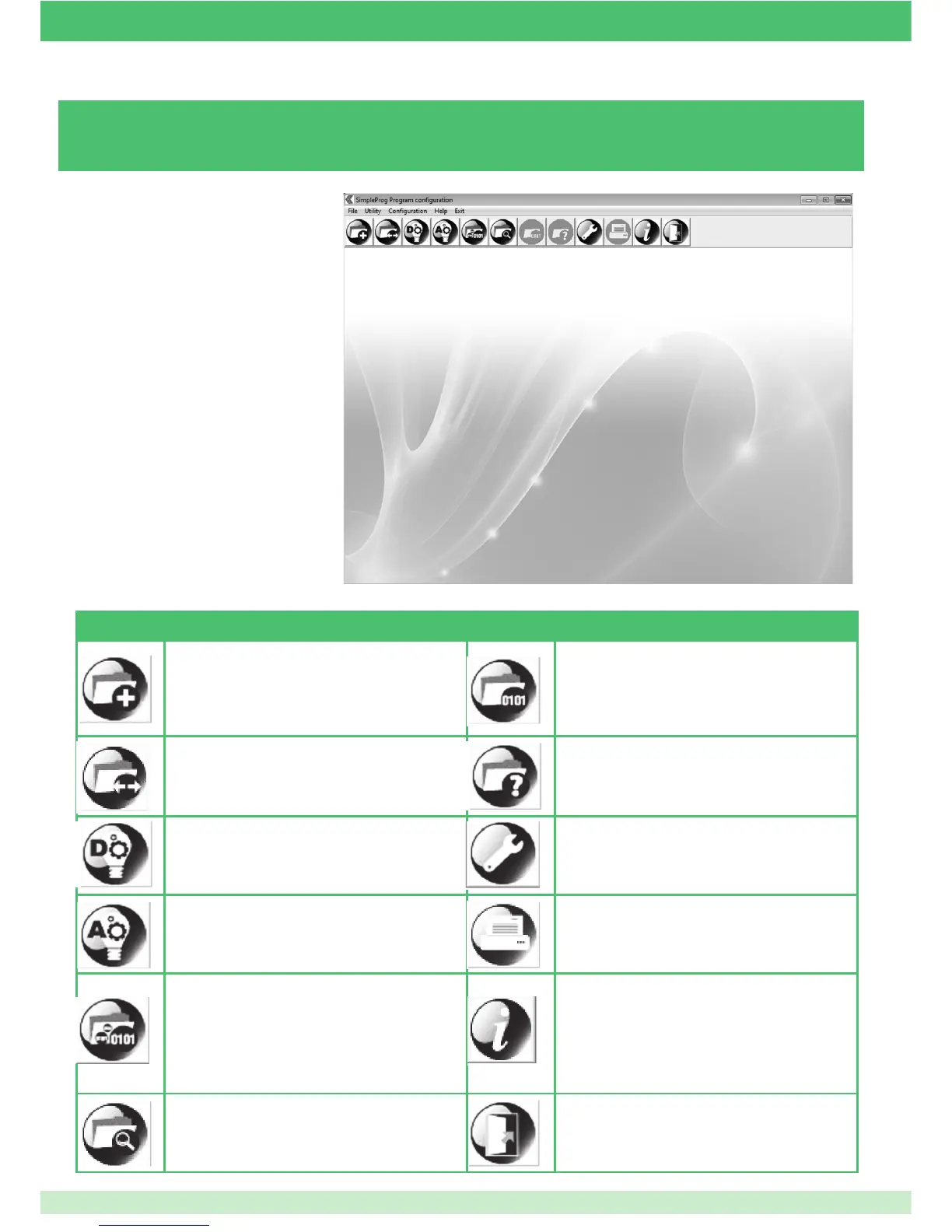
3.2 - THE MAIN SCREEN
Once the program has started, you will see
the following main screen:
AVAILABLE COMMANDS
NEW INSTALLATION: allows creation of a new
system by entering basic information.
PROGRAM MODULES: once con guration has
taken place via PC and the SIMPLEHOME/RS232
converter connected to the home automation bus,
allows transferral of this con guration to all system
modules. N.B. = the modules must already have been
con gured with their serial number.
OPEN INSTALLATION: loads a previously saved
system so that it can be modi ed or printed.
QUERY MODULES: once the system has been
con gured and connected to the PC via the
SIMPLEHOME/RS232 interface, this can be used to
load the current system con guration so that it can
be modi ed.
DIGITAL MODULE TEST: once the system has
been con gured and connected to the PC via the
SIMPLEHOME/RS232 interface, this can be used to
test individual devices with digital inputs/outputs.
CONFIGURE: allows setting of the parameters
required for correct software operation.
ANALOGUE MODULE TEST: once the system has
been con gured and connected to the PC via the
SIMPLEHOME/RS232 interface, this can be used to
test individual devices with analogue inputs/outputs.
PRINT: used to print a hard copy of the con guration
created/stored on the PC or loaded using the “QUERY
MODULES” command.
PROGRAM SERIAL NUMBER: once the system has
been con gured and connected to the PC via the
SIMPLEHOME/RS232 interface, this can be used to
change the serial number of an individual device (if the
module is new, the default serial number is 1).
INFO: provides information on the software version
installed.
SEARCH MODULES: once the system has been
con gured and connected to the PC via the interface,
this can be used to list the modules present in the
system and their main features.
EXIT: exits the program immediately.
51



 To Next Page