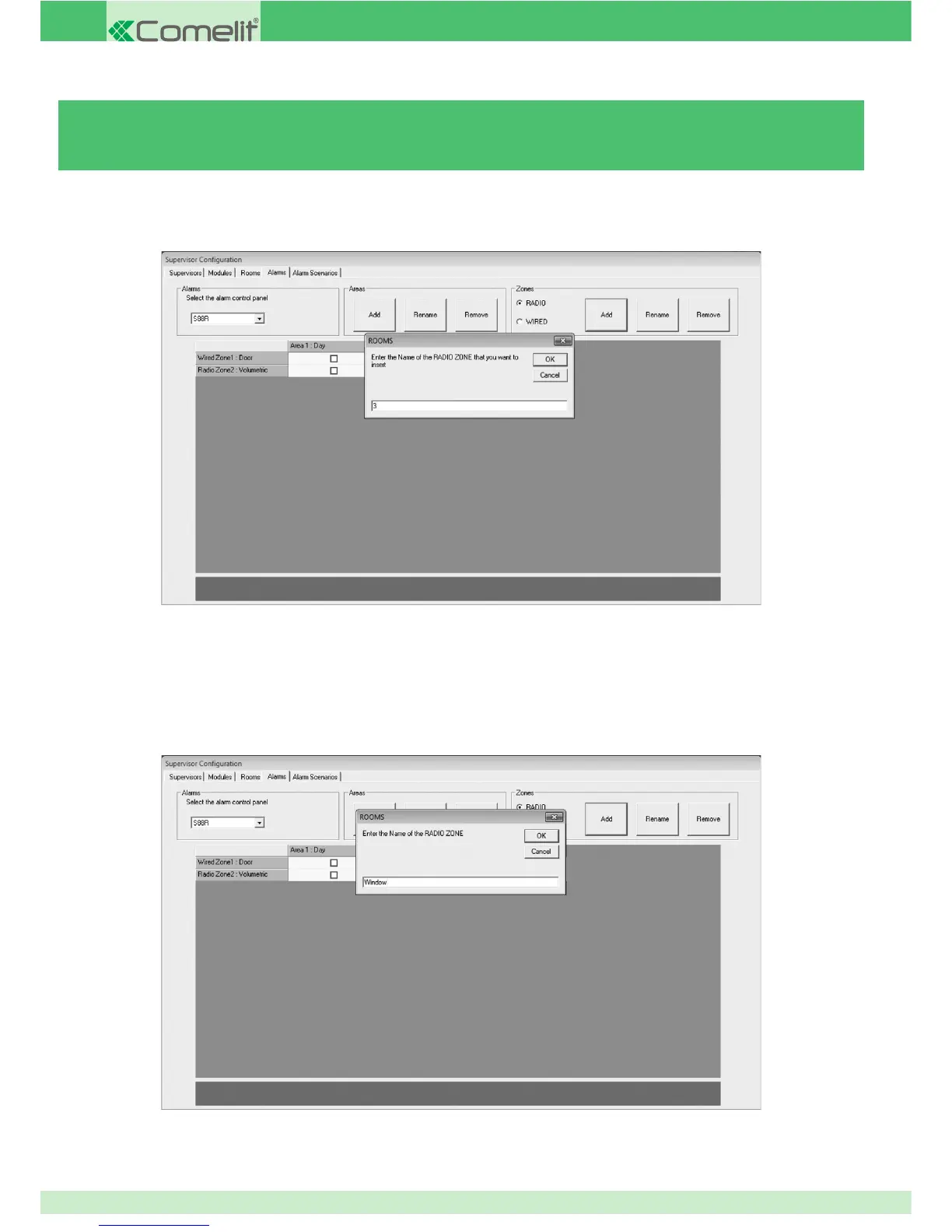
3.5.7 - ADDING / REMOVING ALARM ZONES
To add an alarm zone:
1. Select the type of zone you wish to add (Radio or Wired).
2. Press Add in the Zones section.
3. Enter the number in line with the wiring to the alarm control unit.
N.B. With the VEDO control unit, the zone number does not correspond to the control unit input number but to the ID
index representing the zone on the SafeManager device
4. Press OK to confi rm.
5. Enter the name you wish to assign to the zone.
6. Press OK to confi rm.
86



 To Next Page