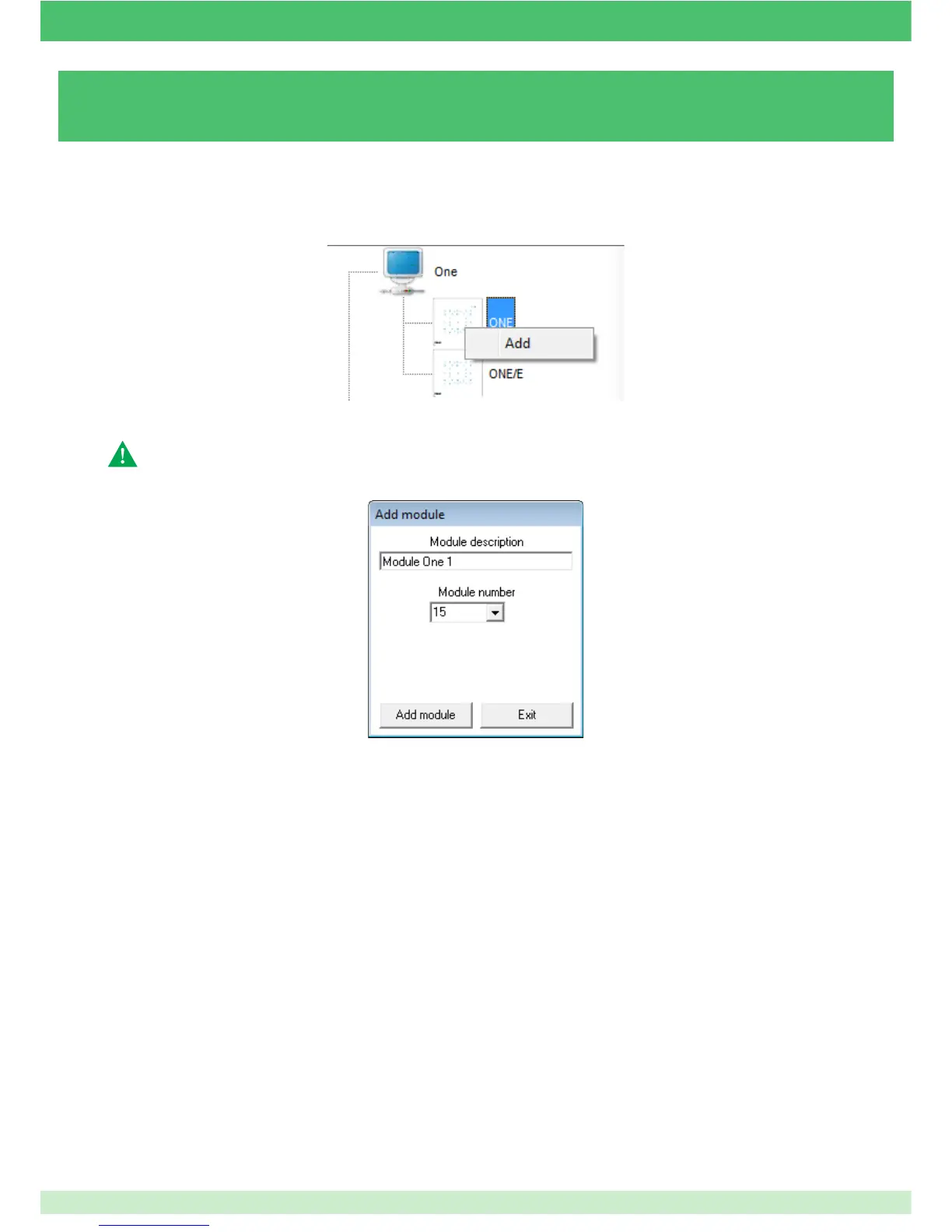
3.6 - ADDING A ONE - ONE/E MODULE
Caution: the entire system must have been confi gured before programming the One module.
4. Enter a short description of the module.
5. Enter the serial number in the "Module number" eld.
The serial number should match the number set using the dip switch on the module (see One technical manual).
6. Click on Add module.
1. Open the le corresponding to the desired system.
2. Right-click on the One icon.
3. Left-click on the Add button.
97



 To Next Page