6th edition 09/2013 code 2G40000964
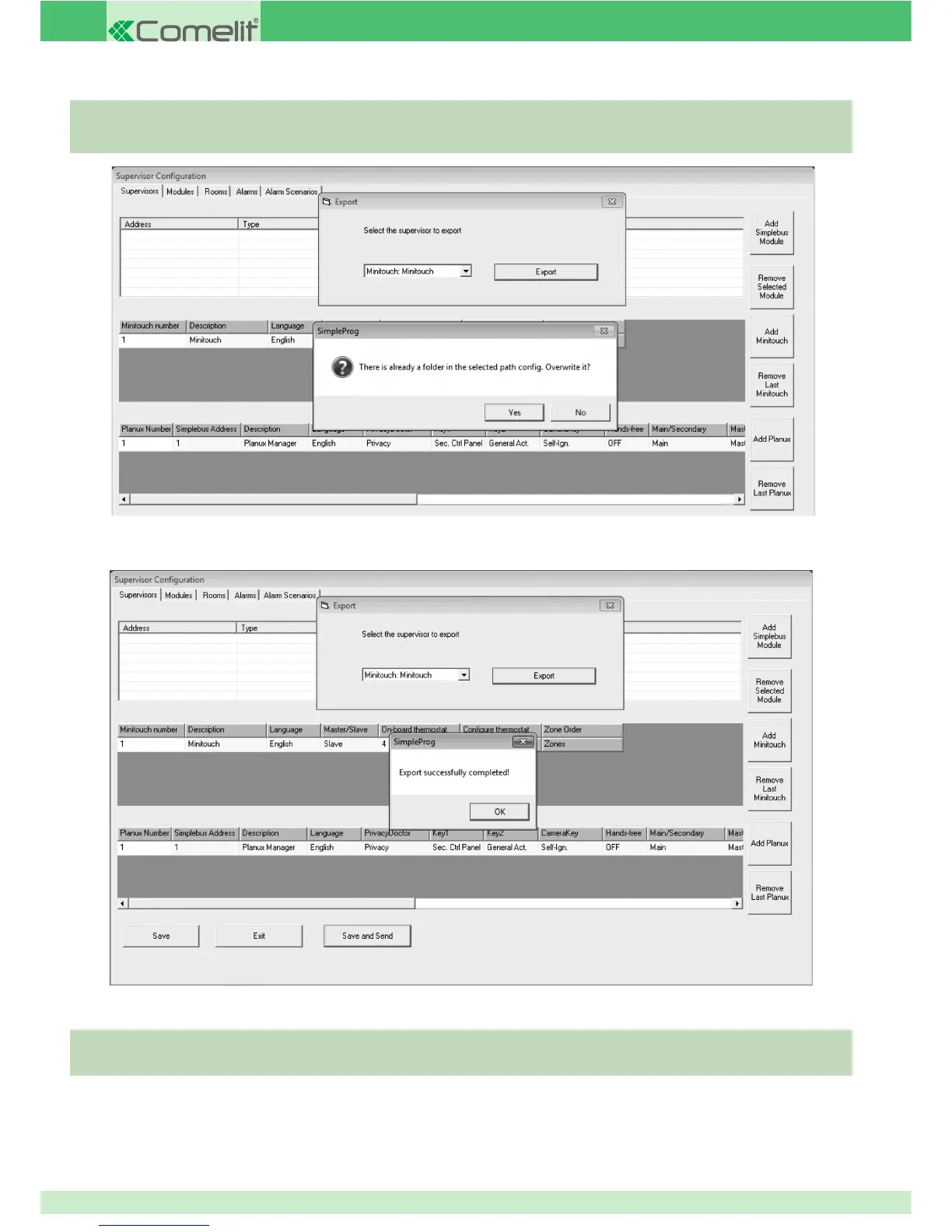
» The text "Export successfully completed!" will appear.
If the SD card has not been selected as the export directory:
1. copy the confi g folder created
2. paste it into the root directory on the card.
1. Press OK.
2. Carry out a Reset Confi guration or Update Confi guration process on the Planux Manager / Minitouch monitor (see Planux
Manager manual, page 52) to apply the settings.
If there is already a folder called confi g in the selected directory:
A Overwrite the existing folder
B Repeat the export procedure, selecting a different directory.
Caution: if the reset confi guration or total reset option is selected, the timer, scenario and key confi gurations will be reset
and will need to be created once again.
96



 To Next Page