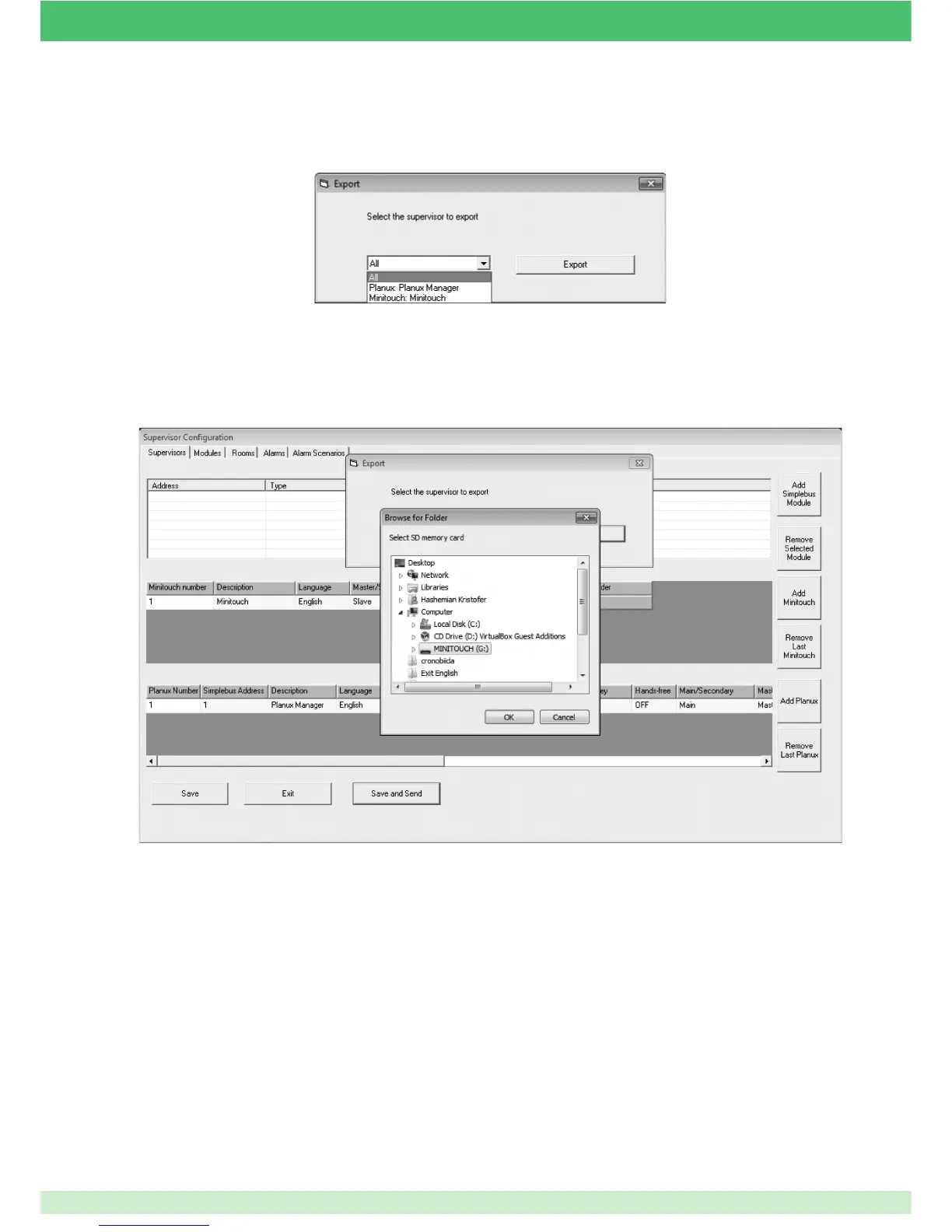
The following example illustrates how to export the confi guration directly onto the Planux Manager monitor SD card. The confi guration
can be saved wherever you like and the fi les manually copied to the SD card afterwards. The export procedure produces a folder
called "confi g", which must be copied and pasted in the root directory of the SD card.
3. Select which confi guration to export.
4. Press Export.
For example, only from one of the Planux Manager or Minitouch devices in the system.
5. Select the export directory (for example, the SD or MiniSD card inserted in supervisors).
6. Press OK.
95



 To Next Page