3 - SIMPLEPROG, THE SIMPLEHOME SYSTEM CONFIGURATION SOFTWARE
As mentioned several times in this manual, the entire SIMPLEHOME system must be con gured using a PC and the SIMPLEPROG software in
order to work. Below is a short guide to using the software, bearing in mind that in each programming phase, SIMPLEPROG always displays the
necessary information and a short description of the available functions on the screen.
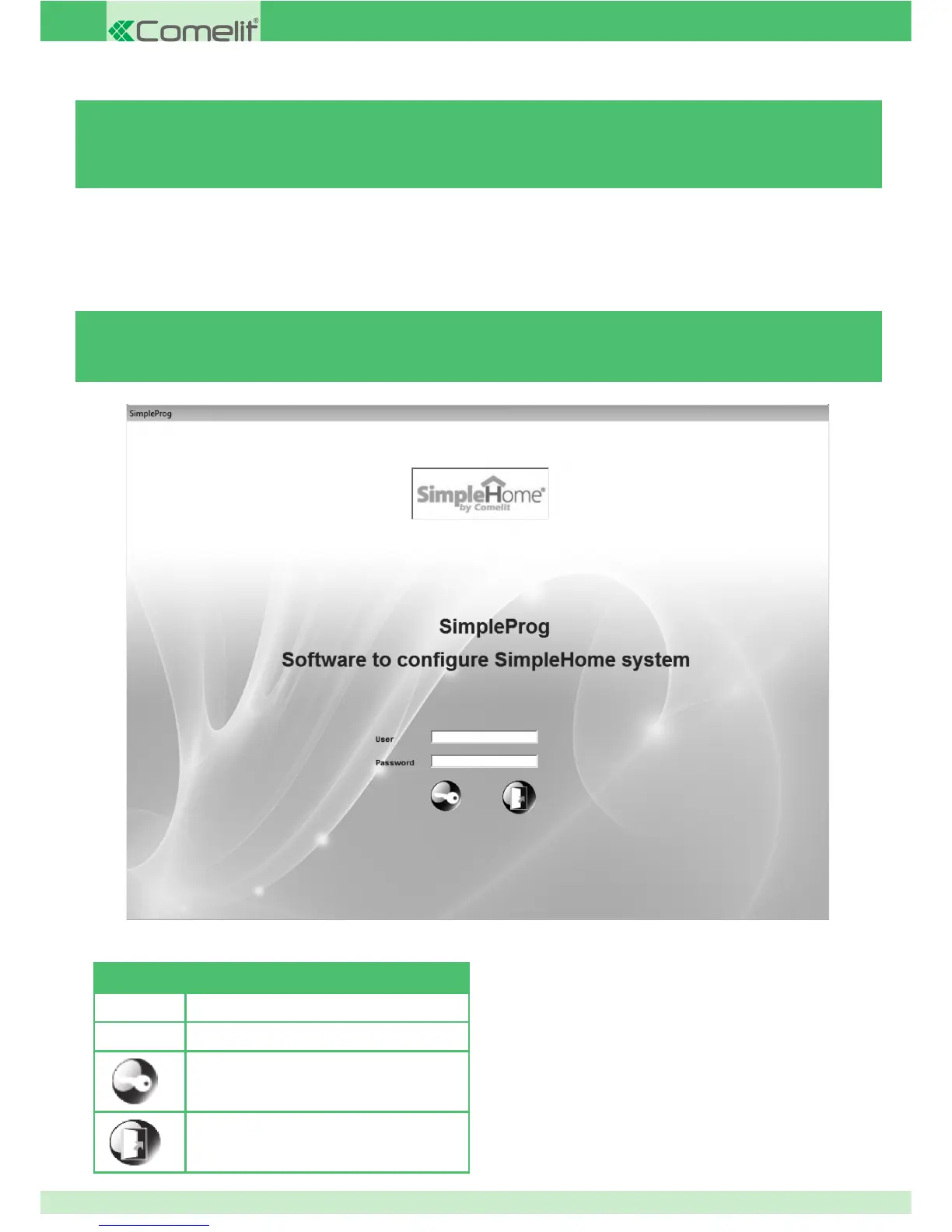
3.1 - ENTERING A USERNAME AND PASSWORD
N.B. to access the software for the rst time, enter user name and
password: comelit
You can then set your own name and password using the
"CONFIGURE" function described below.
AVAILABLE COMMANDS
Name User Name
Password User Password
2
After entering your name and password, click on
this icon to start
the program
Exits the program immediately
50



 To Next Page