CONFIGURE
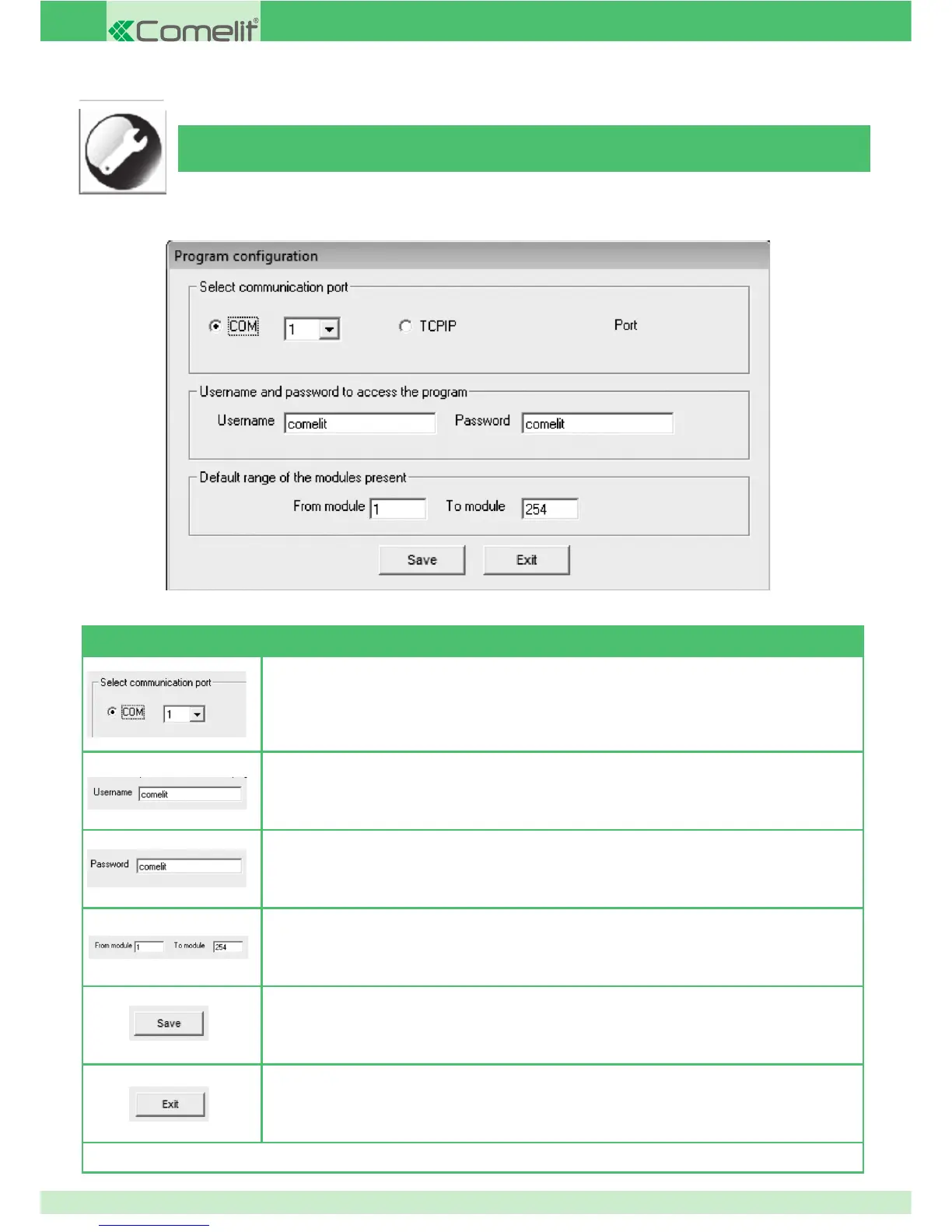
Before you can use the software, certain information must be entered as correct operation cannot be guaranteed without it:
AVAILABLE COMMANDS
Select the serial port on the PC to which the SIMPLEHOME/RS232 interface is connected (*)
Set the name to be entered for program access at startup
Set the password to be entered for program access at startup
Set the module range, with a default option suggested by the "SEARCH MODULES" and "PRINT" functions
Save set con guration
Exit the "CONFIGURE" function and return to the main screen
(*) if using a USB/RS232 adapter, enter the option indicated by the software supplied with the device as a serial port.
52



 To Next Page