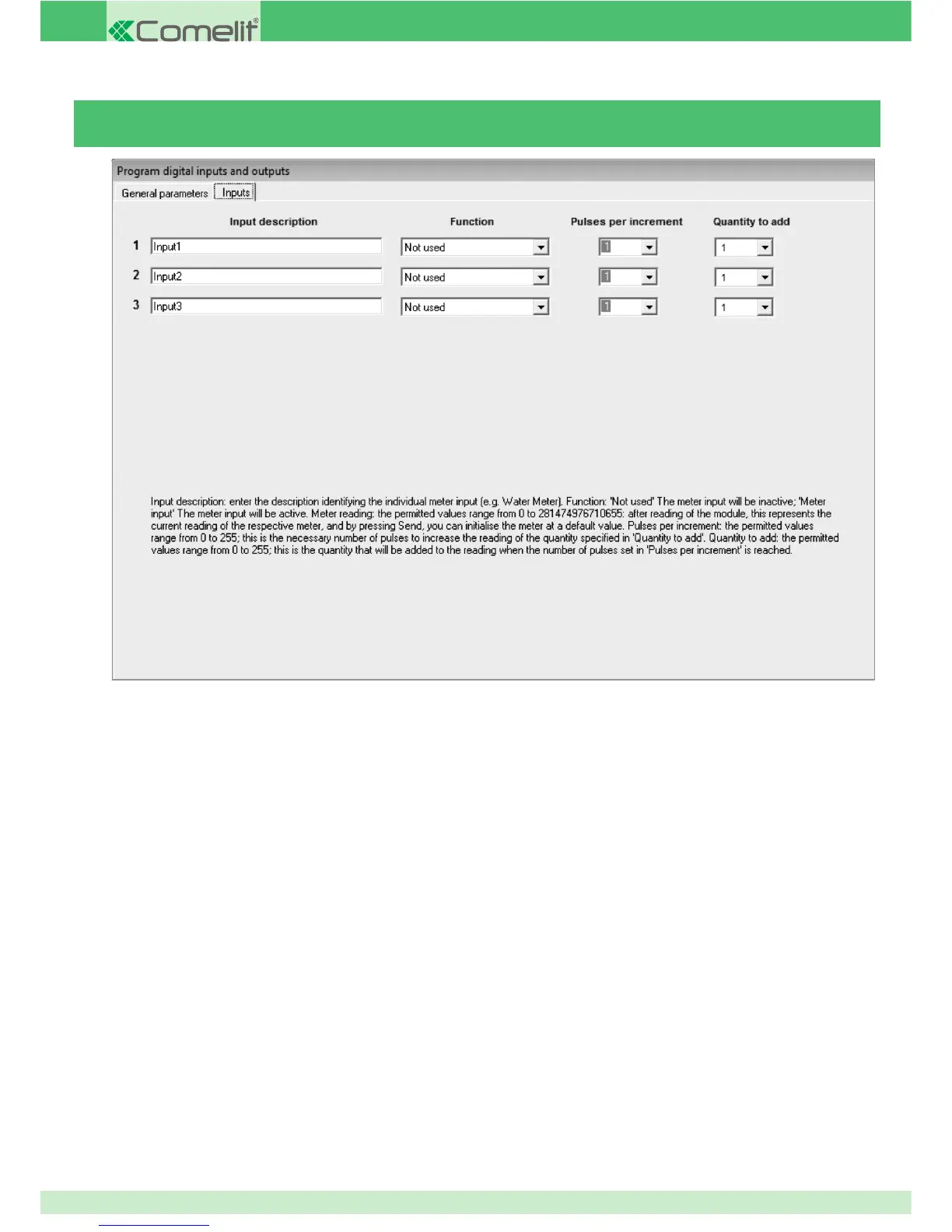
INPUT DESCRIPTION: enter a description of the device connected to the input.
FUNCTION: set meter input if the pulse meter input is used.
PULSES PER INCREMENT: enter the number of pulses which will cause the meter value to rise.
QUANTITY TO ADD: enter the value to be added to the meter for each step.
For example, if you connect the input to a pulse water meter which generates a pulse every 2 litres, you will need to enter 1 in the pulses
per step fi eld and 2 in the amount to add fi eld. This means that for every 1 pulse, the meter count will increase by 2.
INPUTS
Pulse meter module
70



 To Next Page