Era
™
Medium Power Carrier Access Point Installation Guide M0201AJB
Page 22 © October 2018 CommScope, Inc.
Installing CAP Ms
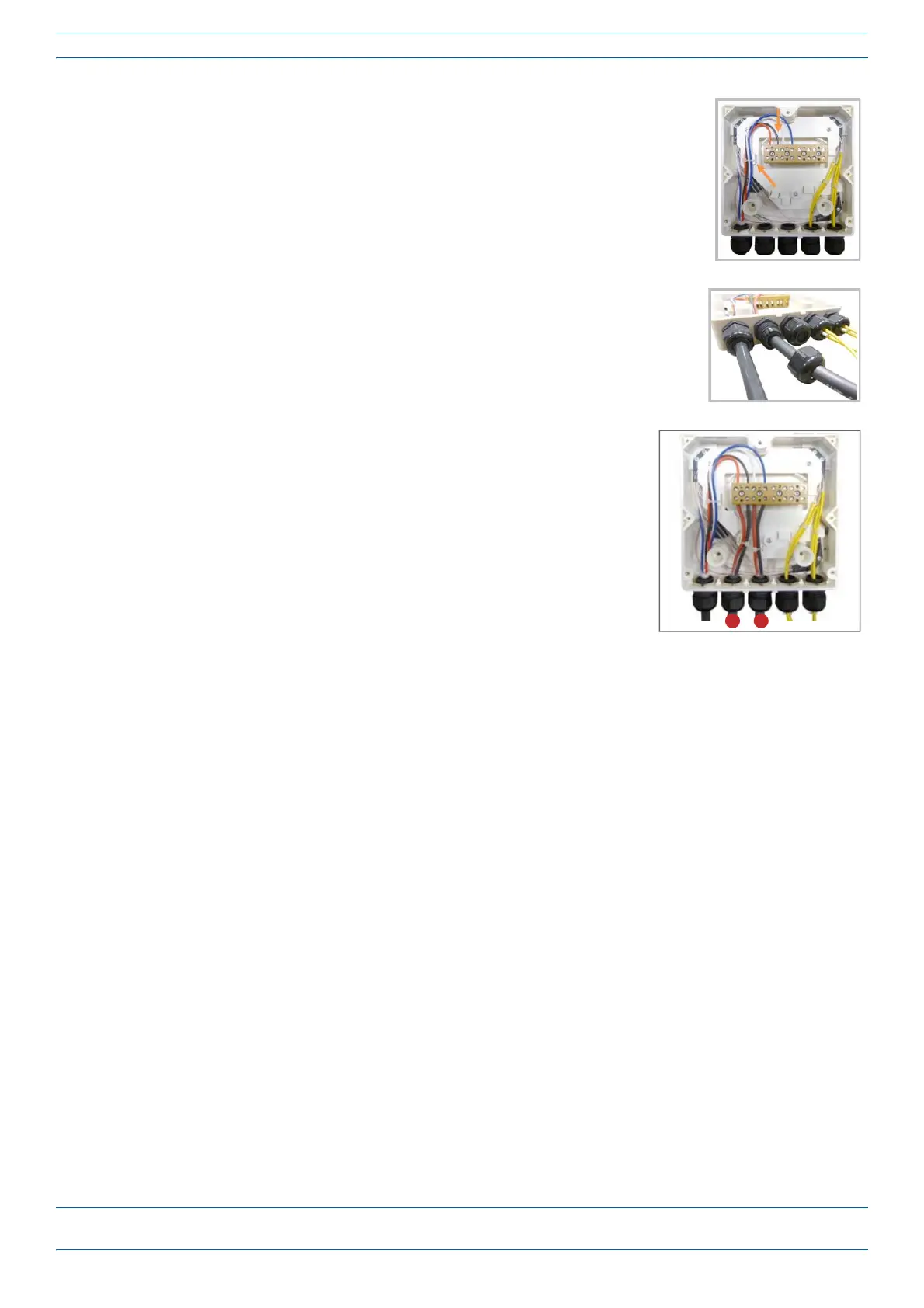
17 Insertthecopperwiresinthefirstmultipleterminalconnectors.See
markingsontheinternalsupport.Thenfastenthecoppercablesinside
theboxusingonecabletie.
18 RemovethesealingnutandinserttheCAPMsupplycableandtightenthe
sealingnut.
19 Connectthesupplycabletotheterminalstripandfixitinsidethebox
usingonecabletie.
IntheinstancewhentwoCAPMsareinadualmountoracascade,itis
possibletoconnectasecondpowersupplycable.Inthefiguretothe
right,1and2referstotwoCAPMs.










 To Next Page