CDM-570/570L Satellite Modem with Optional IP Module Revision 4
Front Panel Operation MN/CDM570L.IOM
6–20
6.8 (CONFIG) RX (Receive)
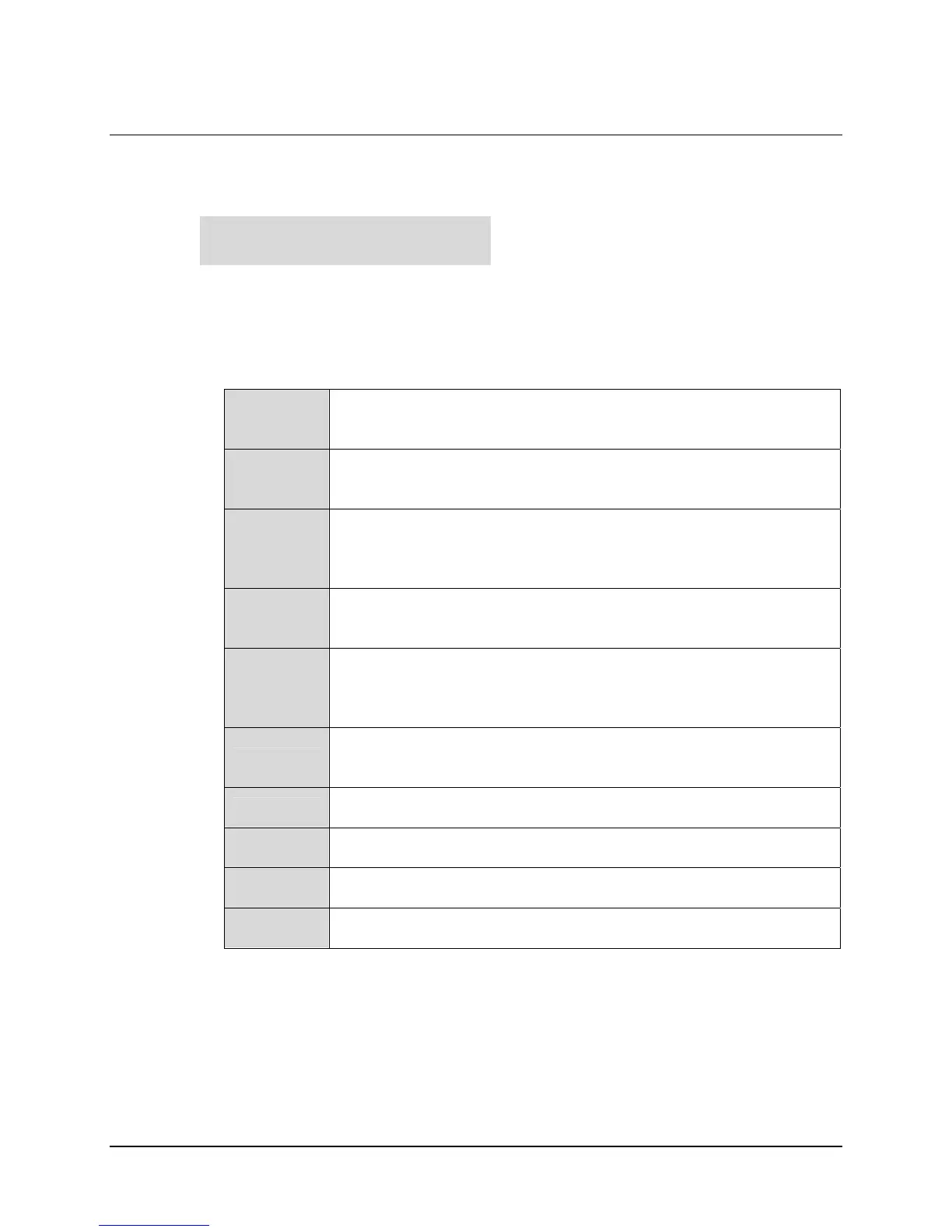
The sub-branches available are:
Select FEC, Dem, Code, Data, Frq, Acq, Descram, Buf, Inv or EbNo using the ◄ ►
arrow keys, then press ENTER. The user will then be taken to a further sub-menu. Each of
these choices is described briefly in the table below:
FEC
(Forward Error Correction) This sub-menu permits the user to select the
method of FEC used for reception (Viterbi, TPC, etc.). FEC type takes
the highest configuration priority.
Dem
(Demodulation) This sub-menu permits the user to select the
modulation type used for reception (BPSK, QPSK, 8-PSK, etc.). The
choice of demodulation will depend on the FEC type chosen.
Code
(FEC Code Rate) This sub-menu permits the user to select the FEC
Code Rate used for reception (Rate 1/2, Rate 3/4, etc.). The choice of
Code Rate will depend on both the FEC type and Demodulation
selected.
Data
(Data Rate) This sub-menu permits the user to select the receive data
rate, in steps of 1 bps. The choice of data rate will depend on the FEC
type, Demodulation, and Code Rate selected.
Frq
(Frequency) This sub-menu permits the user to select the transmit
frequency, in steps of 100Hz.
CDM-570L range: 950 MHz to 1950 MHz
CDM-570 range: 50 to 90 MHz and 100 to 180 MHz
Acq
(Acquisition) This sub-menu permits the user to determine the amount
of frequency uncertainty the demodulator will search over in order to
find and lock to an incoming carrier.
Descram
(Descrambler) This sub-menu permits the user to select whether or not
data descrambling is used.
Buf
(Buffer) This sub-menu permits the user to select whether or not the
Plesiochronous/Doppler buffer is used, and if so, the size of that buffer.
Inv
(Inversion) This sub-menu permits the user to invert the sense of the
received spectrum, or to invert the sense of the received baseband data.
EbNo
(Eb/No Alarm threshold) This sub-menu permits the user to determine
the Eb/No alarm threshold.
Rx:FEC Dem Code Data Frq
Acq Descram Buf Inv EbNo



 To Next Page