CDM-570/570L Satellite Modem with Optional IP Module Revision 4
Appendix D MN/CDM570L.IOM
D.3 Router Mode Point-to-Point System Configuration
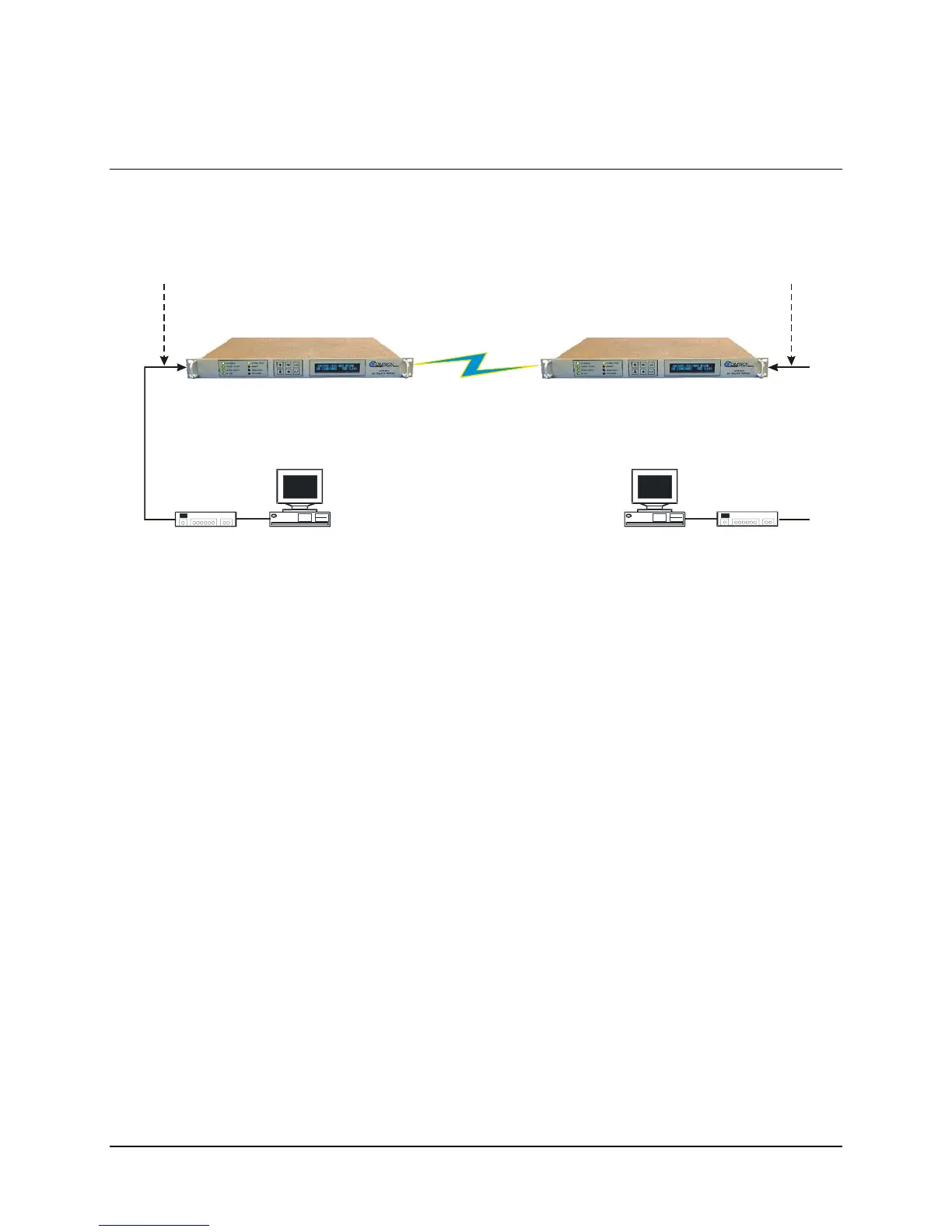
The steps in this guide will lead to the following configuration:
PC 1
Satellite IP Modem (CDM-IP 1)
Ethernet Interface (fei0)
IP Address: 172.16.10.1
Mask: 255.255.255.0
10/100 BaseT
Ethernet Hub
RF or IF
PC 2
Satellite IP Modem (CDM-IP 2)
10/100 BaseT
Ethernet Hub
Ethernet Interface (fei0
IP Address: 172.17.10.1
Mask: 255.255.255.0
IP Address: 172.16.10.11
Mask: 255.255.255.0
GW: 172.16.10.1
IP Address: 172.17.10.11
Mask: 255.255.255.0
GW: 172.17.10.1
Route Table
IP Destination Next Hop Type
172.17.10.0/24 0x02 To Sat
RX HDLC Address –
0x01
Route Table
IP Destination Next Hop Type
172.16.10.0/24 0x01 To Sat
RX HDLC Address
–
0x02
Figure D-3. Router Mode Point-to-Point System Configuration
D.3.1 PC Configuration
Step Description
1
Set the IP address on PC 1 to 172.16.10.11, mask to 255.255.255.0. Set PC Gateway to
172.16.10.1
2
Set the IP address on PC 2 to 172.17.10.11, mask to 255.255.255.0. Set PC Gateway to
172.17.10.1
Reboot the PCs (if required).
D–7



 To Next Page