CDM-570/570L Satellite Modem with Optional IP Module Revision 4
Appendix D MN/CDM570L.IOM
D.2 easyConnect Point-to-Point System Configuration
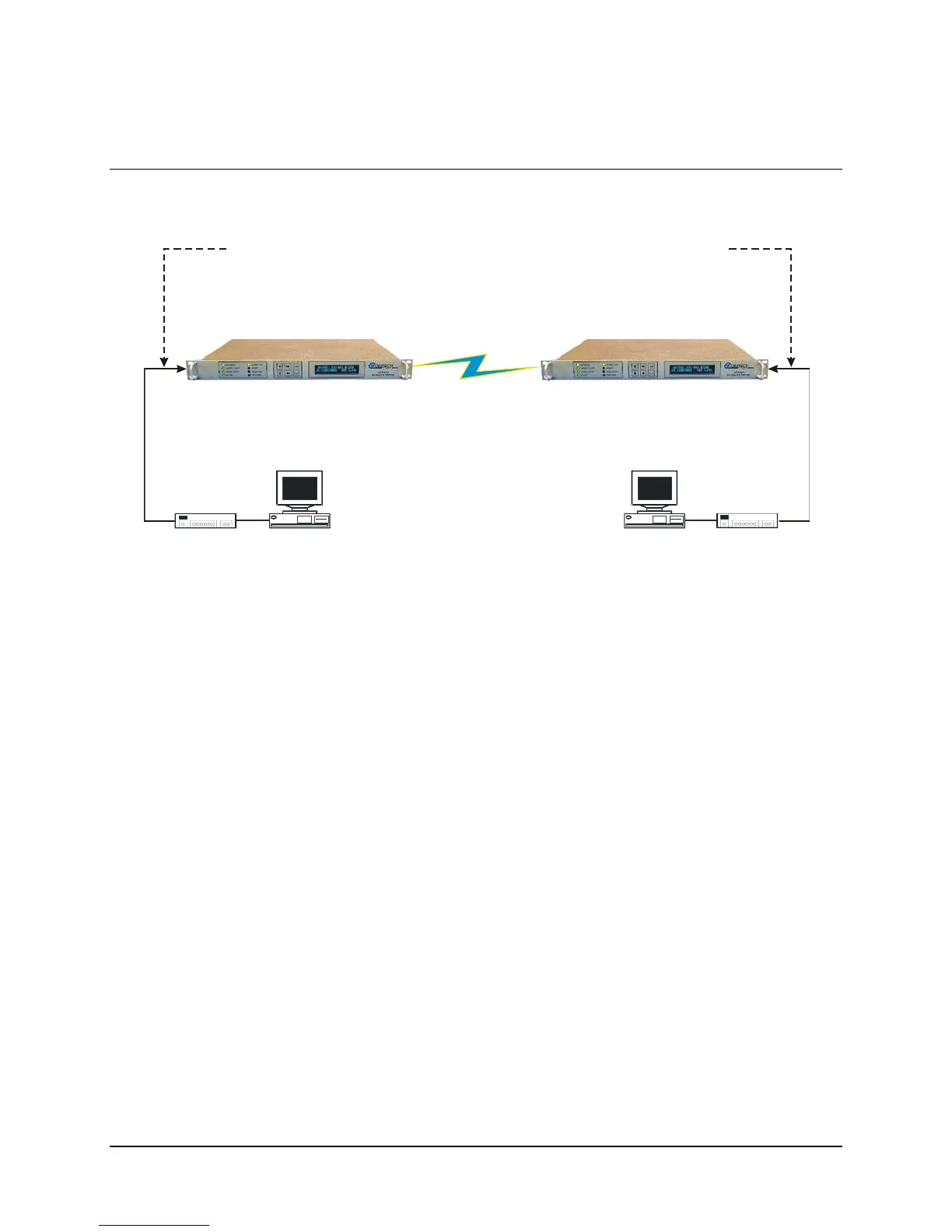
The steps in this guide will lead to the following configuration:
IP Address:
Mask:
172.16.10.11
255.255.255.0
PC 1
Satellite IP Modem (CDM-IP 1)
Ethernet Interface (fei0)
IP Address:
Mask:
172.16.10.1
255.255.255.0
10 BaseT
Ethernet Hub
RF or IF
IP Address:
Mask:
172.16.10.12
255.255.255.0
PC 2
10 BaseT
Ethernet Hub
Ethernet Interface (fei0)
IP Address:
Mask:
172.16.10.2
255.255.255.0
Satellite IP Modem (CDM-IP 2)
Figure D-2. easyConnect Point-to-Point System Configuration
D.2.1 PC Configuration
Step Description
1
Set the IP address on PC 1 to 172.16.10.11, mask to 255.255.255.0.
2
Set the IP address on PC 2 to 172.16.10.12, mask to 255.255.255.0.
3
Reboot the PCs (if required).
D.2.2 CDM-IP Configuration
The CDM-IP will also be in Point-to Point HDLC Addressing Mode. HDLC addresses
are used to identify remote satellite interfaces when there are more than two CDM-IP
modems sending and receiving traffic. In Point-to-Point Mode, there is no need to define
any HDLC addresses since all of the traffic will be to and from a single remote CDM-IP.
The HDLC MAC address is user configurable.
D–5



 To Next Page