CDM-570/570L Satellite Modem with Optional IP Module Revision 4
IP Module - CLI and Telnet Operation MN/CDM570L.IOM
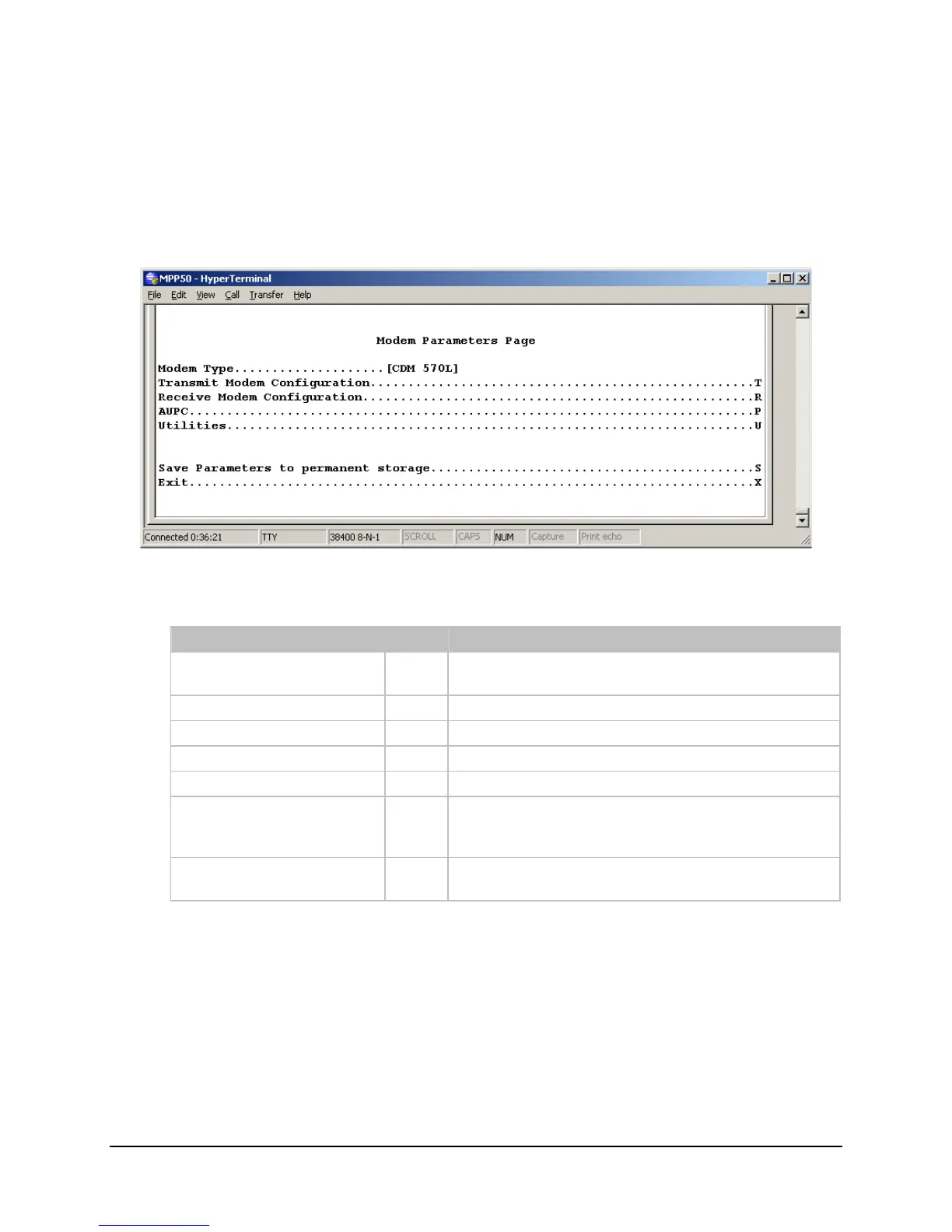
17.2.7 Satellite Modem Page
The Satellite Modem page is activated by selecting Satellite Modem Configuration from
the Main Menu page.
The Satellite Modem Parameters page contains the following options/fields:
Menu Options/Fields Entry Description
Modem Type Read
Only
Modem type – CDM-570/570L .
Activates Modem Configuration page. Configuration
C
Activates Modem Monitor page. Monitor
M
Activates Modem Information page. Information
I
Activates Modem Utilities page. Utilities
U
This option allows a user to save the current
configuration to permanent storage. This configuration
will be restored on each successive power cycle.
Save Parameters
S
This option allows a user to exit the current menu and
return to its parent menu.
Exit
X
17–44



 To Next Page